

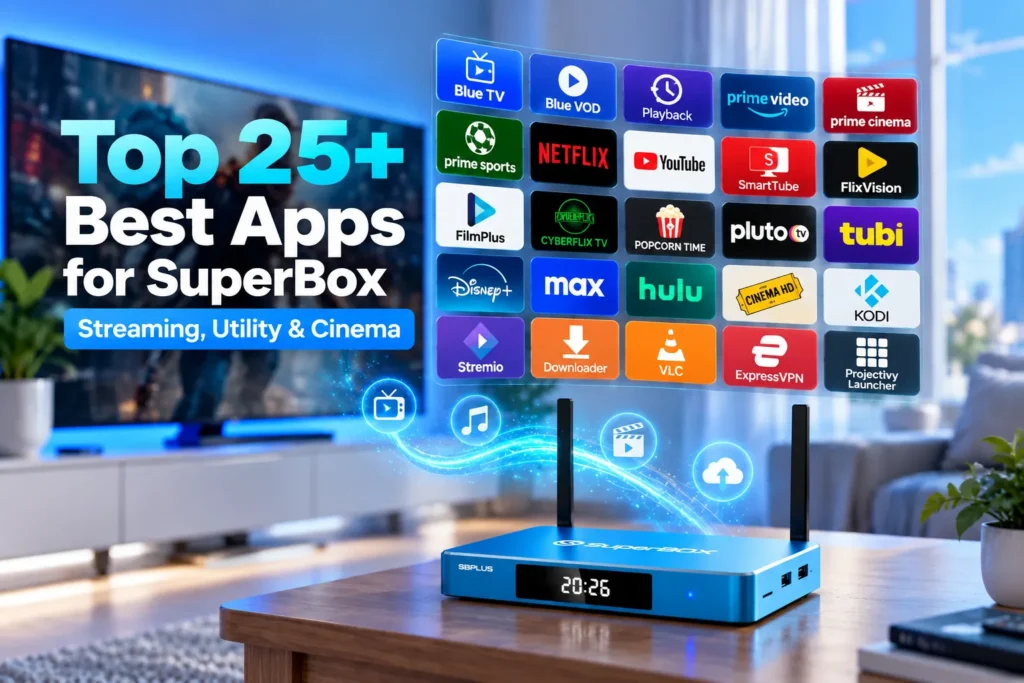
The best apps for SuperBox transform your television receiver into an all-in-one entertainment powerhouse for live broadcasting, on-demand movies, and home network utilities. Operating on an open Android architecture across SuperBox S8, S7, and S6 models, these essential applications provide seamless access to thousands of live channels, 4K cinema releases, system performance managers, and custom user interface launchers.
Summary
- Official native software including Blue TV, Blue VOD, and Prime Cinema deliver thousands of live channels and 40,000+ movies directly out of the box.
- Downloader serves as the core utility engine, enabling fast sideloading of third-party APKs through short numerical download codes.
- Mainstream certified services such as Netflix, YouTube, Pluto TV, and Tubi offer vast legal entertainment libraries via Google Play Store integration.
- Specialized video players like VLC and file managers like X-plore unlock local USB 3.0 playback and advanced subtitle synchronization.
- Premium launcher applications like Projectivy allow users to customize their home screen and eliminate unwanted visual clutter.
1. Blue TV
Blue TV serves as the flagship live television application across all official SuperBox models, including the S5, S6, S7, and S8 series. Engineered specifically for the hardware decoder of the SuperBox platform, Blue TV delivers over 1,800 live high-definition channels spanning national networks, local news, regional sports networks, and international broadcasts.
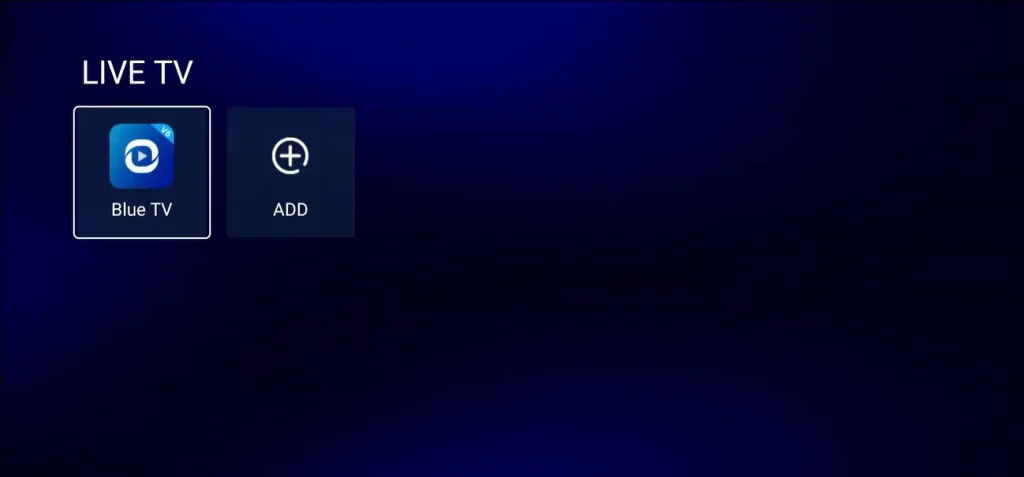
The platform includes an intuitive electronic program guide (EPG), instant channel switching under one second, and full support for the Bluetooth voice remote control. Viewers can create custom favorite lists to organize their most-watched channels into personal groups.
2. Blue VOD
Blue VOD is the companion video-on-demand platform designed exclusively for SuperBox hardware. Housing an expansive cloud-synced catalog of over 40,000 titles, Blue VOD categorizes content into classic cinema, box office premieres, trending series, and international releases.
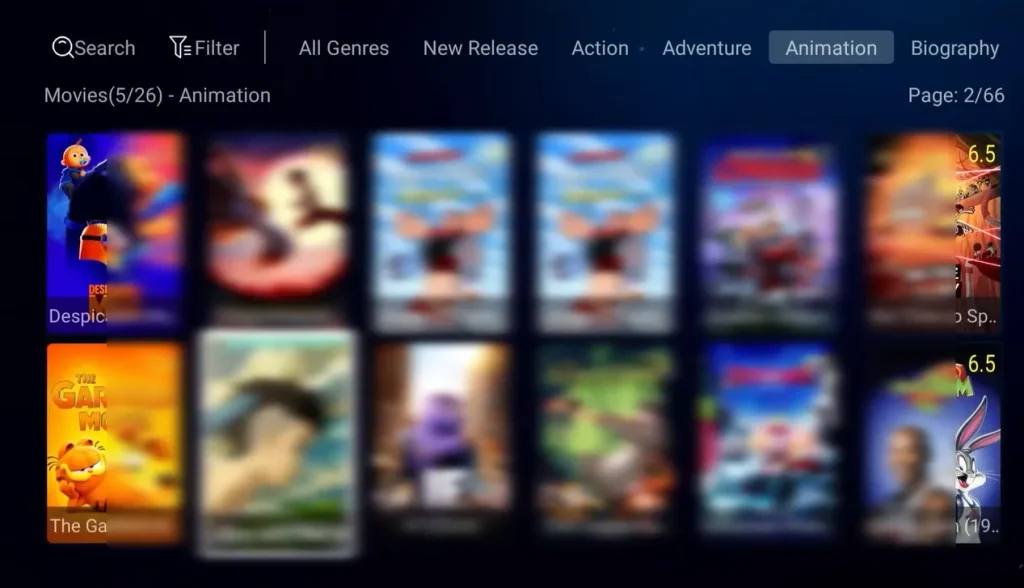
The app features hardware-accelerated 4K Ultra HD playback, multi-language subtitle selection, and voice search integration that allows users to speak actor names or movie titles to find matching streams instantly.
3. Playback
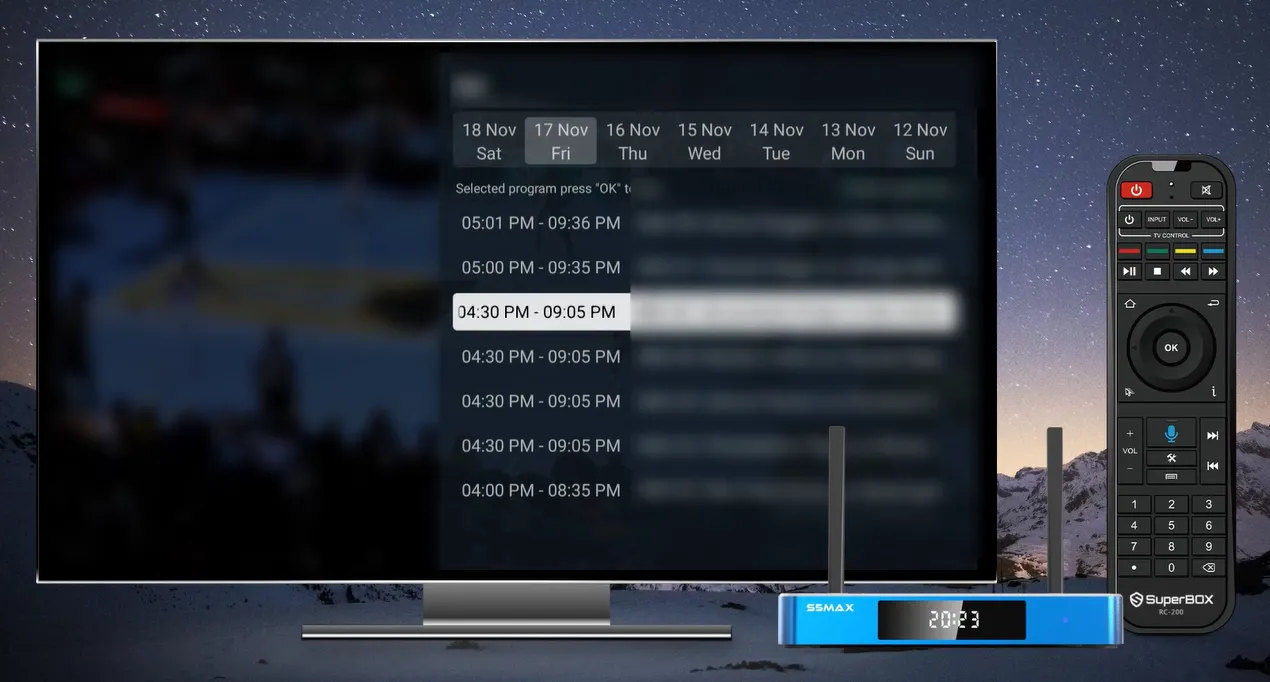
Playback functions as an integrated seven-day digital video recorder (DVR) for major television networks and sporting events. Available on over 86 core channels, Playback records broadcasts automatically to cloud servers, allowing users to rewind, pause, and catch up on missed games, news segments, or primetime shows up to one full week after original broadcast.
4. Prime TV & VOD
Supported via the built-in App Store on advanced SuperBox models such as the S6 Ultra, S6 Max, S7 Max, and S8 series, Prime TV & VOD acts as a secondary streaming ecosystem. The application houses an independent server backend with 28,680+ movies, 7,699+ television series, and hundreds of specialized regional broadcast channels.
5. Prime Cinema
Prime Cinema is dedicated entirely to high-bitrate theatrical feature films. Offering dedicated 4K UHD sections and specialized movie categories ranging from retro classics to the latest Hollywood studio premieres, Prime Cinema ensures users never experience server congestion during peak evening viewing hours.
6. Prime Sports
Prime Sports caters specifically to sports enthusiasts by aggregating over 3,531 dedicated sports channels. The application covers NFL Sunday games, NBA packages, MLB feeds, NHL games, college athletics, Formula 1, UFC pay-per-view events, and European soccer leagues in crystal-clear 1080p 60fps video quality.
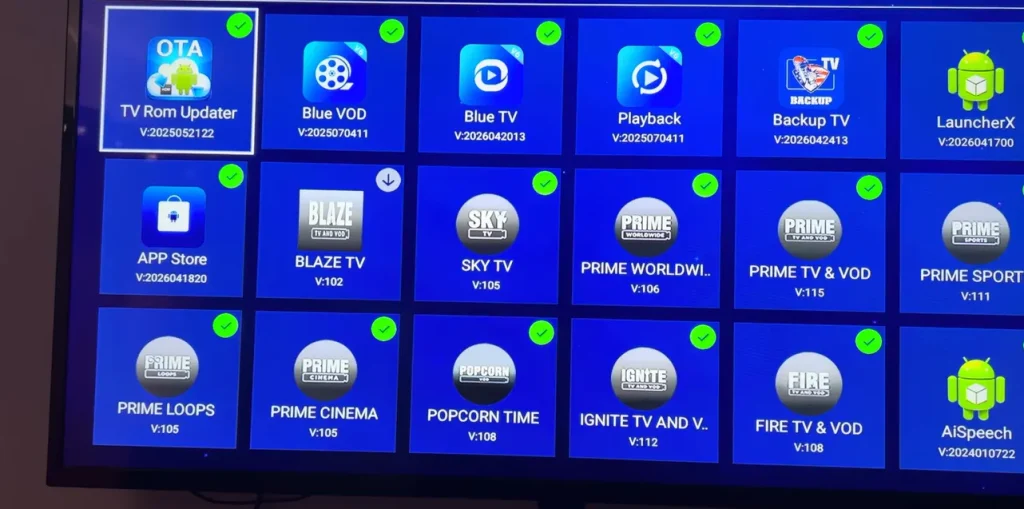
7. Netflix
Netflix remains the premier global subscription streaming platform for critically acclaimed original series, documentary features, and licensed studio movies. Compatible via the Google Play Store or certified APK packages, Netflix runs smoothly on SuperBox hardware with personalized profiles and 4K HDR playback.
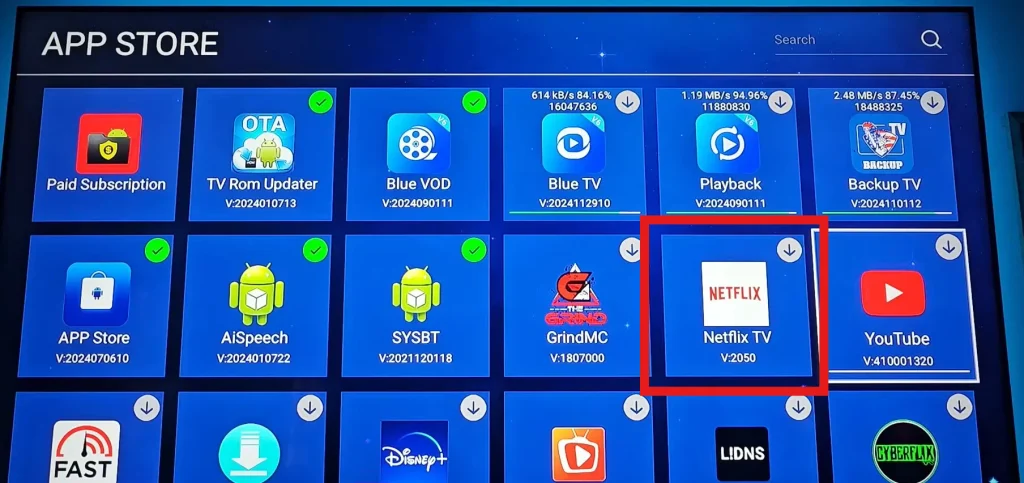
8. YouTube
As the central hub for digital video, YouTube provides millions of hours of free educational content, indie films, music videos, podcasts, and creator content. On SuperBox, the official Android TV client supports full 4K 60fps HDR video decoding and voice search from the microphone remote.
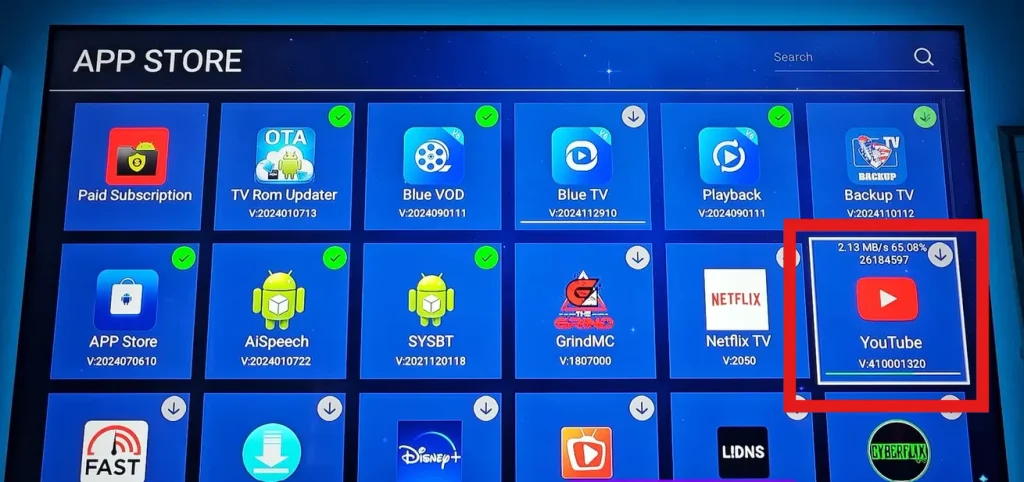
9. SmartTube
SmartTube is an open-source community modification of the standard YouTube television client. Built specifically for Android TV boxes, SmartTube features integrated SponsorBlock technology to skip sponsored segments, customizable video player buffer sizes, and background audio playback with zero commercial interruptions.
10. FlixVision
FlixVision has emerged as one of the fastest and most dependable third-party on-demand streaming clients. Featuring an elegant Android TV interface, FlixVision scrapes high-speed streaming links for recent movies, series, and anime. The app can be installed within two minutes using the Downloader shortcode 3512006.
11. FilmPlus
FilmPlus is an ultra-lightweight streaming scraper application optimized for smooth navigation with standard television remotes. It retrieves high-definition streaming links from multiple redundant web hosts, integrates with Real-Debrid for premium unthrottled connections, and fetches subtitles automatically via OpenSubtitles.
12. CyberFlix TV
CyberFlix TV provides an organized media library that aggregates verified on-demand video streams. Featuring Trakt.tv account integration, CyberFlix TV synchronizes viewing progress across multiple household devices and offers dedicated resolvers that filter out lower-quality video feeds.
13. Popcorn Time
Popcorn Time utilizes sequential BitTorrent protocols to deliver instant streaming playback of films and television series without requiring users to wait for full downloads. The app provides a clean, poster-based user interface and multi-language subtitle tracks.
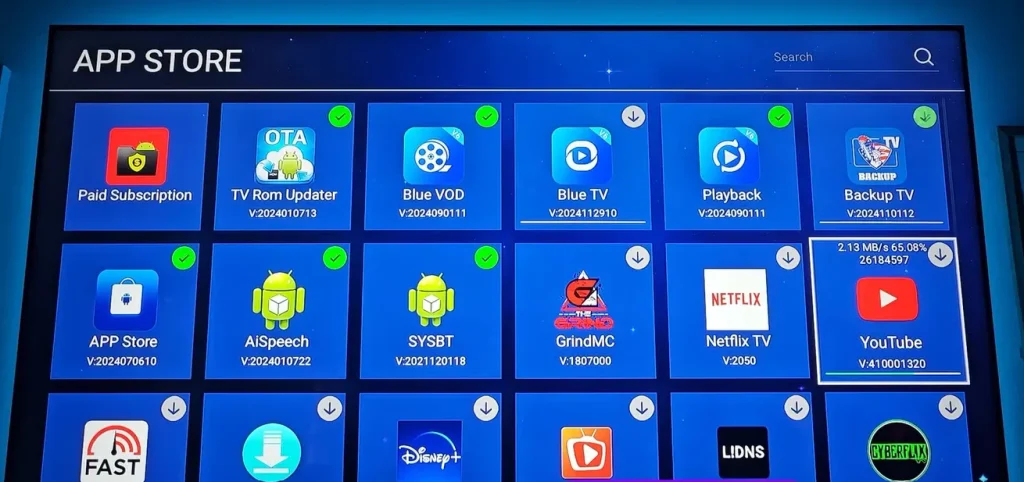
14. Pluto TV
Pluto TV is a 100% legal, free ad-supported streaming television (FAST) platform owned by Paramount. Offering over 250 curated live channels and thousands of on-demand movies, Pluto TV requires no account creation, no credit card, and zero recurring fees.
15. Tubi TV
Owned by Fox Corporation, Tubi TV is the largest legal free movie and series platform in North America. Its catalog houses over 50,000 titles from major Hollywood studios, including Paramount, MGM, Lionsgate, and Sony Pictures, streaming in clean 1080p resolution.
16. Disney+
Disney+ brings the entire cinematic libraries of Disney, Pixar, Marvel Studios, Star Wars, and National Geographic directly to your living room. The app supports Dolby Vision HDR and IMAX Enhanced aspect ratio modes on compatible home theater setups.
17. Max
Max brings premier Warner Bros theatrical releases, DC Studios universe films, and prestigious HBO original television series into a modern, responsive streaming client designed for Android TV platforms.
18. Hulu
Hulu delivers next-day broadcast network programming from ABC, Fox, and FX, alongside a rich collection of Hulu Original feature films and comedy series. It integrates seamlessly with Google Play Store authentication on SuperBox.
19. Cinema HD
Cinema HD remains a dependable legacy streaming scraper application favored for its low memory footprint and comprehensive support for external media players like VLC and MX Player.
20. Kodi
Kodi is the ultimate open-source home theater software. Users can install official video add-ons, connect networked attached storage (NAS) drives, and organize their personal digital movie collections with rich metadata, posters, and cast biographies.
21. Stremio
Stremio is a sleek, modern media aggregator that tracks movies and television shows using community-driven add-ons. Its cloud synchronization feature ensures that your library, watch history, and playback bookmarks remain consistent across your television and personal mobile devices.
22. Downloader by AFTVnews
Downloader by AFTVnews is the single most important utility application for any SuperBox user. Featuring an integrated web browser and download manager, Downloader allows users to enter direct URLs or short numerical codes (such as code 3512006) to download and install APK installer packages in seconds.
23. VLC Media Player
VLC Media Player is an indispensable open-source multimedia player capable of decoding virtually every existing video and audio container format, including MKV, MP4, AVI, ISO, DTS, and Dolby TrueHD. It allows smooth playback of external hard drives connected to the SuperBox USB 3.0 port.
24. ExpressVPN
ExpressVPN provides military-grade network encryption that shields household internet traffic from internet service provider (ISP) monitoring. Using a VPN prevents automated ISP bandwidth throttling during high-demand live sporting events and unlocks geo-restricted global content.
25. Projectivy Launcher
Projectivy Launcher is a minimalist Android TV home launcher that replaces the stock user interface with a fast, customizable home screen. It eliminates unwanted promotional tiles, allows custom row organization, and offers smooth, ad-free remote navigation.
Comprehensive feature comparison of SuperBox apps
The following comparison table categorizes the core characteristics and installation paths of the top applications available for SuperBox hardware:
| Application name | Primary function | Cost model | Installation source | Ideal user use case |
|---|---|---|---|---|
| Blue TV | Live TV channels and sports | Included with hardware | Built-in App Store | Daily live broadcast and sports viewing |
| Blue VOD | On-demand movies and series | Included with hardware | Built-in App Store | Primary cinema and multi-season TV watching |
| Playback | 7-day cloud DVR catch-up | Included with hardware | Built-in App Store | Rewinding missed sports and broadcast shows |
| Prime TV & VOD | Secondary live and VOD platform | Included on S6/S7/S8 | Built-in App Store | Backup server for movies and live channels |
| Prime Cinema | Dedicated 4K cinema library | Included on S6/S7/S8 | Built-in App Store | High-bitrate 4K movie nights |
| Prime Sports | Live sports aggregation | Included on S6/S7/S8 | Built-in App Store | Weekend live game and PPV event streaming |
| Netflix | Originals and licensed cinema | Monthly paid subscription | Google Play Store / APK | Binge-watching exclusive prestige drama |
| YouTube | Web video and creator content | Free / Premium ad-free | Google Play Store | Tutorials, news, podcasts, and indie videos |
| SmartTube | Ad-free community YouTube | 100% Free open-source | Sideload via Downloader | Ad-free video watching on television |
| FlixVision | HD cinema and anime streaming | Free streaming client | Downloader code 3512006 | Fast-loading movie and international cinema |
| FilmPlus | Link-scraping movie application | Free with Real-Debrid | Sideload via Downloader | Quick movie discovery with Trakt integration |
| CyberFlix TV | Scraper engine with Trakt sync | Free with Real-Debrid | Sideload via Downloader | Backup movie links and watchlist tracking |
| Popcorn Time | P2P BitTorrent video streaming | 100% Free open-source | Sideload via Downloader | Multi-language subtitle movie streaming |
| Pluto TV | Free legal live and VOD channels | 100% Free ad-supported | Google Play Store | Free background TV and classic movies |
| Tubi TV | 50,000+ studio-licensed movies | 100% Free ad-supported | Google Play Store | Extensive legal movie vault without login |
| Disney+ | Family, Marvel, Star Wars movies | Monthly paid subscription | Google Play Store | Kids animation and franchise blockbusters |
| Max | Warner Bros and HBO originals | Monthly paid subscription | Google Play Store | Theatrical blockbusters and HBO series |
| Hulu | Next-day network TV and movies | Monthly paid subscription | Google Play Store | Current season American network drama |
| Cinema HD | Legacy movie scraper tool | Free with Real-Debrid | Sideload via Downloader | Lightweight streaming on older televisions |
| Kodi | Modular home theater center | 100% Free open-source | Google Play / Downloader | Local USB hard drive and add-on management |
| Stremio | Multi-source streaming aggregator | 100% Free open-source | Sideload via Downloader | Cross-device synchronized movie library |
| Downloader | Web downloader and APK installer | 100% Free utility | Built-in App Store | Sideloading external Android TV APKs |
| VLC Media Player | Universal media decoder | 100% Free open-source | Google Play Store | Playing local video files from USB drives |
| ExpressVPN | Virtual private network encryption | Monthly paid subscription | Google Play / Downloader | Preventing ISP bandwidth throttling |
| Projectivy Launcher | Minimalist home screen launcher | Free / Optional Pro upgrade | Google Play Store | Clean, modern user interface customization |
Which apps are essential for every SuperBox owner?
While SuperBox supports hundreds of Android applications, installing every tool can cause unnecessary system clutter. For the optimal user experience, every SuperBox owner should configure the core four-part application suite:
- The native foundation: Maintain Blue TV, Blue VOD, and Prime Cinema as your primary sources for everyday television and weekend movies.
- The sideloading bridge: Install Downloader immediately to ensure you can easily install external utilities and backup scrapers whenever needed.
- The legal free library: Add Tubi TV and Pluto TV from the Google Play Store for thousands of licensed, commercial-grade movies that cost zero dollars.
- The media decoder: Keep VLC Media Player installed to guarantee seamless playback of personal video files, downloaded clips, and high-resolution home recordings.
How to install and update apps on SuperBox?
SuperBox gives users three distinct methods to install and manage applications depending on the software type.
Installing apps through the SuperBox App Store?
The official SuperBox App Store provides verified, pre-configured software optimized specifically for the device:
- Power on your SuperBox and select the green App Store icon on the home screen.
- Locate the app you wish to install, such as Blue TV, Blue VOD, or Downloader.
- Click the icon to trigger the download. If an update is available, a rotating icon will appear before turning into a green checkmark.
- Once completed, the application will appear in your home menu ready for instant launch.
Downloading certified apps via Google Play Store?
For mainstream subscription services and verified utilities:
- Open the Google Play Store from your home screen or application drawer.
- Sign in with your standard Google account.
- Search for the desired application (for example, VLC Media Player or Tubi TV).
- Click Install to download and configure the app automatically.
Sideloading third-party APKs using the Downloader app?
To install specialized streaming clients and community software:
- Open the Downloader app from your home screen.
- Enter the direct download URL or numerical shortcode (such as entering `3512006` for FlixVision).
- Click Go to download the installation package.
- When prompted, select Install. If system security prompts you to allow installation from unknown sources, navigate to Settings > Security & Restrictions and toggle permissions for Downloader to allowed.
- After installation completes, click Done and delete the temporary APK installer file to preserve internal storage space.
How to keep SuperBox running smoothly with multiple apps installed?
To maintain fast boot times and buffer-free video streaming across all your installed applications, follow these hardware maintenance habits:
- Regularly clear application cache: Video streaming tools store temporary cache files in flash memory. Once every month, visit Settings > Apps, select your high-use apps, and click Clear Cache to free up operating memory.
- Avoid running redundant scrapers simultaneously: Keep only two or three active third-party scrapers installed rather than dozens of duplicate APKs that run background update checks.
- Use direct Gigabit Ethernet connections: Streaming high-bitrate 4K content requires consistent data throughput. Connecting your SuperBox directly to your home router with a Cat 6 Ethernet cable eliminates Wi-Fi packet drops.
- Power cycle the device weekly: Rather than leaving the box in continuous standby mode, restart your SuperBox once a week to reset active background processes and clear RAM buffers.
Frequently asked questions about SuperBox apps?
Are all apps on SuperBox free to use?
Native SuperBox applications like Blue TV, Blue VOD, Playback, and Prime Cinema are completely free to use and included with your hardware purchase with zero recurring subscription fees. Free platforms like Tubi and Pluto TV are also 100% free. Mainstream subscription platforms like Netflix, Disney+, and Max require their own respective service subscriptions.
Can you install apps directly from a USB flash drive?
You can easily install Android applications from an external USB flash drive. Download the APK file onto your computer, copy it to a FAT32 or NTFS formatted USB drive, plug the drive into the USB 3.0 port on your SuperBox, open a file manager like X-plore or the built-in file browser, and click the APK file to initiate installation.
How do you update native Blue TV and Blue VOD apps?
To update native Blue apps, open the official SuperBox App Store on your home screen. If an update is available, you will see an update notice or rotating icon on the app tile. Click the tile and allow the automated installer to overwrite the existing app with the latest version. Your settings and favorite channels will remain intact.
What is the Downloader code for popular SuperBox streaming apps?
Popular third-party applications can be installed quickly by entering numerical shortcodes into the Downloader app. For example, entering code `3512006` connects directly to the FlixVision download server, allowing automated downloading without typing long web addresses on your remote control.
Where can you buy an authentic SuperBox with official warranty and App Store support?
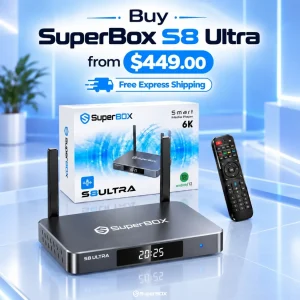
Always purchase directly through the authorized distributor at SuperBox for TV to receive 100% authentic hardware with verified manufacturer serial numbers, full access to the official SuperBox App Store ecosystem (Blue and Prime utilities), domestic US and Canada customer support, and an official 1-year replacement warranty.
Reader Discussion & Verified Reviews
Real feedback, setup tips, and hands-on impressions from verified SuperBox owners and tech enthusiasts.