

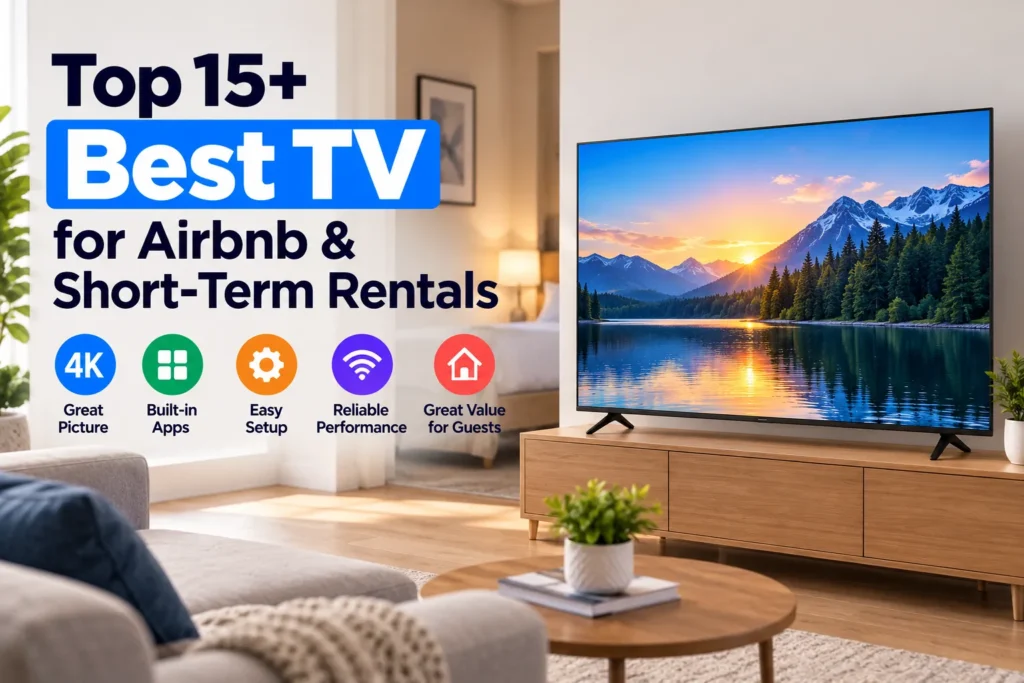
Equipping an Airbnb or short-term vacation rental with the right smart TV directly affects your guest reviews and operational workload. Too often, hosts overspend on delicate screens or install sluggish budget TVs that trigger frustrating late-night messages: “How do I work this remote?”, “Where is the live football game?”, or “Why is someone else’s Netflix account still signed in?”
The best TV for an Airbnb must solve three practical host challenges: an intuitive operating system with automated account sign-out (like Roku Guest Mode), durable hardware ($180-$500) with a simple remote, and a straightforward way for guests to watch local news and live sports without saddling you with a costly monthly cable subscription.
This guide breaks down 15 tested smart TVs that hold up to real rental use, with genuine hands-on impressions and exact price ranges. You will also discover the ideal screen sizes for every room, which smart TV platform prevents guest headaches, and how to deliver live channels with zero monthly bills.
Why the television choice matters more than most hosts realize
For vacation rental operators, the TV is a critical operational touchpoint. After a long day of hiking, conventions, or touring, guests naturally relax in front of it.
Installing slow or overcomplicated TVs causes three common problems for hosts:
- Negative guest reviews: Guests who miss a major football game or can’t figure out how to change inputs often dock star ratings
- Frequent support messages: Confusing two-remote setups and input-switching issues generate late-night texts from frustrated guests
- Privacy risks: Guests who log into Netflix or HBO on a smart TV often forget to sign out, leaving account details exposed to the next visitor
Investing in responsive, purpose-built smart TVs eliminates these headaches while creating a welcoming experience that earns 5-star reviews.
Which TV models work best in rental properties?
The ideal rental TV balances fair pricing, durability, and intuitive software. Avoid expensive flagship OLEDs because they offer diminishing returns in rental environments. The 15 models below are chosen specifically because they survive daily wear, require zero maintenance from hosts, and keep guests happy.
1. TCL S4 4K HDR Roku TV
Around $230-$480 depending on size (43 to 75 inches). This is the go-to choice for most short-term rental managers and for good reason. I’ve put it in three separate rental units and haven’t touched them since. The Roku Guest Mode is the killer feature – guests set their checkout date, log into their own apps, and Roku deletes all credentials automatically at noon on checkout day. No more worrying about the next guest inheriting someone’s Netflix account. Picture quality is punchy, the remote is simple, and Roku’s interface has almost zero learning curve for any age group.
2. Hisense A6 Series 4K Google TV
Around $180-$350 (43 to 65 inches). Hisense has gotten genuinely good in recent years. The A6 is what I put in secondary bedrooms where the budget is tighter. Dolby Vision HDR support at this price is rare. Google Cast is built in, so business travelers love being able to throw their laptop screen up without hunting for cables. Setup takes under 10 minutes and it just works.
3. Samsung Crystal UHD CU8000
Around $350-$700 (50 to 75 inches). If your listing photo has a TV in it, this is what makes the room look upscale without spending OLED money. It’s under an inch thick and sits flush against the wall. Guests consistently comment on how “nice” the TV looks, even before turning it on. Samsung’s Tizen interface is snappy and recognizable. Great choice for luxury condos and beach houses where first impressions matter.
4. LG UR8000 Series 4K webOS
Around $280-$600 (43 to 75 inches). The one TV I always recommend for open-concept rentals with a kitchen island. The IPS panel holds its color from wide angles, so someone cooking at the counter 20 feet away sees the same picture as the person sitting directly in front. Most VA-panel TVs look washed out from those angles. webOS is one of the cleaner smart TV interfaces and guests figure it out fast.
5. Vizio V-Series 4K UHD
Around $180-$380 (40 to 65 inches). One of the best value-per-dollar TVs in this list. Vizio’s SmartCast platform doesn’t have native Guest Mode, but Chromecast built-in covers wireless casting. Color accuracy is surprisingly good for the price point. The main win for hosts: Vizio sells replacement remote controls for about $12, and when a guest leaves with the remote (it happens), replacing it doesn’t sting.
6. TCL 5-Series QLED Roku TV
Around $280-$580 (50 to 75 inches). A step up from the TCL S4 with Quantum Dot color enhancement that makes HDR sports content genuinely pop. Still runs Roku with Guest Mode included. I put this in living rooms where the space is large and the ambient lighting is bright, because the extra peak brightness handles glare from big windows well. Solid build quality with a brushed-metal finish that photographs nicely.
7. Hisense U6 Series QLED 4K Google TV
Around $250-$500 (55 to 75 inches). The QLED version of Hisense delivers noticeably richer colors than standard LED models. At 55 inches it hits the sweet spot for mid-size living rooms. The ATSC 3.0 tuner is built in, so if your rental area gets Next Gen TV signals, guests can watch free 4K over-the-air broadcasts without any extra setup. A compelling option for rentals in major metro areas.
8. Insignia F30 Series Fire TV
Around $130-$280 (32 to 55 inches). Budget pick, full stop. If you’re outfitting bunk rooms, kids’ rooms, or studio apartments where the TV is a secondary amenity, this is how you keep costs down. The Fire TV interface has Amazon ads on the home screen, but enabling parental controls and a PIN on purchases handles the risks. At $130 for a 32-inch, the math works when you’re buying four of them at once.
9. Sony X77L 4K Google TV
Around $350-$650 (43 to 65 inches). Sony’s upscaling processor makes lower-quality streams look sharper than they deserve to, which is a real advantage since rental internet connections vary wildly. Google TV is clean and well integrated. The Sony brand carries prestige weight that impresses guests in premium listings, and the build quality feels a step above similarly priced competitors.
10. Samsung QN85C Neo QLED 4K
Around $800-$1,400 (55 to 75 inches). The premium option on this list, and the only one I’d put in a high-end luxury rental where nightly rates justify the investment. Mini-LED backlighting delivers outstanding local dimming with no blooming on dark scenes. Night sky shots, late-night news credits, and cinematic films all look exceptional. This TV gets mentioned in guest reviews by name.
11. Roku Select Series 4K TV
Around $180-$380 (40 to 55 inches). Roku’s own branded TV hardware is solid. The advantage over TCL or Hisense Roku TVs is that Roku controls the full hardware-software stack, so updates arrive faster and Guest Mode behaves more predictably. The remote is basic and durable – fewer buttons means fewer guest complaints. Good for bedrooms where you want reliable Guest Mode without surprises.
12. LG QNED80 Series 4K webOS
Around $450-$900 (55 to 86 inches). QNED uses a Quantum NanoCell filter that eliminates off-angle color shift even more effectively than standard IPS. For large open-concept lofts where guests watch TV from couches, bar stools, and dining chairs at the same time, this is the best picture uniformity available under $1,000. The webOS Magic Remote with a built-in gyro pointer makes navigating streaming apps faster than any other smart TV platform.
13. Hisense A7 Series 4K ULED
Around $280-$550 (55 to 75 inches). ULED is Hisense’s local dimming technology and the A7 implements it well. HDR sports content with bright jerseys against dark arenas benefits noticeably from the improved contrast control. Running Google TV means full Google Cast support, YouTube works perfectly, and any streaming app guests want is in the Play Store. This is what I’d choose over the Hisense A6 for a main living room.
14. TCL QM8 Mini-LED QLED 4K Roku TV
Around $600-$1,100 (55 to 85 inches). TCL’s flagship consumer model brings Mini-LED local dimming and QLED color to a price that used to require Samsung premium spend. The 4K 144Hz refresh rate makes it exceptional for gaming guests – if your listing mentions gaming or has a console in the room, this TV becomes a selling point in itself. Still runs Roku with Guest Mode. The 85-inch version in a large beach house living room is genuinely impressive.
15. Amazon Fire TV Omni Series 4K
Around $280-$550 (43 to 75 inches). Amazon’s premium Fire TV line with built-in microphones for hands-free Alexa commands – guests can change channels, adjust volume, or search for shows without picking up the remote at all. That voice control gets mentioned repeatedly in guest reviews as a favorite feature. The Fire TV interface has ads, but they’re less intrusive than the base Insignia models and the overall experience is significantly better. Good fit for tech-forward rental listings.
What screen size should you choose for each room?
Buying an undersized TV is a common and costly mistake. A 32-inch screen in a spacious living room looks embarrassing in listing photographs.
| Rental Space | Recommended Size | Viewing Distance | Mounting Style |
|---|---|---|---|
| Main living room | 55 to 65 inches | 7 to 9 feet | Low-profile tilt wall mount |
| Master bedroom | 50 to 55 inches | 6 to 8 feet | Articulating wall mount facing bed |
| Guest bedroom | 43 to 50 inches | 5 to 7 feet | Fixed flush wall mount at eye level |
| Children bunk room | 32 to 43 inches | 4 to 6 feet | Lockable tilt mount out of reach |
| Outdoor patio | 55 to 65 inches | 8 to 10 feet | Weatherproof enclosure with anti-glare screen |
In living rooms, 55 inches is the baseline, while 65 inches delivers an upscale impression in listing photos. In bedrooms, 43 to 50 inches provides comfortable viewing from bed.
Which smart TV platform is easiest for guests?
The operating system determines how intuitive the guest experience is:
- Roku TV: The simplest interface with native Guest Mode. Guests enter their checkout date, log into apps, and Roku wipes all credentials automatically at checkout
- Google TV: Excellent wireless casting for business travelers sharing mobile content from phones or laptops
- Fire TV: Budget-friendly hardware, but the home screen features heavy Amazon promotions and purchase prompts that require PIN locks to prevent accidental rentals
How to solve the live TV problem in your rental
While smart TVs handle on-demand apps, hosts face a consistent challenge: guests expect live broadcast TV for local news, morning weather, and live sports.
Traditional options fall short:
- Cable television: $70-$120 per month per property, rapidly eroding profit margins
- Live streaming bundles: Services like YouTube TV cost $80+ per month and enforce strict home location checks that block out multiple properties
- Digital antennas: Indoor antennas suffer from weather interference and require frequent repositioning by guests
| TV Solution | Monthly Cost | Channel Access | Guest Experience |
|---|---|---|---|
| Traditional Cable | $70-$120/mo | Basic cable tiers | Multi-remote confusion |
| YouTube TV or Live Bundles | $75-$90/mo | National networks and sports | Location restriction lockouts |
| Digital OTA Antenna | $0/mo | Local broadcast only | Reception dropouts |
| SuperBox Media Player | $0/mo, one-time purchase | 1,800+ live channels plus VOD | Turnkey sports, news, and movies |
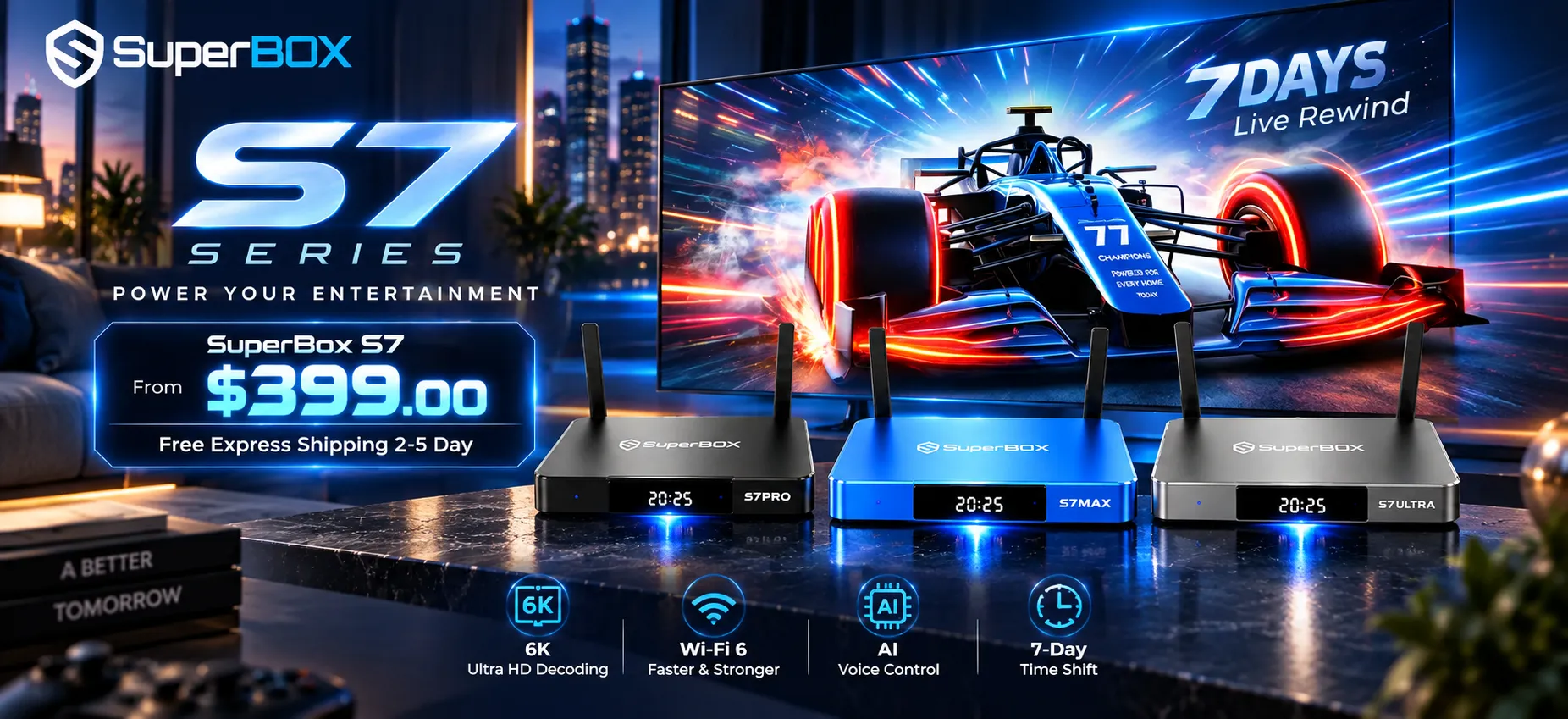
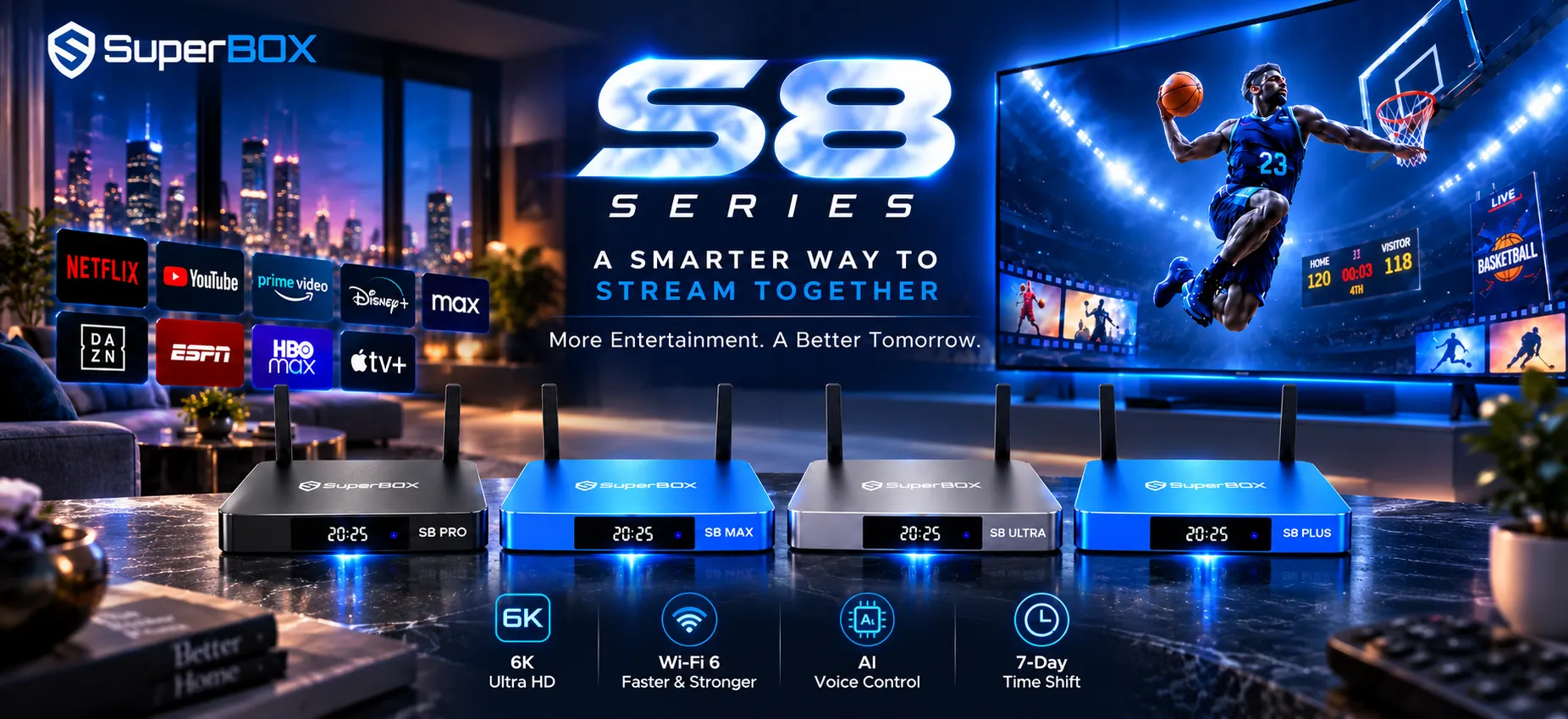
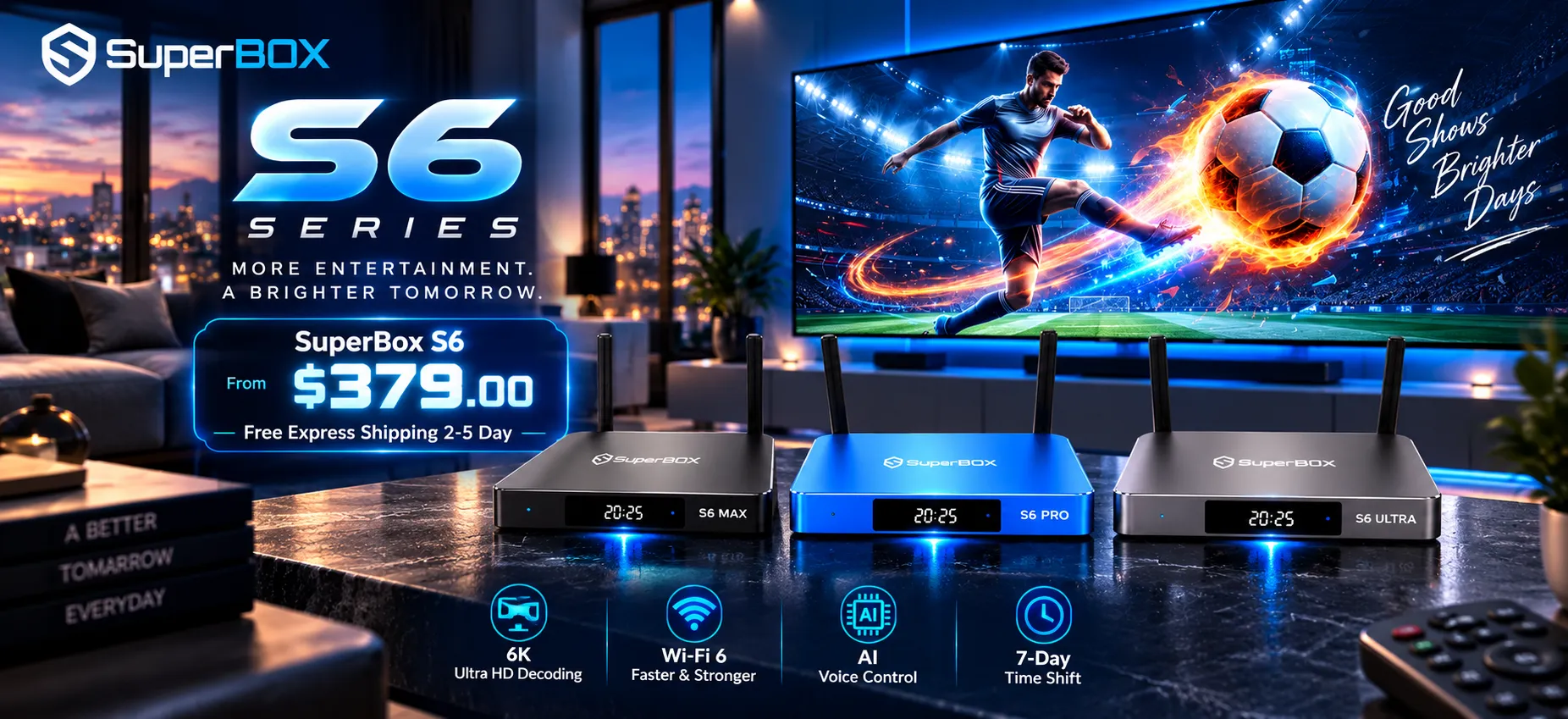
Pairing your rental TV with a SuperBox media player solves the live TV problem permanently. SuperBox connects via HDMI with zero recurring subscription fees:
- 1,800+ live channels: Guests get immediate access to major national broadcast networks, ESPN, and regional sports networks through Blue TV
- Zero guest logins required: Guests never need to enter personal passwords or worry about forgotten accounts
- 7-day cloud Playback DVR: Guests can replay missed games or news broadcasts from the past week
- 20,000+ on-demand movies: The Blue VOD catalog delivers a massive library without any additional cost
A single SuperBox console pays for itself within three to four months by eliminating cable bills entirely.
Installation, wall mounting, and cable management tips
How you install your rental televisions impacts guest safety and equipment longevity:
- Always anchor to wall studs: Never leave flat-screen TVs on tabletop stands where children or luggage can tip them. Use solid VESA wall mounts anchored into studs
- Conceal cords and cables: Dangling cables look unprofessional in listing photos. Use paintable cord raceways or install recessed outlets behind the wall mount
- Hardwire Ethernet connections: Vacation rental Wi-Fi slows when multiple guests connect devices simultaneously. Running a Cat6 cable directly to the TV or streaming player ensures buffer-free streaming during peak evening hours
Remote control management and guest instructions
Misplaced or confusing remotes are among the most frequent guest maintenance calls:
- Use HDMI-CEC for single-remote control: Configure HDMI-CEC in TV settings so one remote powers the TV, controls volume, and navigates channels. Store extra remotes in an owner closet
- Add bright silicone remote covers: Bright green or blue silicone covers protect against drops and make remotes easy to spot on sofas and beds
- Provide a simple one-page visual guide: A laminated instruction sheet in your welcome binder showing the power button, how to open Blue TV, and how to adjust volume eliminates most support messages
Frequently asked questions
Should I provide live TV or only streaming apps in my Airbnb?
Providing live TV alongside streaming apps is strongly recommended. While many guests use streaming apps, families and sports fans heavily prioritize live sports, local news, and morning weather. Lacking live TV is one of the most common sources of lower review ratings.
What is the best TV brand for an Airbnb?
TCL and Hisense offer the best combination of affordability, durability, and user-friendly software for rental properties. Samsung is excellent for upscale listings where brand perception matters to the target guest demographic.
How do I prevent guests from buying movies on my TV account?
Enable parental control PIN locks across all purchase menus in your TV settings. Alternatively, use Roku Guest Mode, which automatically removes all credentials and billing access at guest checkout, so no PIN is needed.
Is a 43-inch TV too small for an Airbnb living room?
Yes. A 43-inch screen is generally too small for a primary living area. Guests expect at least a 55-inch display in living rooms. Reserve 43-inch screens for secondary or smaller bedrooms.
Do I need a soundbar for my rental TV?
In most rental properties, soundbars are unnecessary and add remote confusion. Powerful subwoofers also increase noise complaint risks from neighbors. Built-in TV speakers are sufficient for typical rental spaces.
Reader Discussion & Verified Reviews
Real feedback, setup tips, and hands-on impressions from verified SuperBox owners and tech enthusiasts.