

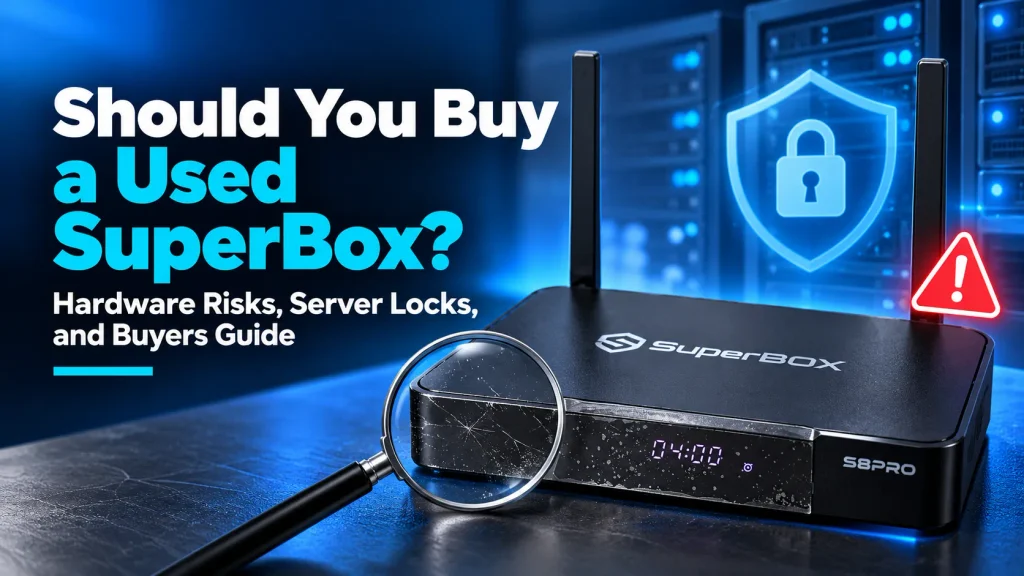
Buying a used SuperBox is not recommended due to severe hardware authentication risks, non-transferable manufacturer warranties, and previous owner security vulnerabilities.
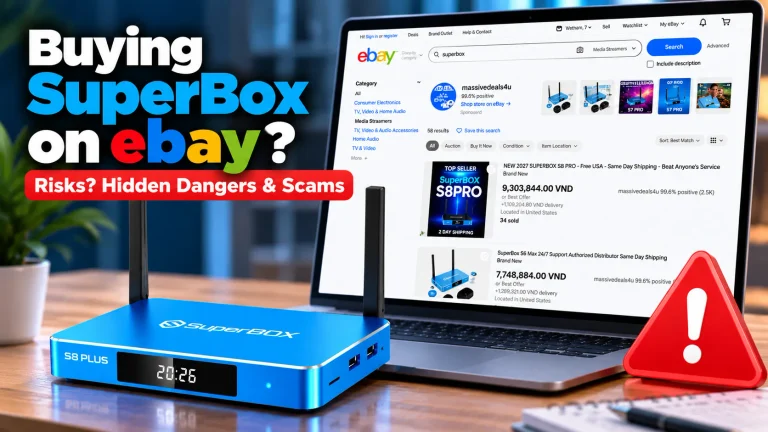
Secondhand units sold on Facebook Marketplace, eBay, or OfferUp frequently suffer from remote server blacklists that permanently disable streaming applications.
While saving $80 to $150 upfront may seem appealing, purchasing a pre-owned unit often results in an unrecoverable Device Forbidden lockout without manufacturer customer support.
Quick Takeaways & Key Highlights
- Server-side MAC blacklists: Secondhand units risk remote server bans from unauthorized price dumping, triggering permanent Device Forbidden lockouts.
- Zero resale warranty transfer: SuperBox official warranties apply only to new purchases and direct gift recipients verified by an official SuperBox for TV Order ID, never to second-hand resales.
- Malware and proxy risks: Unverified used devices may harbor modified firmware partitions that turn home internet into residential proxy nodes.
- Missing voice accessories: Used listings frequently omit the genuine RC200 voice remote, disabling essential voice navigation capabilities.
- Outdated operating systems: Older secondhand models run deprecated Android 9 or 10 builds with limited memory and slow 100Mbps Ethernet ports.
- New hardware investment: Purchasing a new flagship SuperBox S8 Ultra includes a 1-year replacement warranty and lifetime server access.
Why buying a used SuperBox is not recommended?
SuperBox devices depend on active cloud server authentication to deliver live television channels and video-on-demand playback.
Unlike open personal computers that can be reformatted freely, SuperBox hardware identity is tied directly to unique MAC addresses on central manufacturer servers.
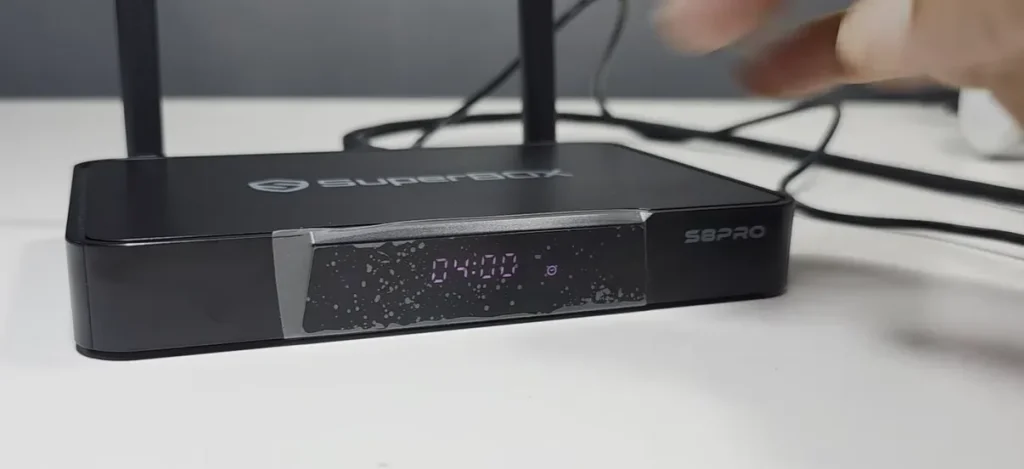
When a private seller lists a used SuperBox, buyers cannot verify the administrative history of that hardware console.
Tech analysts on YouTube channels like Rohas Streaming Tech confirmed that central servers exercise complete control over device functionality.
If a unit is associated with past commercial violations, chargebacks, or unauthorized bulk liquidations, servers execute an immediate hardware lock.
A standard factory reset cannot unblock a blacklisted MAC address. The console remains restricted from loading core media applications, rendering the device useless.
Five critical hazards of purchasing a secondhand SuperBox
Purchasing a secondhand streaming media console exposes buyers to distinct technical, financial, and operational hazards.
Review this checklist of primary hazards encountered by consumers buying used hardware:
- Permanent MAC address blacklisting: Servers drop device permissions permanently when hardware violates distributor policies.
- Zero manufacturer warranty coverage: Technical support teams decline service requests without authorized dealer receipts.
- Firmware tampering and malware exposure: Prior owners may install unauthorized root tools that compromise home network privacy.
- Degraded peripheral components: Worn power supplies and missing original remotes degrade daily streaming reliability.
- Outdated processor performance: Legacy units struggle with modern video codecs, causing buffering during high-bitrate live broadcasts.
1. Permanent MAC address bans and Device Forbidden errors
SuperBox enforces strict minimum advertised pricing and distributor conduct rules across its global retail network.
When rogue merchants liquidate bulk hardware below authorized price floors, manufacturer security blacklists the entire shipment batch.
Private individuals often buy these liquidated consoles, use them briefly, and resell them online to unsuspecting second-hand shoppers.
Once central servers register the unauthorized MAC address, streaming apps display a permanent Device Forbidden alert.
Local workarounds cannot resolve this server restriction. Only the original commercial distributor can appeal the blacklist status with central management.
Because private sellers on marketplace apps vanish after receiving payment, secondhand buyers are left with an unfixable hardware console.
2. Voided warranty and non-transferable technical support
Official SuperBox warranties protect consumers against internal component defects, power delivery failures, and operating system errors.
However, manufacturer warranty policies explicitly state that coverage is non-transferable for resold or second-hand units (only direct gift purchases bought new from SuperBox for TV carry recipient warranty coverage).
Official warranty validation requires a verified order invoice backed by an authorized Reseller License Code like SP20250928003.
If a used media box develops hardware malfunctions, our central RMA service center in City of Industry, California (and Canadian support hub in North York, Ontario) will reject replacement requests.
Secondhand buyers must bear the full cost of replacing defective internal components or purchasing replacement power bricks out of pocket.
3. Malware injection and residential proxy hijacking risks
Cybersecurity investigations on Reddit tech communities reveal that secondhand Android TV consoles frequently host hidden software modifications.
Previous owners may have sideloaded unverified third-party APKs or modified system root partitions to run unofficial background scripts.
Security researchers documented that compromised streaming boxes can silently participate in residential proxy exit networks.
These background scripts route unauthorized third-party web traffic through your home broadband connection without visual alerts.
A compromised media console can trigger internet service provider warnings, network throttling, or repeated security CAPTCHAs across household devices.
Standard Android factory resets only wipe user data partitions. Deep system infections embedded in root directories survive standard system wipes.
4. Missing original voice remotes and proprietary power adapters
SuperBox hardware utilizes specialized peripheral accessories engineered for smooth navigation and stable power management.
Secondhand listings frequently substitute generic universal remotes for the genuine RC200 voice command remote control.
Without the genuine remote, users lose Google Assistant voice searching, dedicated channel number pads, and one-touch app launch buttons.
Purchasing an authentic replacement voice remote separately costs between $30 and $45, quickly eroding initial secondhand savings.
Furthermore, running media consoles on generic mobile phone chargers causes intermittent system freezing and spontaneous reboots during 4K streaming.
5. Outdated hardware components and aging operating systems
Many used devices listed on online marketplaces belong to older product generations like the SuperBox S3 Pro, S4 Pro, or S5 Max.
These legacy consoles run deprecated Android 9 or Android 10 operating systems that no longer receive regular security updates.
Older hardware models utilize 2GB of system RAM, 100Mbps Ethernet ports, and legacy dual-band Wi-Fi chips that struggle on modern fiber networks.
In contrast, current hardware platforms feature 4GB of RAM, 64GB of high-speed storage, Wi-Fi 6 connectivity, and 1000Mbps Gigabit LAN ports.
Purchasing obsolete hardware leads to frequent buffering, slower channel navigation, and application crashes during high-traffic live events.
New authorized SuperBox versus used marketplace unit comparison
Reviewing the comprehensive operational differences between new authorized consoles and secondhand units highlights the value of direct dealer sourcing.
| Operational & Warranty Attribute | New Authorized SuperBox Unit | Used Marketplace Unit (eBay / Facebook) |
|---|---|---|
| Initial Acquisition Price Range | $449 flagship retail standard | $200 to $320 private seller asking price |
| Server Authentication Status | 100% verified active lifetime access | High risk of MAC blacklist or lockout |
| Direct Replacement Warranty | 1-year full hardware replacement | 0 days zero warranty coverage |
| Authorized Reseller Credentials | Backed by License Code SP20250928003 | None zero verifiable dealer credentials |
| Operating System & Security | Modern Android with official updates | Often legacy Android with unknown modifications |
| Remote Control Inclusions | Original RC200 voice remote included | Frequently missing or generic third-party remote |
| System Memory & Network Speed | Up to 4GB RAM and Gigabit Ethernet | Often limited to 2GB RAM and 100Mbps LAN |
| Customer Support Infrastructure | Direct phone, email, and WhatsApp help | Zero post-sale technical support |
The data confirms that the modest price savings of a used unit are heavily outweighed by severe technical and support disadvantages.
What should you check if you already bought a used SuperBox?
If you have already purchased a secondhand SuperBox, executing a comprehensive hardware and network audit helps protect your household security.
Follow this systematic checklist to verify device integrity and protect your home network:
- Inspect physical warranty stickers: Check that the circular tamper-evident seals over chassis screws remain unbroken.
- Verify device MAC address: Cross-reference the MAC address printed on the console base with the network settings menu.
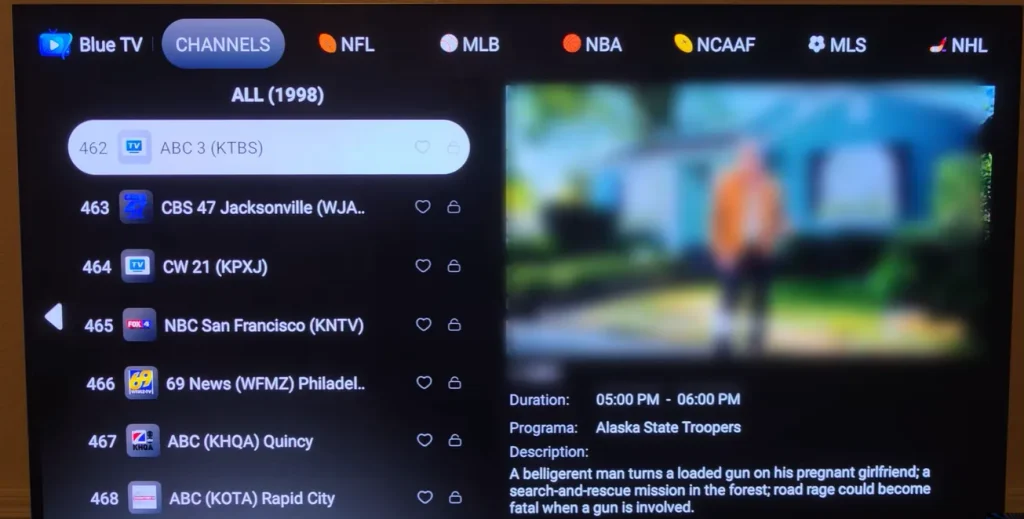
- Test core app connectivity: Launch Blue TV and Blue VOD to confirm the console connects without Device Forbidden errors.
- Perform a full factory reset: Navigate to Settings, select Device Preferences, and trigger Erase All Data to remove previous accounts.
- Isolate on a guest network: Connect the media box exclusively to a dedicated guest Wi-Fi network with local client isolation enabled.
- Avoid personal account logins: Never enter primary Google, banking, or personal email passwords on an unverified secondhand box.
If the console displays persistent activation errors or application crashes, contact the private seller immediately to request a full transaction refund.
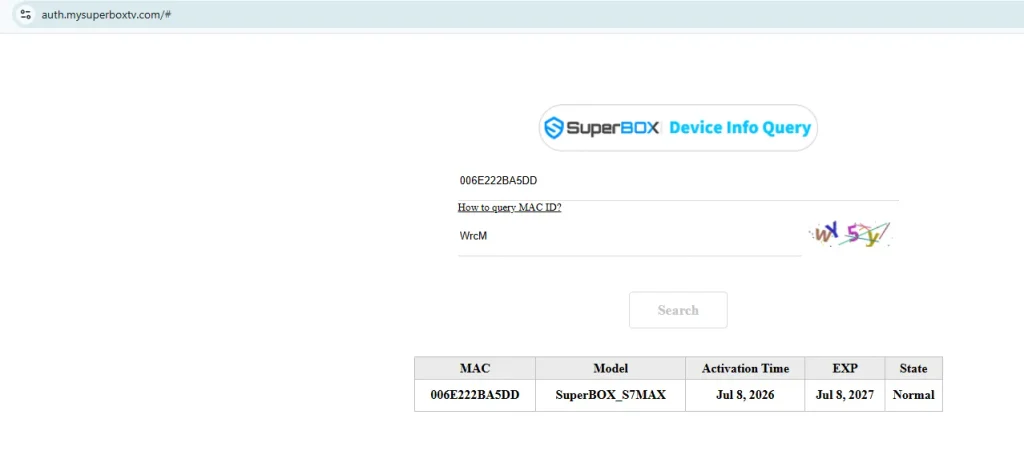
Where to buy authentic SuperBox with warranty coverage?
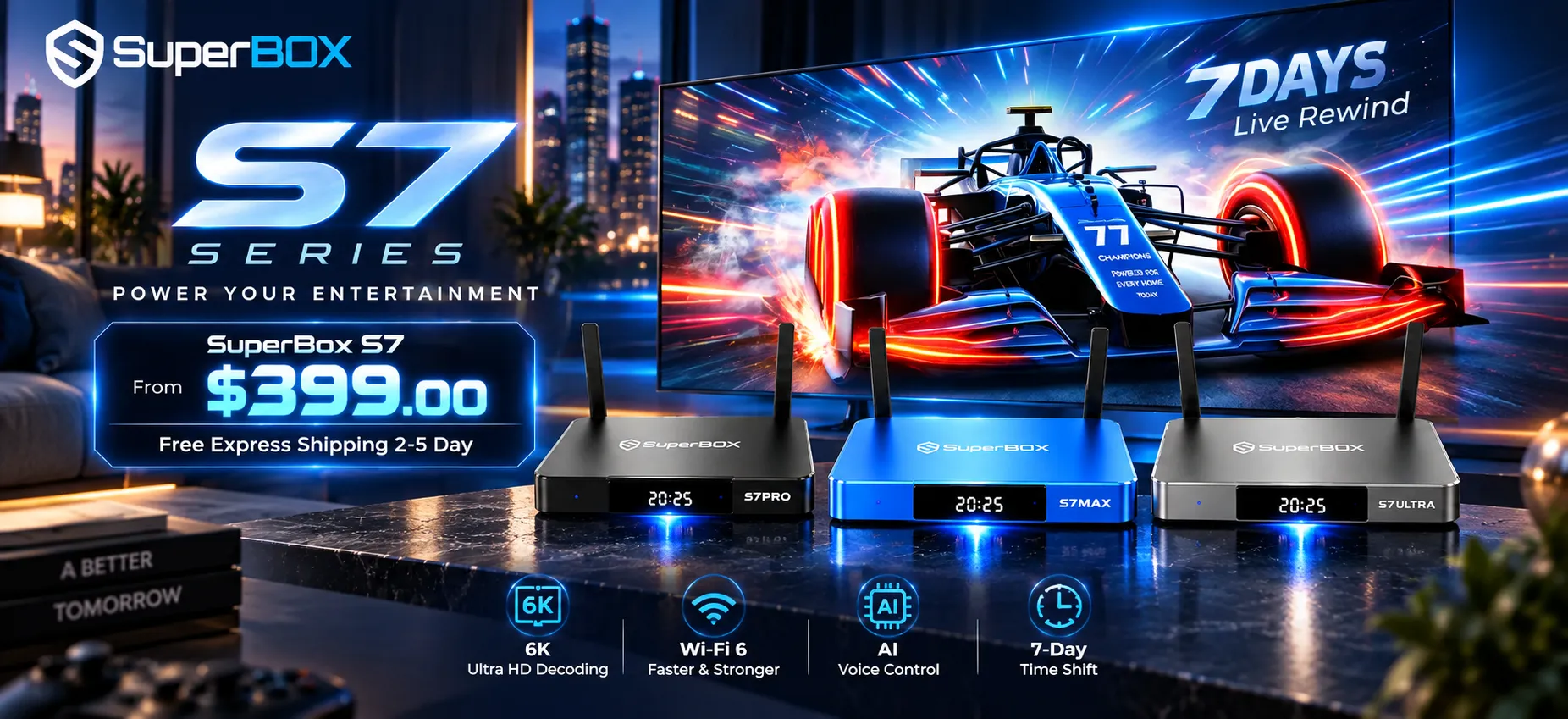
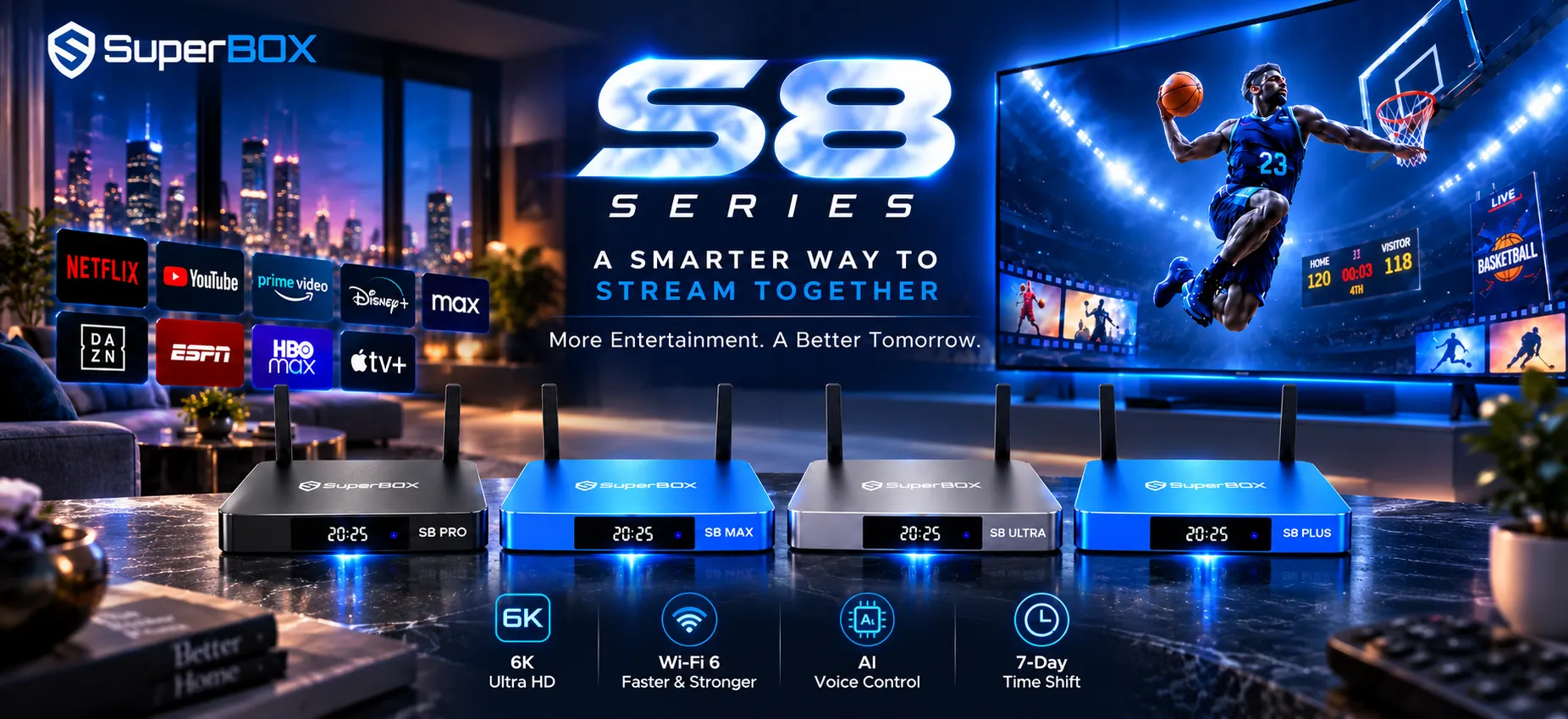
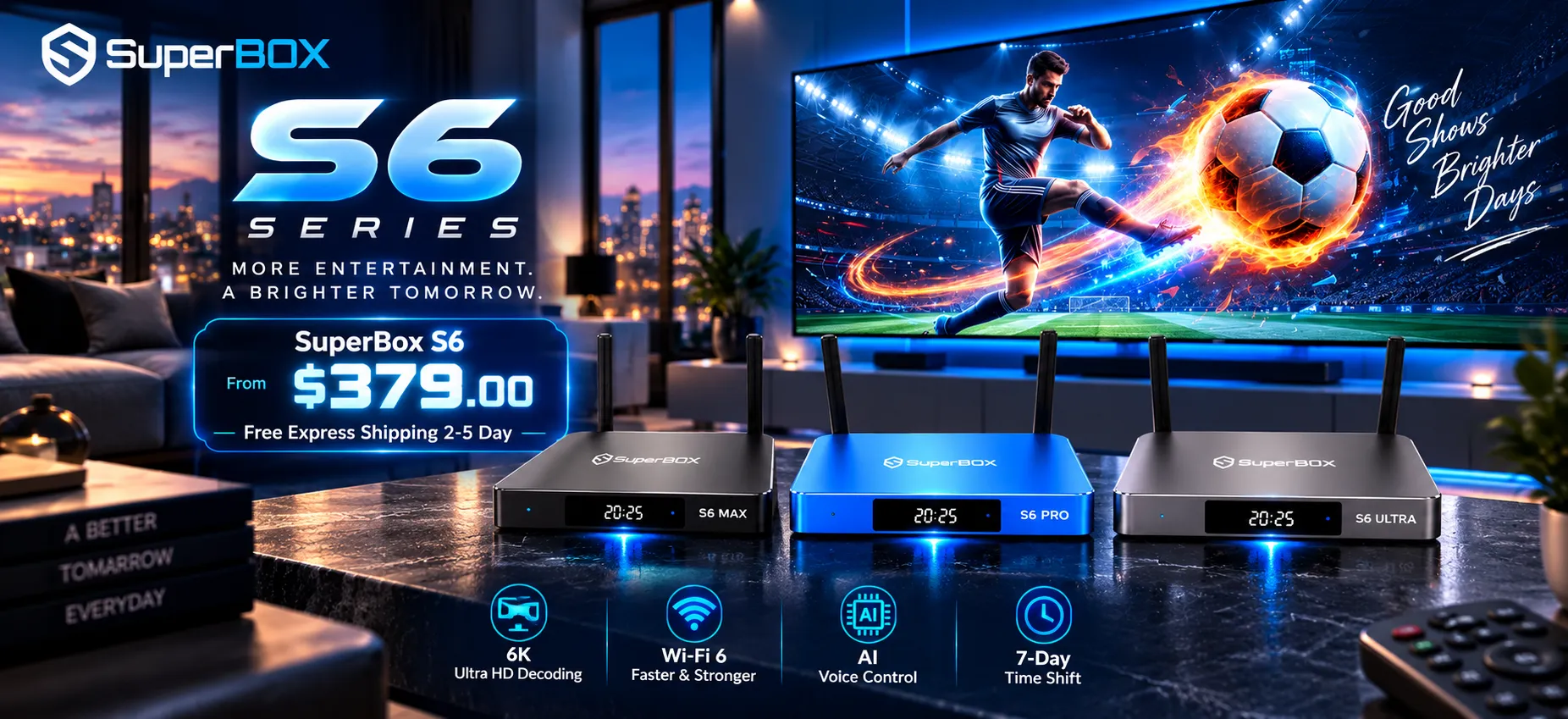
SuperBox for TV is an authorized SuperBox dealer, ensuring 100% authentic SuperBox S6, S7 & S8 devices with full warranty support in US & Canada.
To avoid the pitfalls of blacklisted inventory and compromised firmware, purchase genuine hardware directly through the superbox website.
Direct authorized purchases provide essential consumer protections:
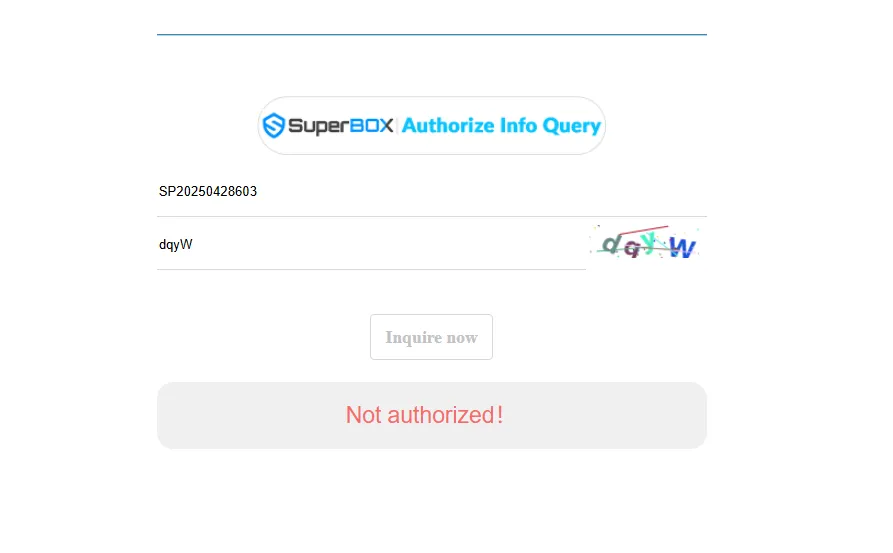
- Official reseller verification: Every unit is backed by authentic Reseller License Code SP20250928003, verifiable on auth.mysuperboxtv.com.
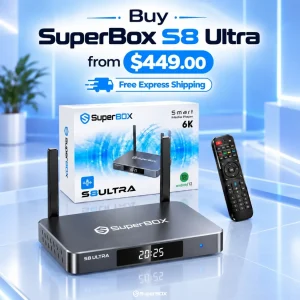
- Flagship hardware delivery: Select the premium SuperBox S8 Ultra for $449, featuring upgraded processing, 4GB RAM, and 64GB storage.
- One-year replacement warranty: Genuine units include a full 1-year direct hardware replacement warranty backed by US and Canada hubs.
- Fast express delivery: Orders ship free via FedEx and USPS within 2 to 5 business days across both the US and Canada.
- 30-day money-back guarantee: Purchases include a 30-day return policy for complete peace of mind.
- Comprehensive customer support: Direct technical assistance is available via WhatsApp at +1 (945) 254-2681 and email at support@superboxfortv.com.
Technical support specialists are available Monday through Friday from 8:00 AM to 10:00 PM EST, and weekends from 9:00 AM to 6:00 PM EST.
Frequently asked questions about buying a used SuperBox?
Can a factory reset fix a locked used SuperBox?
A factory reset cannot fix a used SuperBox that has been locked by central authentication servers.
Server blocks target the hardware MAC address directly. When an unauthorized device connects to the internet, central servers instantly reapply the block.
Does SuperBox transfer hardware warranties to second-hand owners?
SuperBox does not transfer hardware warranties to second-hand resale buyers (warranty transfer applies exclusively to brand-new direct gift purchases from SuperBox for TV verified with the original Order ID).
Warranty fulfillment requires an authentic order number and verified purchase documentation issued by an authorized retail distributor.
How do I check if a used SuperBox is blacklisted?
You can check if a used SuperBox is blacklisted by connecting the unit to the internet and launching streaming applications installed via the official App Store.
If central servers have flagged the hardware, apps will immediately display a Device Forbidden or Device Prohibit warning message.
Which SuperBox model offers the best value for new buyers?
The flagship SuperBox S8 Ultra for $449 provides the highest value for consumers seeking long-term stability and optimal streaming performance.
It features 4GB of RAM, 64GB of internal storage, Wi-Fi 6 connectivity, Gigabit LAN, and an aluminum thermal chassis for cool multi-hour streaming.
Reader Discussion & Verified Reviews
Real feedback, setup tips, and hands-on impressions from verified SuperBox owners and tech enthusiasts.