

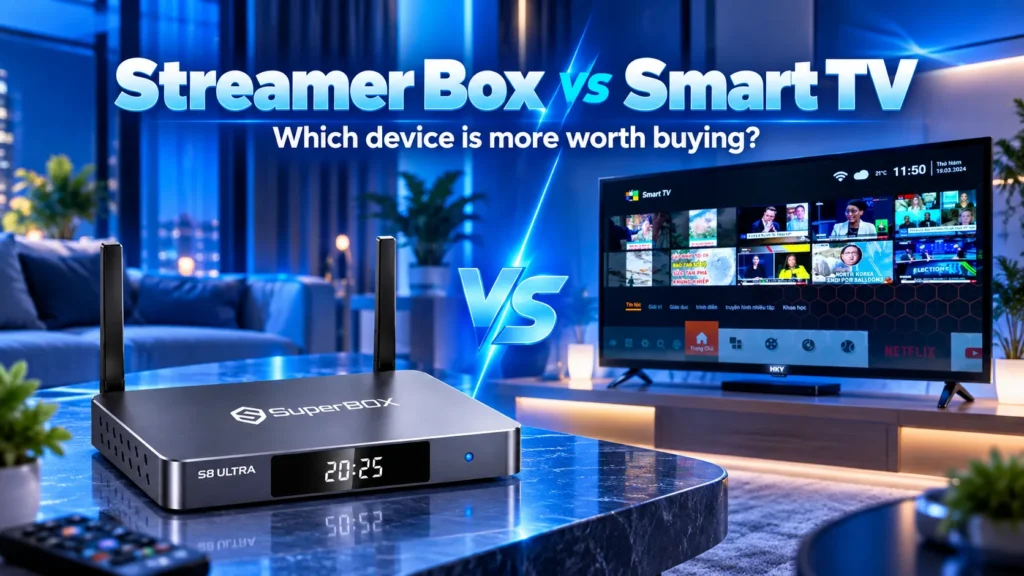
When deciding between a streamer box vs smart TV for your living room, a dedicated streamer box is the superior choice for speed, app freedom, and longevity. While smart TVs offer convenient all-in-one streaming, their underpowered processors and locked operating systems quickly become sluggish, slow to load, and cluttered with advertisements within two to three years.
In contrast, an external streamer box provides a dedicated computing engine for your display, delivering faster Wi-Fi 6 connectivity, generous RAM, and open operating systems that support third-party APK sideloading. Upgrading an external player costs a fraction of buying a new 4K television. Furthermore, specialized cord-cutting consoles like SuperBox eliminate recurring cable subscriptions entirely by providing lifetime access to over 2,000 live channels and sports networks. This guide compares streamer boxes against smart TVs across hardware performance, software lifespan, app ecosystems, user privacy, and long-term costs.
What is the difference between a streamer box and a smart tv?
Understanding the debate between a streamer box and a smart TV requires looking at how modern home entertainment is designed.
A smart TV is an all-in-one television combining a display panel, audio speakers, tuners, and a basic computer board running an onboard operating system like Samsung Tizen, LG webOS, Google TV, or Fire TV. The television connects directly to Wi-Fi and streams apps from internal memory without external hardware.
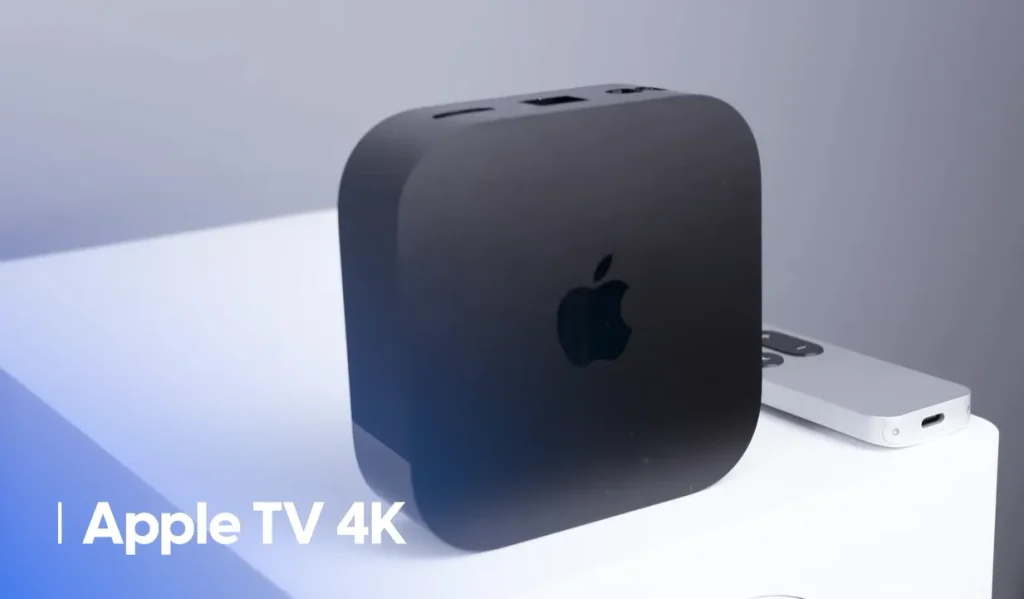
A streamer box is an external standalone computer that connects to any television via an HDMI cable. Streaming boxes include devices like Apple TV 4K, Roku Ultra, Nvidia Shield TV Pro, and dedicated Android consoles like SuperBox. Instead of relying on the television to process software, the streamer box executes all applications, decodes video streams, and handles internet connectivity, transmitting the finished video signal to your screen.
Streamer box vs smart tv performance and processing speed
Television chipsets cut corners on computing power
Television manufacturers prioritize panel technologies like OLED, Mini-LED, local dimming, and peak brightness. To keep retail prices competitive, brands reduce manufacturing costs on internal processors and memory modules.
Most smart TVs ship with budget processors and 1.5GB to 2GB of RAM. While sufficient when brand new, this hardware struggles under 4K HDR video or live sports, causing dropped frames and sluggish remote response.
Dedicated streamer boxes deliver raw computing horsepower
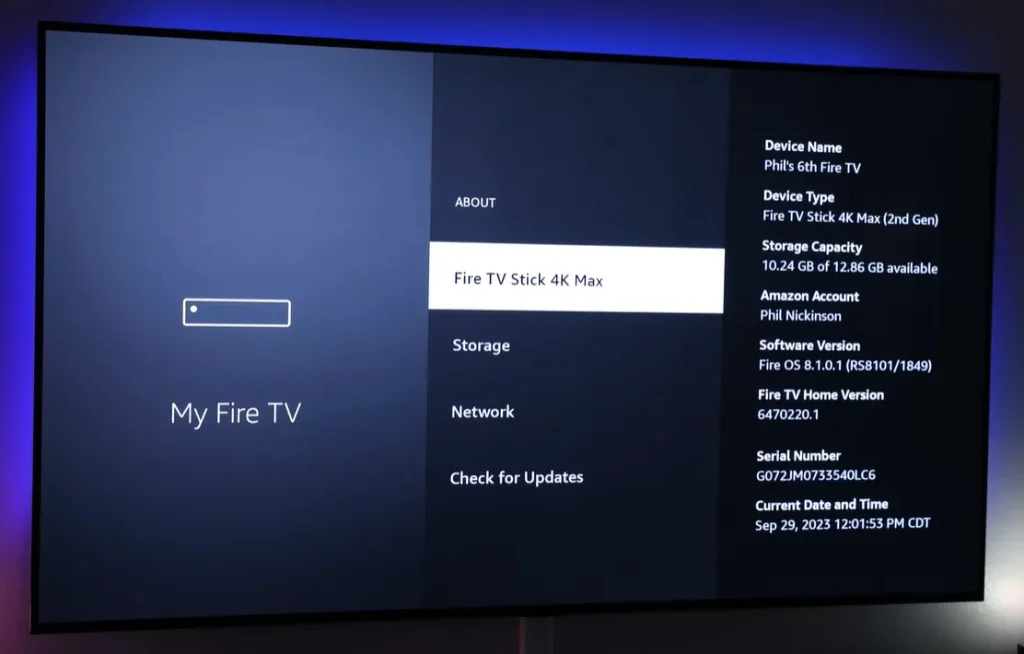
Dedicated streamer boxes are engineered solely for computing and video decoding. Because manufacturers do not produce a display panel for these units, they invest heavily in faster multi-core processors, graphics engines, and superior cooling.
Quality streaming boxes feature 3GB to 4GB of RAM and fast flash storage. This memory headroom enables instant app loading, fluid multitasking, and buffer-free channel tuning. External units also include Wi-Fi 6 antennas and Gigabit Ethernet for stable 4K playback.
Software updates longevity and obsolescence
The three-year smart TV performance wall
A quality 4K television display physically lasts between seven and ten years without picture degradation. However, the internal software platform rarely enjoys that same lifespan.
Television makers release new models annually and prioritize updates for recent sets. Within two to three years, firmware updates slow down or cease. As streaming apps update, aging TV hardware falls behind, causing app crashes or lost support on perfectly good displays.
Modular upgrading protects your financial investment
Using an external streamer box decouples display technology from computing software. Instead of discarding an expensive television simply because built-in apps lag, you can replace a standalone streaming device for $50 to $350 every four to five years.
This modular approach ensures you always have access to modern wireless protocols, updated Bluetooth standards, and new video codecs like AV1 without replacing your primary television screen.
App selection sideloading and ecosystem freedom
Locked smart TV operating systems
Major smart TV platforms like Samsung Tizen, LG webOS, and Hisense VIDAA operate as strictly controlled closed ecosystems. Their built-in app stores offer only approved, mainstream subscription services like Netflix, Disney Plus, and Amazon Prime Video.
If you want to install specialized media software, custom electronic program guides, open-source video players like Kodi, or third-party live channel applications, smart TVs will block the installation. These proprietary platforms do not permit direct APK sideloading.
Open platform flexibility on external streaming boxes
External streaming consoles running open Android operating systems provide unrestricted freedom. Users can install official applications from Google Play while also sideloading third-party Android APK packages directly from web browsers or USB thumb drives.
This flexibility allows viewers to install custom media servers, privacy-focused VPNs, retro gaming emulators, and specialized cord-cutting applications without manufacturer restrictions.
Interface advertising and user privacy
Aggressive smart TV home screen advertising
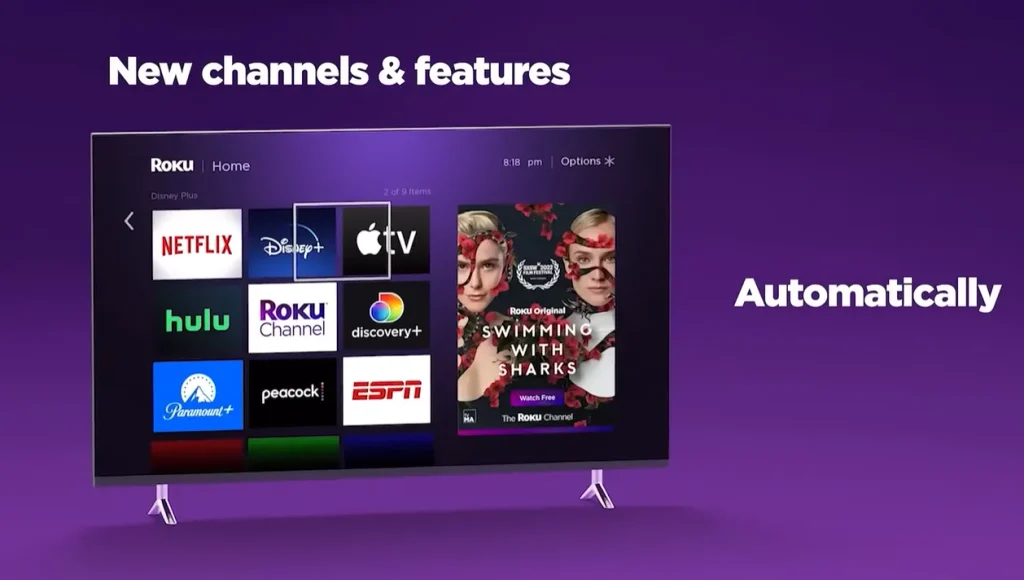
Television manufacturers have largely transitioned into digital advertising companies. The home screens of modern smart TVs from Samsung, LG, and Roku are heavily dominated by sponsored banners, autoplay video advertisements, and recommendations pushing subscription purchases.
These advertisements consume valuable RAM and bandwidth upon startup, creating noticeable menu lag when you simply want to switch inputs or launch an application.
Automatic content recognition and privacy concerns
Smart TVs frequently rely on Automatic Content Recognition (ACR) technology. ACR analyzes pixels displayed on your screen, identifying the movies, shows, games, and commercials you watch in real time. This data is transmitted back to manufacturers and third-party data brokers to build advertising profiles.
Using an external streamer box offers a significant privacy advantage. Disconnecting your smart TV from Wi-Fi entirely and using it solely as an offline display monitor eliminates manufacturer ACR tracking while providing a cleaner, faster user interface.
Streamer box pros and cons
Streamer box pros
- High-performance multi-core processors and 4GB RAM deliver fluid navigation and instant app loading
- Modular design lets you upgrade streaming technology cheaply without replacing your television
- Android-based consoles support unrestricted APK sideloading, third-party apps, and custom media centers
- Advanced Wi-Fi 6 antennas and Gigabit Ethernet ports ensure buffer-free 4K video playback
- Creates a unified remote and menu interface across all household televisions
- Offline TV operation disables invasive Automatic Content Recognition tracking and billboard ads
Streamer box cons
- Requires an extra power outlet and occupies one HDMI port behind your display
- Adds a second remote, though HDMI-CEC typically consolidates power and volume controls
- Requires an additional upfront investment between $50 and $449 depending on performance tier
Smart tv pros and cons
Smart tv pros
- All-in-one design with zero external cables or power adapters cluttering your room
- Single remote control handles display settings, input switching, audio volume, and apps
- No additional upfront expense since streaming software is built into the television
- Seamless switching between over-the-air antenna broadcasts and streaming apps
Smart tv cons
- Underpowered processors and minimal RAM lead to sluggish navigation within 2 to 3 years
- Manufacturers frequently discontinue software updates and app support on older TV sets
- Proprietary operating systems prohibit third-party APK sideloading and custom media players
- Home screens are heavily cluttered with commercial advertisements and promotional content
- Invasive ACR tracking monitors your daily viewing habits for advertising networks
Quick comparison of streamer box vs smart tv?
| Comparison Factor | Dedicated Streamer Box | Built-in Smart TV |
|---|---|---|
| Processing Power | Multi-core CPU with 2GB to 4GB RAM | Budget dual or quad-core SoC with 1GB to 2GB RAM |
| Navigation Speed | Fast, fluid app switching with rapid channel tuning | Prone to menu lag, input delay, and app crashes |
| Software Lifespan | 5 to 7 years with modular, low-cost replacement | 2 to 3 years before updates slow down or stop |
| App Freedom | Open Android with Google Play and direct APK sideloading | Walled garden restricted to approved app store partners |
| Network Connectivity | Advanced Wi-Fi 6 antennas and Gigabit Ethernet options | Basic internal Wi-Fi antennas with 100Mbps Ethernet |
| User Interface Ads | Clean, customizable launchers with minimal ad clutter | Heavy banner ads, sponsored rows, and promoted content |
| Viewing Privacy | High privacy when TV display is kept offline | Widespread Automatic Content Recognition tracking |
| Multi-Room Experience | Identical remote and interface across all home screens | Mismatched menus and different remotes per TV brand |
| Upfront Cost | Additional $50 to $449 depending on hardware tier | Included in the purchase price of the television |
Which streamer box should you choose for your smart tv in 2027?
If you decide that a dedicated streaming device is the right choice to upgrade your television, your selection depends on your entertainment goals.
For casual viewers who only watch mainstream subscription apps like Netflix and Disney Plus, conventional streamers like Apple TV 4K or Roku Ultra offer dependable performance. However, these standard streamers still require paying expensive monthly fees for live television packages like YouTube TV or Sling TV, which easily cost $80 to $120 each month.
For cord-cutters looking to upgrade their smart TV while completely eliminating recurring monthly bills, the premier streamer box recommendation is the SuperBox S8 Ultra.
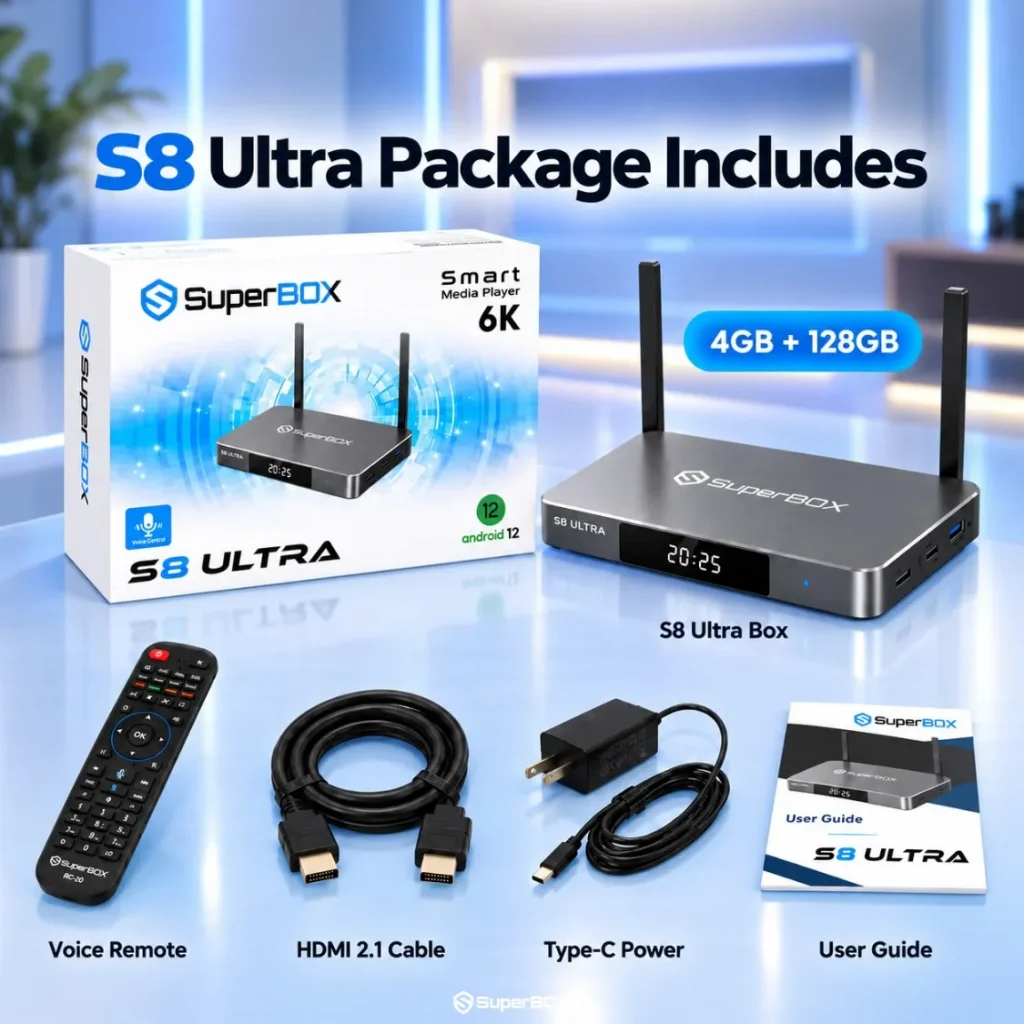
Unlike traditional streaming devices that act merely as portals to paid subscription services, the SuperBox S8 Ultra is a comprehensive cord-cutting console. Powered by Android 12, 4GB of RAM, and 128GB of internal storage, it eliminates the processing bottlenecks of built-in smart TV apps while providing permanent access to live television.
Key advantages of pairing your smart TV with a SuperBox S8 Ultra include:
- Permanent Blue TV access to over 2,000 live channels and sports with zero subscription fees
- Unrestricted two-screen Multi-View to watch two live sports broadcasts simultaneously on one screen
- Native broadcast recording directly to internal storage or external USB drives
- Generous 128GB internal storage for third-party APKs and offline libraries
- Anti-buffering 2027 streaming engine that stops app crashes and speeds up channel tuning
- RC-200L backlit voice remote for effortless navigation in dark rooms
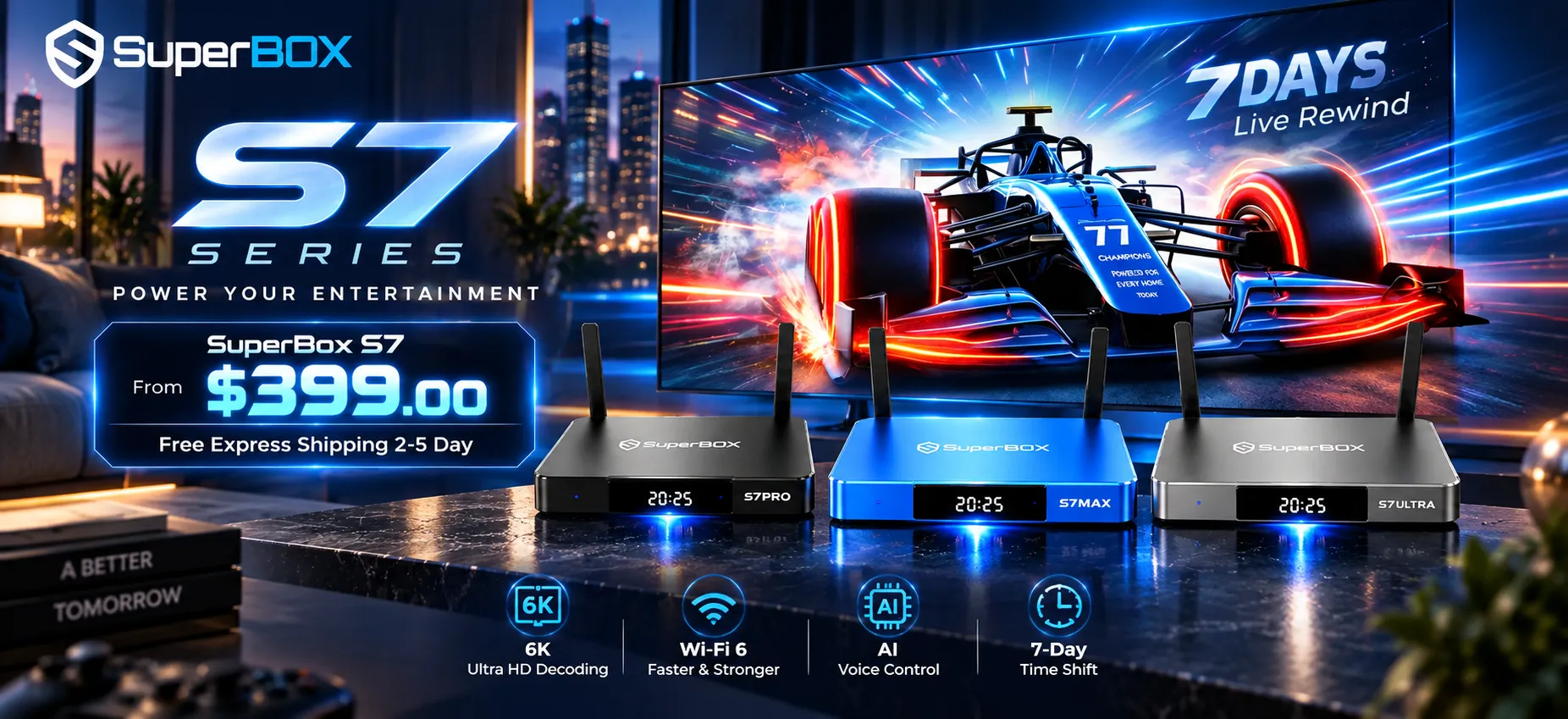
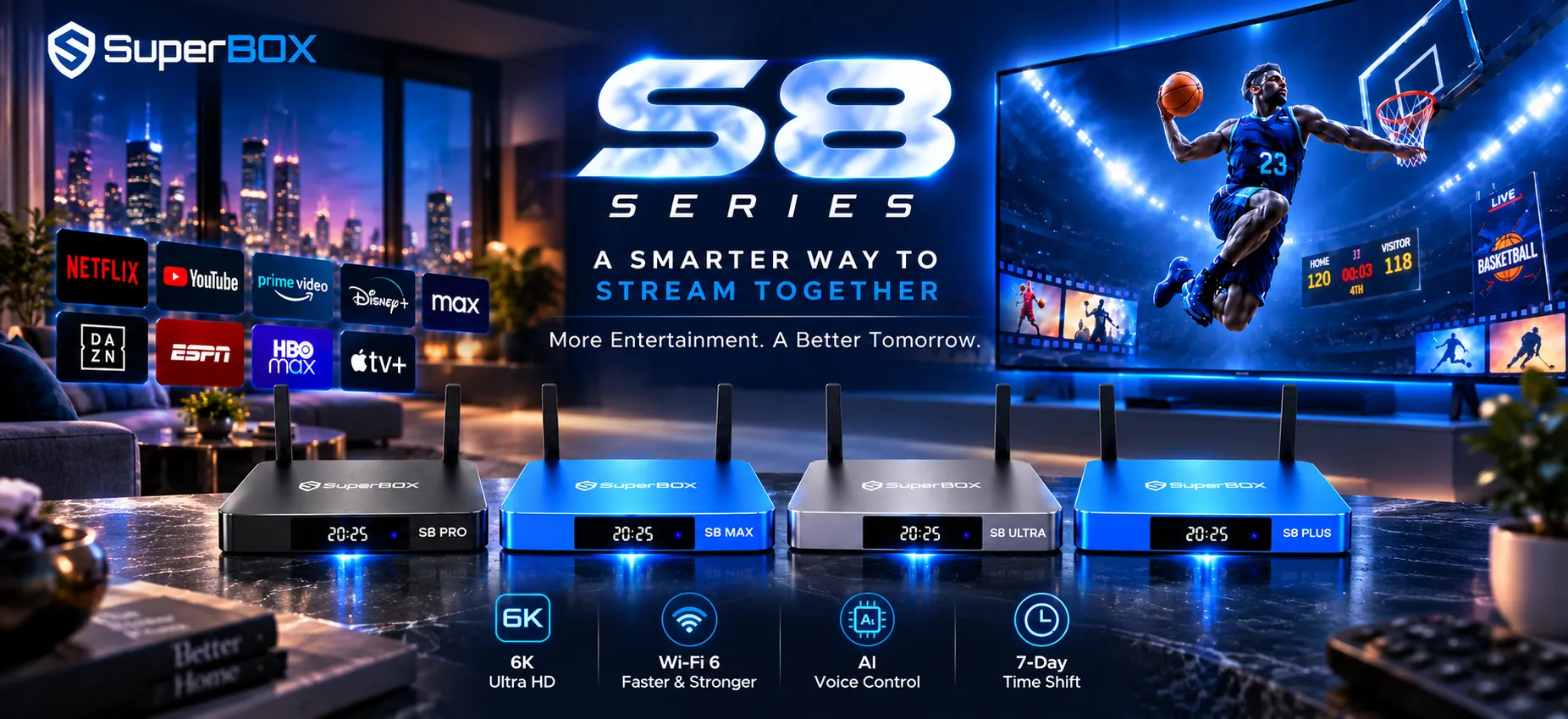
For households seeking eighth-generation performance at lower price points, the SuperBox S8 Max ($399) and SuperBox S8 Pro ($359) offer excellent value alternatives, while the SuperBox P7 Pro Projector ($749) delivers portable outdoor streaming.
Upgrade your smart TV with the ultimate cord-cutting box: Bypass smart TV lag and eliminate recurring monthly bills by pairing your television with the flagship SuperBox S8 Ultra for permanent live channel access and smooth 4K playback.
Frequently asked questions about streamer boxes vs smart tvs
Can I connect a streamer box to any smart TV?
Yes. Any modern streamer box connects directly to your television via an HDMI port. Even if your smart TV is older, adding a modern streaming box bypasses the television internal software, instantly giving your display fast processing, updated apps, and modern Wi-Fi 6 connectivity.
Does a streamer box improve picture quality compared to smart TV apps?
While the television display panel dictates contrast and color, a high-performance streamer box often delivers better picture quality. Dedicated streaming boxes feature superior Wi-Fi reception and higher processing headroom, allowing them to maintain maximum 4K bitrates without downscaling resolution or buffering during high-bandwidth scenes.
Why do smart TVs get slow after two or three years?
Smart TVs become sluggish because manufacturers equip them with minimal RAM and budget processors to reduce production costs. As streaming application developers add new features and complex DRM protections, the TV hardware becomes overwhelmed, causing slow navigation and frequent crashes.
How does SuperBox differ from standard streaming players like Roku or Apple TV?
Standard players like Roku or Apple TV are empty streaming portals requiring paid subscriptions to services like Netflix, Hulu, and YouTube TV. SuperBox is an all-in-one cord-cutting console that includes pre-configured access to over 2,000 live channels, sports, and movies through Blue TV, completely eliminating monthly subscription fees with a single hardware purchase.
Reader Discussion & Verified Reviews
Real feedback, setup tips, and hands-on impressions from verified SuperBox owners and tech enthusiasts.