

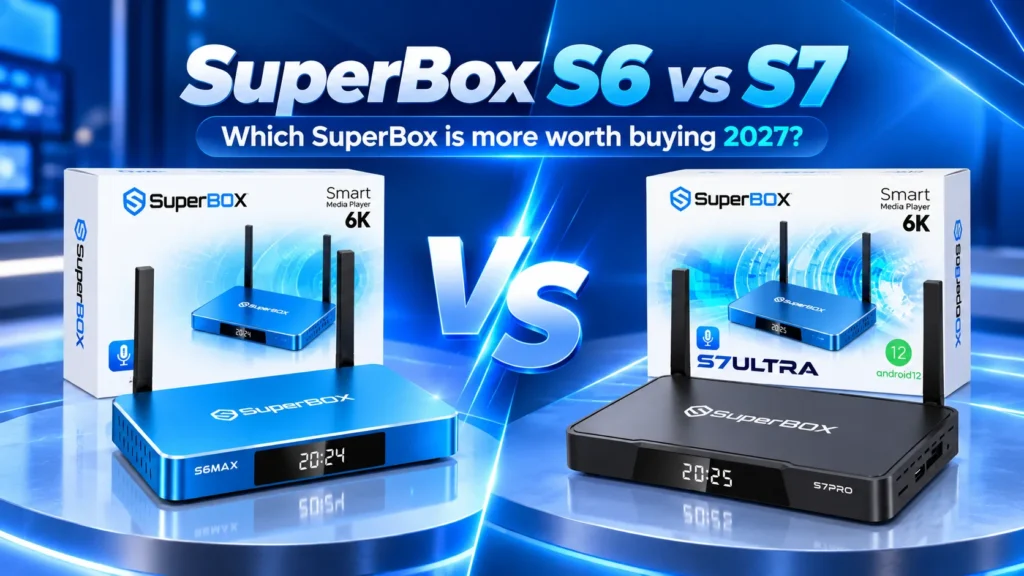
Deciding between the SuperBox S6 series and the newer SuperBox S7 series comes down to a clear practical question: are USB-C power delivery, a backlit remote, and 7-day catch-up playback worth paying extra for, or does a discounted S6 still cover your daily streaming needs?
Both lineups provide subscription-free access to live broadcasts, major sports, and on-demand movies through pre-installed Blue TV and Blue VOD apps. However, testing both generations side by side highlights five specific hardware upgrades and five daily usability enhancements that make the S7 a noticeably more refined console.
| Specification | SuperBox S6 Series | SuperBox S7 Series |
|---|---|---|
| Processor Architecture | Quad-Core ARM Cortex-A53 | Upgraded Quad-Core ARM Cortex High-Efficiency |
| System Memory (RAM) | 4GB DDR3 / DDR4 | 4GB High-Speed Low-Latency RAM |
| Storage Tiers | 32GB (Pro), 64GB (Max), 128GB (Ultra) | 32GB (Pro), 64GB (Max), 128GB (Ultra) |
| Power Connection | Proprietary round DC barrel connector | Universal USB-C power delivery port |
| Remote Control | Standard Bluetooth voice remote | Backlit Bluetooth voice remote with blue illumination |
| Time-Shift Buffer | Up to 8 hours rolling buffer | Up to 8 hours buffer plus 7-day cloud playback DVR |
| Networking | Dual-Band Wi-Fi 6 plus Gigabit Ethernet | Dual-Band Wi-Fi 6 with 2T2R plus Gigabit Ethernet |
| Video Decoding | Up to 6K at 60fps, HDR10, H.265 | Up to 6K at 60fps, HDR10, AV1, VP9, H.265 |
| User Interface | Classic Blue launcher layout | Modernized high-contrast launcher with faster cold boot |
| Store Price Range | $299 across models | $305-$381 depending on model |
How do the SuperBox S6 and S7 compare on core specs?
Both generations run on custom Android 12 software engineered around high-efficiency video decoding. Each series features 4GB of system memory, providing adequate headroom to keep live channels, program guides, and video players fluid without system freezes.
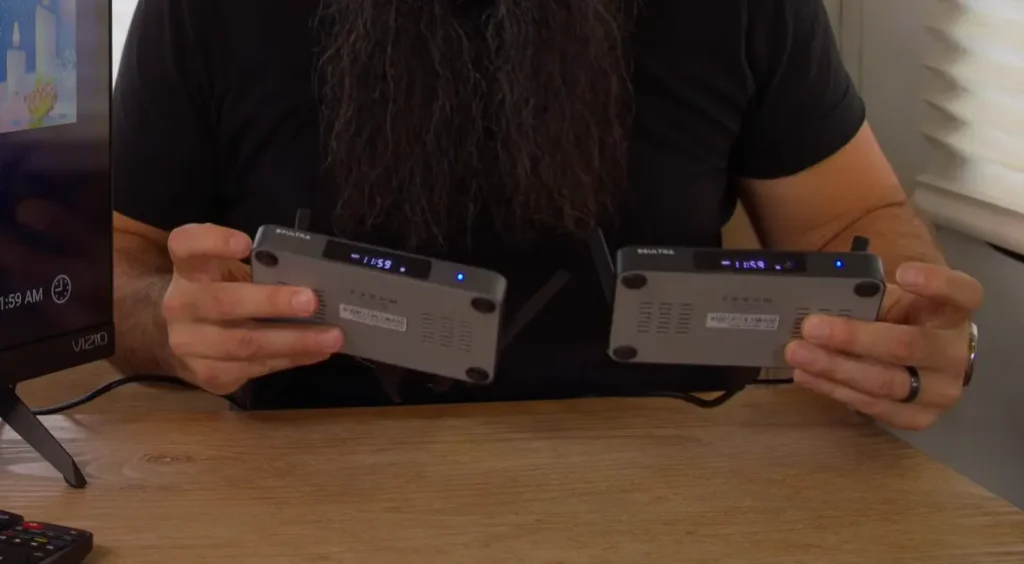
Their divergence centers on everyday convenience and hardware longevity. The S7 series introduces a universal USB-C power input, a glowing backlit remote for dark living rooms, faster internal flash memory, and re-engineered passive cooling that prevents thermal slowdowns during extended sports broadcasts.
What are the biggest hardware upgrades in the S7 series?
Universal USB-C power delivery and detachable cords
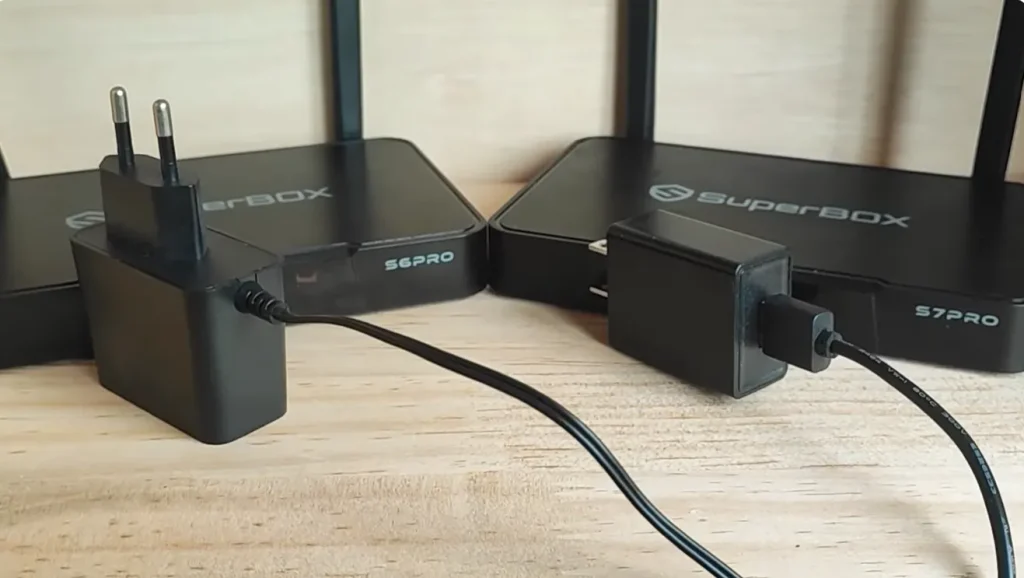
Power connectivity represents one of the most practical upgrades for daily convenience. The older S6 relies on a proprietary round DC barrel wall adapter with a permanently fixed cord. Damaging or misplacing that specific charger during travel leaves your console unusable until an exact voltage and tip replacement arrives.
The S7 series upgrades entirely to standard USB-C power input. On the S7 Pro and S7 Max, the power brick and cable are fully detachable, allowing you to use 10-foot USB-C cables for clean wall-mounted cable runs or power the unit directly from high-output USB ports on modern televisions.
Backlit Bluetooth voice remote with tactile navigation
Your remote control is your primary interaction point every day. The S6 remote uses standard matte plastic keys without interior lighting, making it difficult to locate mute, guide, or rewind buttons in dark home theaters.
The S7 remote features soft blue backlighting that activates automatically whenever any button is pressed. It uses tactile rubberized keys with positive click feedback, Bluetooth 5.2 connectivity that removes line-of-sight pointing requirements, and a high-gain microphone for fast voice searches.
Front LED status display and dual-state power indicators
Front panel feedback receives a helpful visual update. Powering down the S6 shuts off its front display entirely, offering no visual cue whether the box is asleep, turned off, or disconnected from power.
The S7 series adds a dedicated two-color status LED beside the clock readout. In low-power standby mode, the indicator glows soft red, switching to bright blue upon system wake. The white clock and network icons also feature higher-contrast diodes that remain readable from across the room without bleeding excess glare in dark bedrooms.
Upgraded side port layout and USB peripheral connectivity
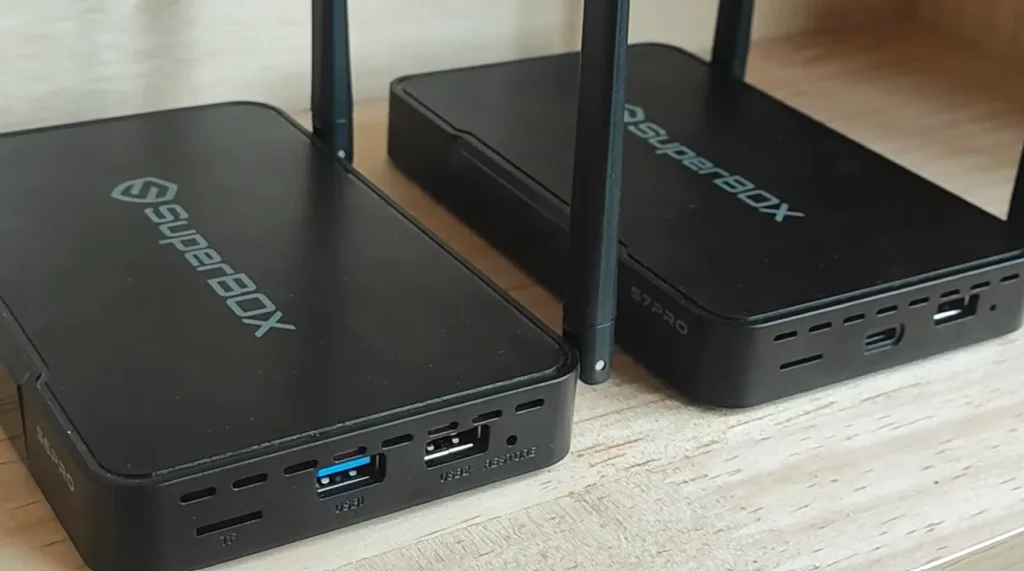
Physical expansion options on the side panel offer improved versatility for local media playback. The S6 includes two standard USB Type-A ports (one USB 3.0, one USB 2.0) alongside a TF card slot.
The S7 Ultra upgrades this configuration by integrating a dedicated high-speed USB-C data interface on the side chassis alongside a USB 3.0 port and MicroSD slot. This allows connecting modern external solid-state drives and USB-C flash media directly without carrying Type-A adapters, while delivering faster file indexing for offline movie collections.
Thermal cooling architecture and chassis build
Streaming continuous high-bitrate 4K video feeds generates ongoing processing heat. While entry-level S6 and S7 Pro models utilize plastic enclosures, the S7 Max and S7 Ultra feature anodized aluminum alloy housings with re-engineered perimeter venting slots.
During thermal load testing, the S7 runs approximately 8 to 12 degrees Fahrenheit cooler than comparable S6 units over four hours of continuous streaming. Cooler operating temperatures prevent thermal throttling, eliminating micro-stutters during high-bitrate sports broadcasts.
How does daily streaming and navigation feel on both devices?
Cold boot times and launcher speed
Cold boot performance improves noticeably on the newer hardware. From a complete power-off state, the S7 loads the main home screen in approximately 22 seconds, compared to 31 seconds on the S6. Waking from standby remains instantaneous across both models.
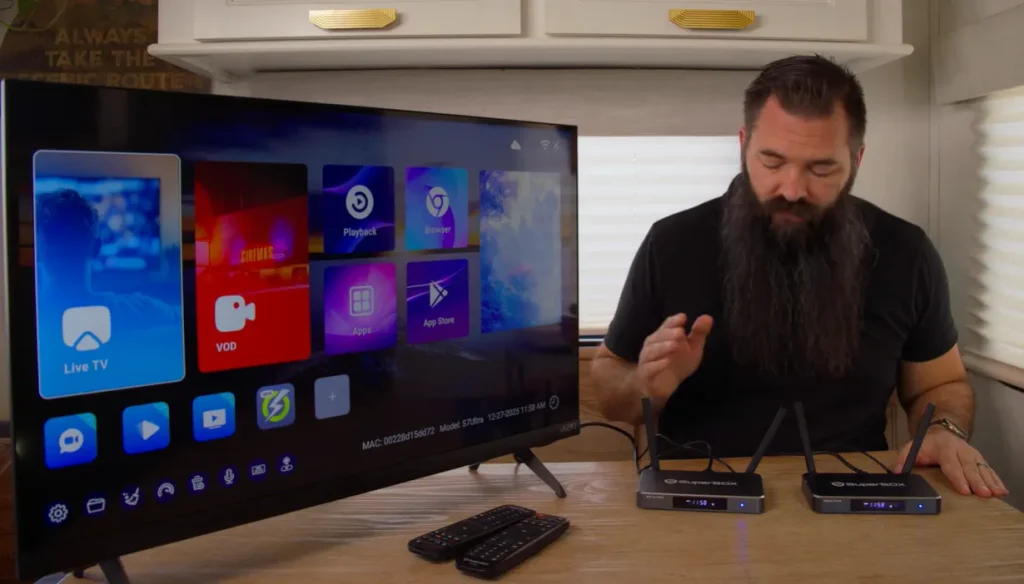
The home launcher interface on the S7 is cleaner and more responsive. App tiles display higher-contrast borders, menu scrolling feels more fluid, and adding custom app shortcuts to the quick-launch row requires fewer remote inputs.
Live channel switching and program guide responsiveness
Channel zapping latency is one of the first differences regular viewers notice. On the S6, changing channels in Blue TV takes between 2.0 and 2.5 seconds, occasionally exhibiting a brief audio lead before the video stream stabilizes.
The S7 cuts channel lock-on latency to 1.2 to 1.5 seconds. Its optimized memory pipeline buffers live feeds faster, providing smooth, instantaneous transitions. Furthermore, the electronic program guide (EPG) grid on the S7 scrolls smoothly through weekly schedules without the render pauses seen on the S6 when browsing large channel lists.
Live television buffer and 7-day cloud playback
Both hardware families access over 1,800 live broadcast networks through Blue TV, including national news, regional sports networks, premium cinema channels, and Canadian stations.
The key functional difference is timeline reach:
- SuperBox S6 series: Includes an 8-hour live time-shift buffer. You can pause live TV, rewind ongoing games, or watch broadcasts that aired earlier that afternoon.
- SuperBox S7 series: Keeps the 8-hour live buffer in Blue TV, but adds integrated access to the 7-day Playback cloud DVR app. Viewers can browse back across seven full days of programming on up to 86 major channels, catching missed sporting events and weekly series on demand.
Voice search speed and microphone accuracy
Voice commands make navigating thousands of channels far simpler. On the S6, pressing the remote microphone key occasionally displays a 1 to 2 second delay before voice capture begins, and loud speaker audio can occasionally distort search queries.
The S7 features a faster local voice interpretation engine. The microphone engages the moment the key is pressed, and improved background noise cancellation filters out TV audio. Searching for team names, specific channel numbers, or actor filmographies returns accurate matches on the first attempt.
Video-on-demand playback and subtitle sync
In Blue VOD, both platforms provide catalogs exceeding 20,000 movies and series updated daily from cloud servers. However, the S7 includes expanded hardware decoder support for AV1 and VP9 streams. This delivers smoother playback on newer streaming encodes, speeds up scrub timelines, and prevents subtitle sync drift during multi-episode viewings.
How do the specific S6 and S7 models compare?
| Lineup Model | Internal Storage | Chassis Material | Best Suited For | Current Store Price |
|---|---|---|---|---|
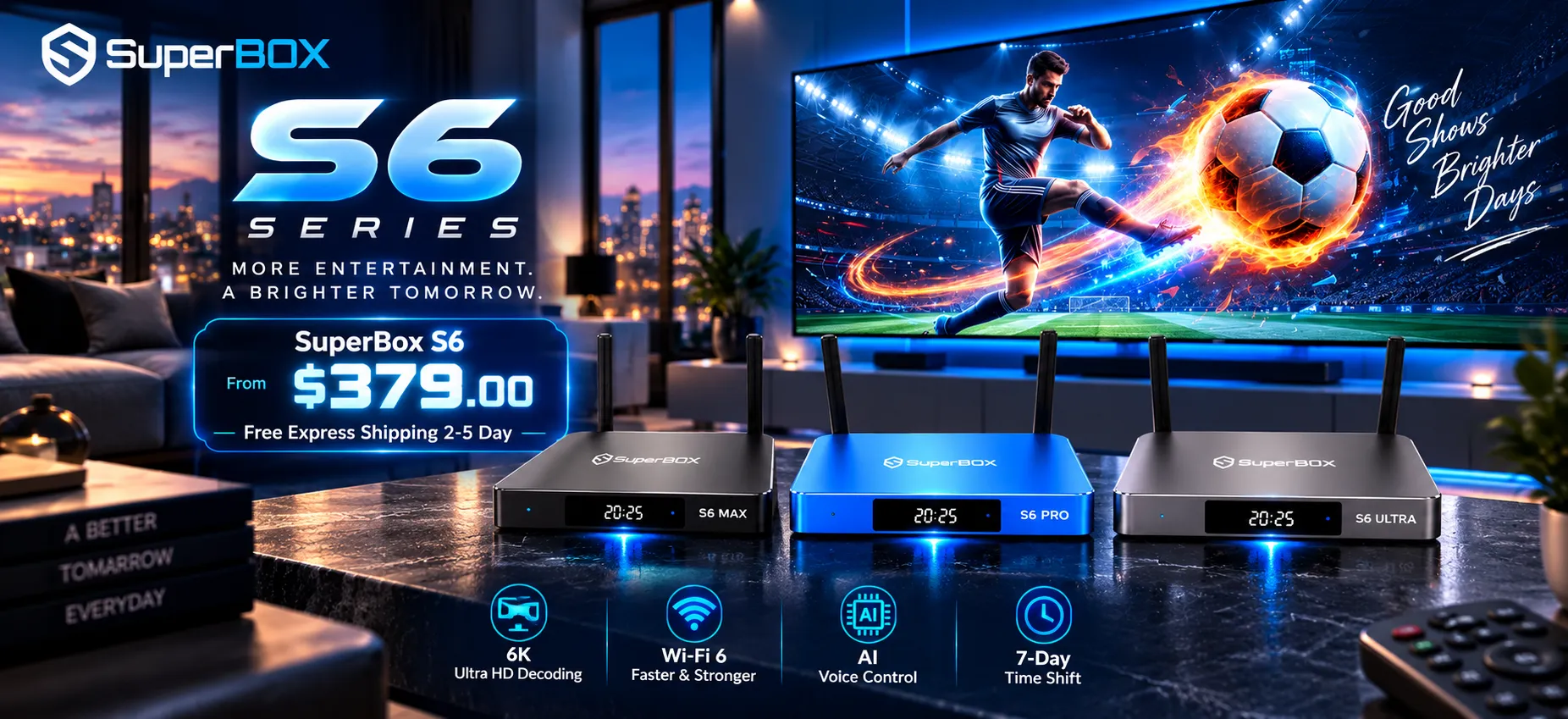
| SuperBox S6 Pro | 32GB Flash | Compact Matte Plastic | Budget-conscious bedroom setups | $299 |
| SuperBox S6 Max | 64GB Flash | Charcoal Aluminum Alloy | Secondary living rooms and cord-cutters | $299 |
| SuperBox S6 Ultra | 128GB Flash | Space Grey Aluminum Alloy | Heavy app collectors on a discount | $299 |
| SuperBox S7 Pro | 32GB Flash | Compact Matte Plastic | Entry-level S7 with USB-C and backlit remote | $305 |
| SuperBox S7 Max | 64GB Flash | Metallic Blue Aluminum Alloy | Primary family living rooms and sports fans | $339 |
| SuperBox S7 Ultra | 128GB Flash | Titanium Silver Metal Enclosure | Enthusiasts wanting maximum storage and build quality | $381 |
Choosing between S6 Pro and S7 Pro
If budget is your top priority for a guest room or garage TV, the S6 Pro handles basic streaming reliably. However, the S7 Pro adds the backlit remote, USB-C power delivery, and access to the 7-day Playback app. For a modest price difference, the S7 Pro delivers substantially better everyday usability.
Choosing between S6 Max and S7 Max
The Max tier represents the sweet spot for most homes. Both offer 64GB of storage, which provides ample space for streaming apps, offline files, and cache data. The S7 Max is the clear winner for sports fans who benefit from 7-day cloud playback and cooler operating temperatures during weekend games.
Choosing between S6 Ultra and S7 Ultra
Both Ultra models feature 128GB of internal storage, dual-band Wi-Fi 6 with external high-gain antennas, and premium metal enclosures. The S7 Ultra stands out with its titanium-silver housing, dedicated side USB-C data port, and faster app switching.
Which streaming box should you choose between S7 & S6?
If you already own an S6 that performs well for your viewing routine, upgrading to the S7 is only necessary if you frequently miss live broadcasts and need the 7-day Playback cloud DVR.
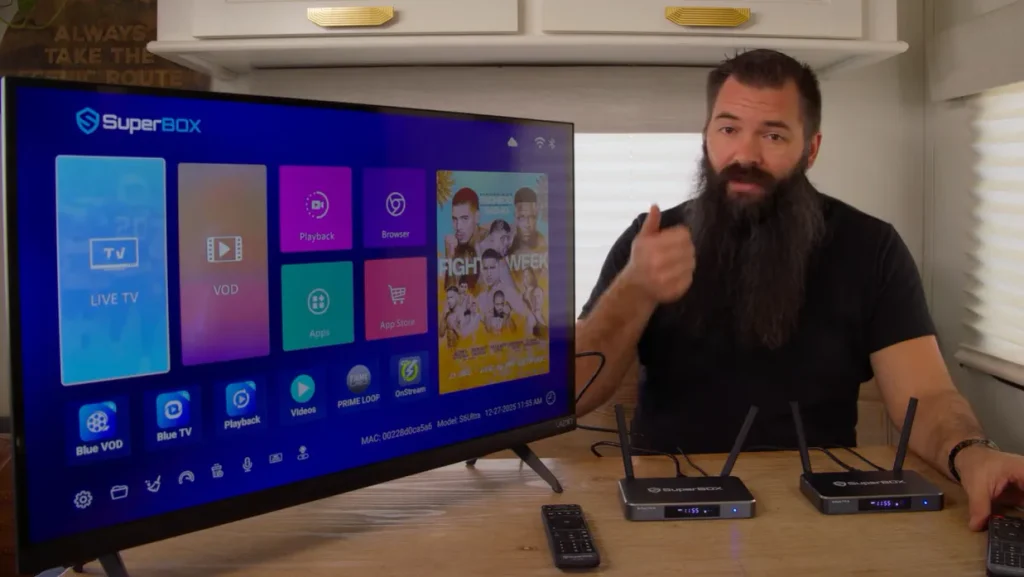
However, if you are purchasing a new streaming console today, the SuperBox S7 is the better overall investment:
- Universal USB-C power input eliminates proprietary charger dependencies
- An illuminated backlit remote makes dark-room viewing effortless
- Rolling 7-day cloud DVR covers 86+ major networks through the Playback app
- Cooler operating temperatures and faster cold boot speeds ensure long-term stability
- Active firmware updates and server optimizations support newer streaming codecs
The SuperBox S6 remains a capable budget choice at closeout prices, but the S7 delivers the refined, complete cord-cutting experience most viewers prefer.
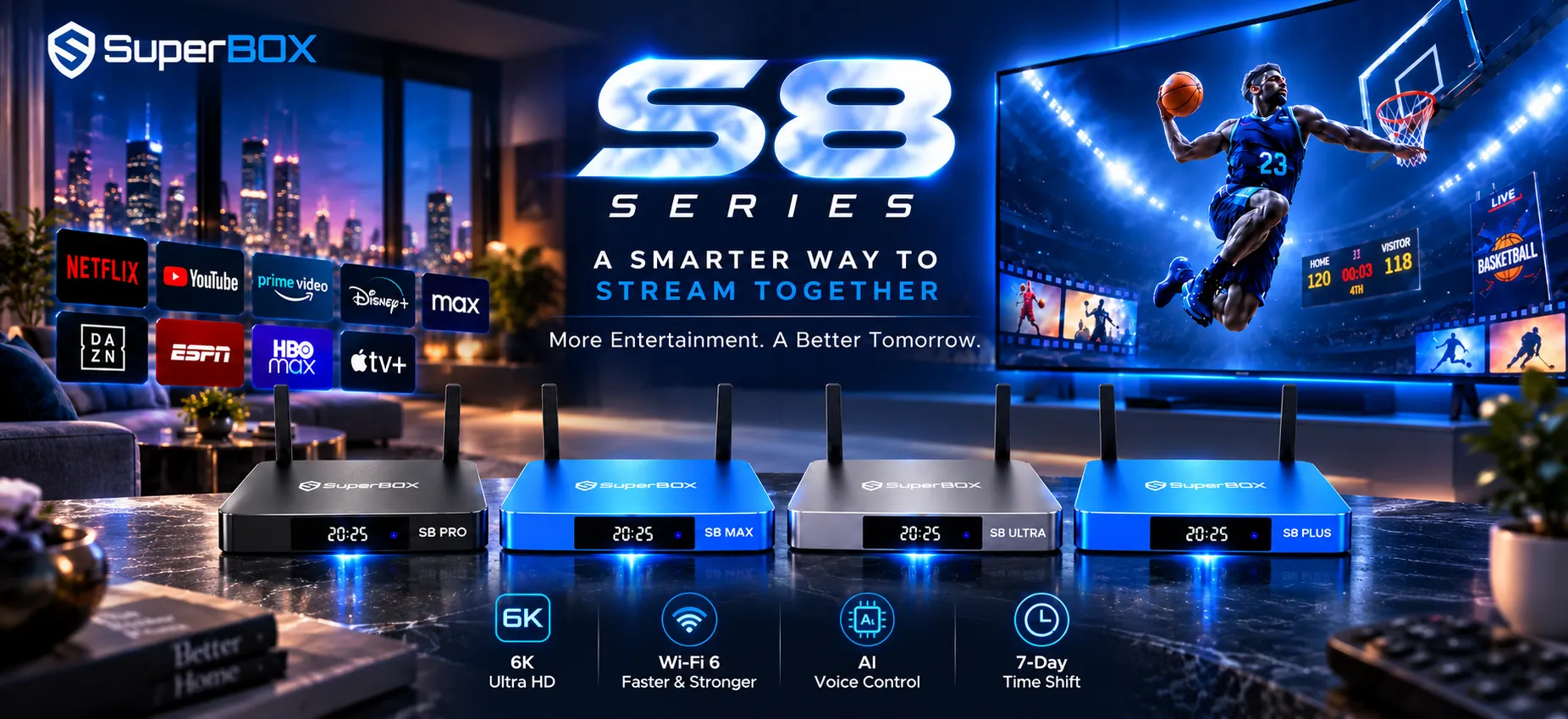
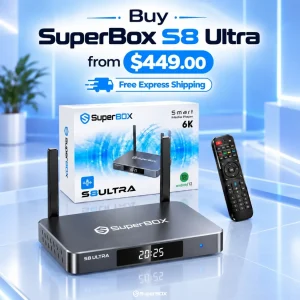
Looking for the newest generation? SuperBox has officially launched the eighth-generation SuperBox S8 series with significant hardware and software advancements.
If you want the most cutting-edge features, the S8 series introduces Picture-in-Picture (PiP), 2-screen Multi-View to watch two live games or channels side by side, direct screen recording, and an upgraded anti-buffering streaming engine powered by Android 12, dual-band Wi-Fi 6, and Gigabit Ethernet.
Explore the latest models in our SuperBox S8 Collection to pick the ideal setup for your home entertainment needs.
Frequently asked questions
Can I upgrade my SuperBox S6 to the S7 software?
No. SuperBox firmware builds are tied to specific motherboard chipsets and hardware MAC addresses. While both systems utilize Android 12, the S7 contains distinct decoder drivers and hardware components that cannot be flashed onto an S6.
Do both the S6 and S7 require monthly subscription fees?
No. Neither the S6 nor the S7 requires any monthly subscriptions, contracts, or recurring fees. Both models provide lifetime hardware access to the pre-installed Blue TV, Blue VOD, and Playback suites.
Will my old S6 remote work on a new S7 box?
Yes. Both generations share compatible Bluetooth and infrared pairing protocols. An S6 remote can control an S7 box, though you would forfeit the convenient backlighting built into the native S7 remote.
How much internet speed is needed for smooth streaming on both devices?
A steady broadband connection of 25 to 30 Mbps is recommended for 1080p high-definition playback. For live 4K streams or cloud DVR playback, 50 Mbps or higher over wired Gigabit Ethernet ensures buffer-free viewing.
What should I do if my S6 or S7 experiences buffering?
Connect your console directly to your router using a Cat6 Ethernet cable instead of Wi-Fi. Additionally, open Android Settings, select Apps, choose Blue TV or Blue VOD, and clear the application cache to remove temporary file buildup.
Reader Discussion & Verified Reviews
Real feedback, setup tips, and hands-on impressions from verified SuperBox owners and tech enthusiasts.