

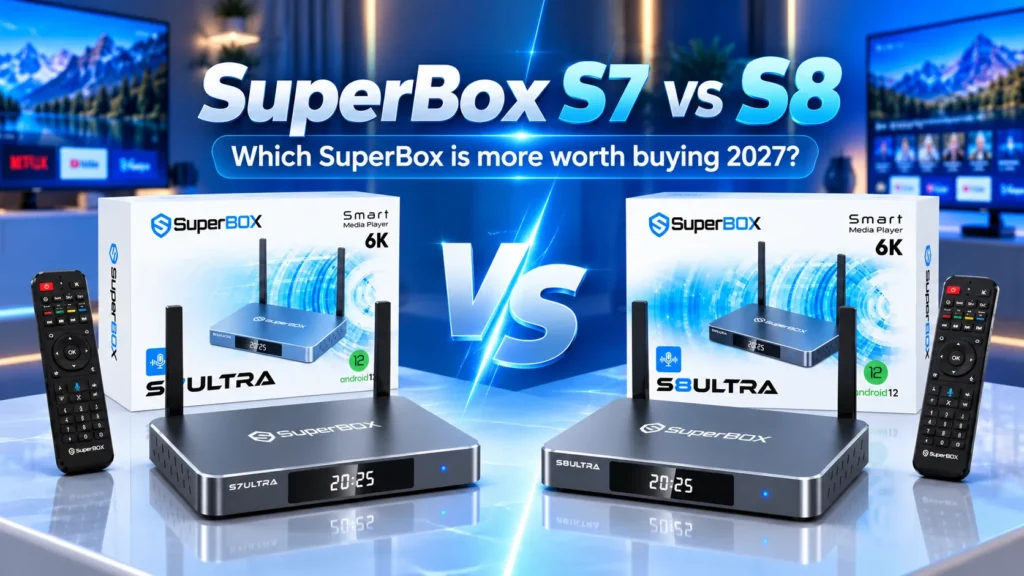
Choosing between the SuperBox S7 and the eighth-generation SuperBox S8 centers on whether you need modern multitasking and direct recording, or simply want a dependable media player for live television.
Both share Android 12, 4GB RAM, dual-band Wi-Fi 6, Gigabit Ethernet, and lifetime access to 2,000+ live channels, 15,000 VOD titles, and 7-day cloud playback with no monthly fees.
However, the SuperBox S8 introduces key software upgrades, including two-screen Multi-View for simultaneous sports watching, Picture-in-Picture, a native screen recorder, and an overhauled streaming engine that prevents home screen kickbacks. This guide examines how both generations compare side by side.
Key specifications at a glance
| Specification | SuperBox S7 Series | SuperBox S8 Series |
|---|---|---|
| Operating System | Android 12 with custom Blue launcher | Android 12 with sidebar quick tools |
| System Memory (RAM) | 4GB High-Speed DDR | 4GB Low-Latency DDR |
| Storage Tiers | 32GB (Pro), 64GB (Max/Prime), 128GB (Ultra) | 32GB (Pro), 64GB (Plus/Max), 128GB (Ultra) |
| Video Decoding | Up to 6K at 60fps, HDR10, AV1, VP9, H.265 | Up to 6K at 60fps, HDR10, AV1, VP9, H.265 |
| Multitasking Modes | Full-screen playback only | Two-screen Multi-View and Picture-in-Picture |
| DVR and Recording | 7-day cloud playback and 8-hour live buffer | Built-in screen recorder plus 7-day cloud playback |
| Networking | Dual-Band Wi-Fi 6 (2T2R) plus 1000Mbps Ethernet | Dual-Band Wi-Fi 6 (2T2R) plus 1000Mbps Ethernet |
| Power Interface | USB-C power delivery port (5V/2A) | USB-C power delivery port (5V/2A) |
| Remote Control | Backlit voice remote on Max and Ultra | Backlit voice remote standard on Ultra |
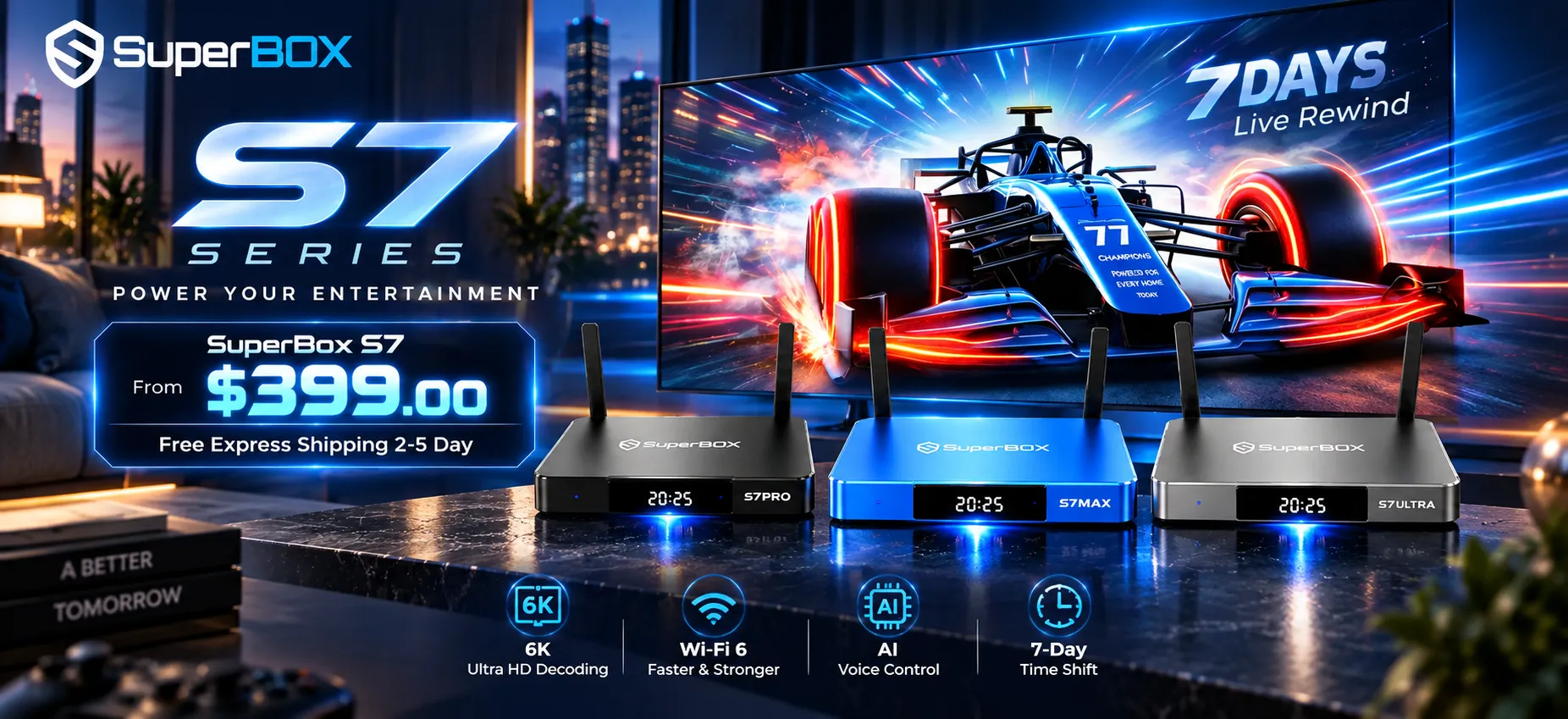
| Store Price Range | $305 to $381 depending on model | $359 to $449 depending on model |
What core hardware features do the S7 and S8 share?
Both generations share the same dependable underlying architecture, pairing a 64-bit Quad-Core ARM Cortex processor with 4GB of system memory. This provides ample headroom to buffer high-bitrate streams while keeping navigation responsive.
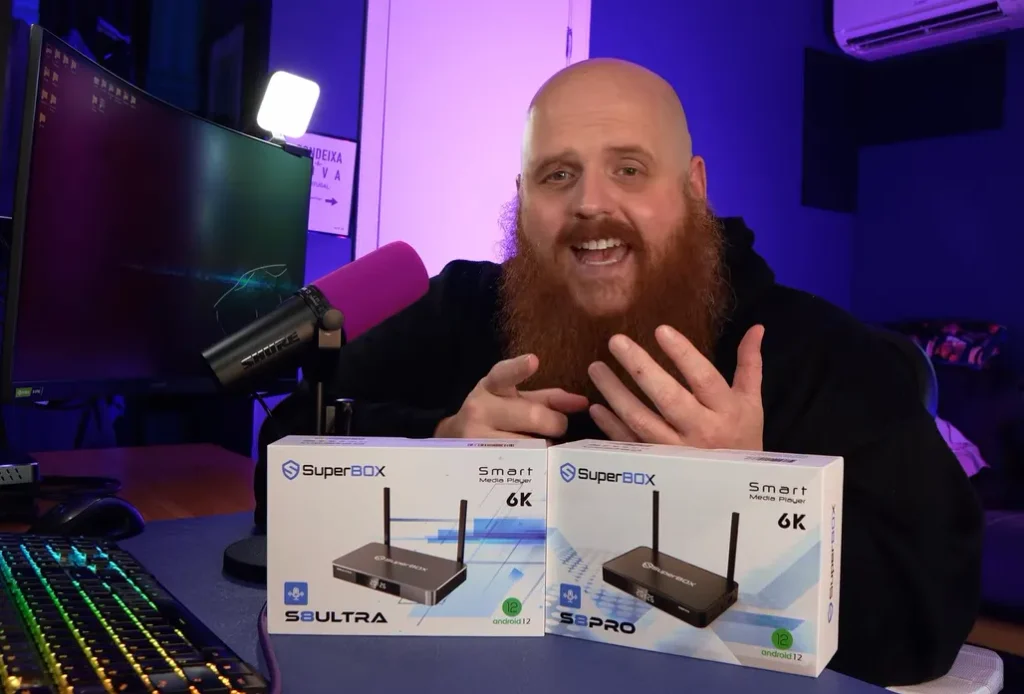
Networking specs are identical. Both integrate dual-band Wi-Fi 6 modules with dual external 2T2R antennas for reliable signal penetration, alongside an RJ45 Gigabit Ethernet port delivering 1000Mbps wired speeds.
Each series features hardware-level 6K decoding at 60fps across HDR10, AV1, VP9, and H.265 codecs, powered through detachable USB-C ports rather than fragile barrel connectors.
What are the biggest software and functional upgrades in the S8 series?
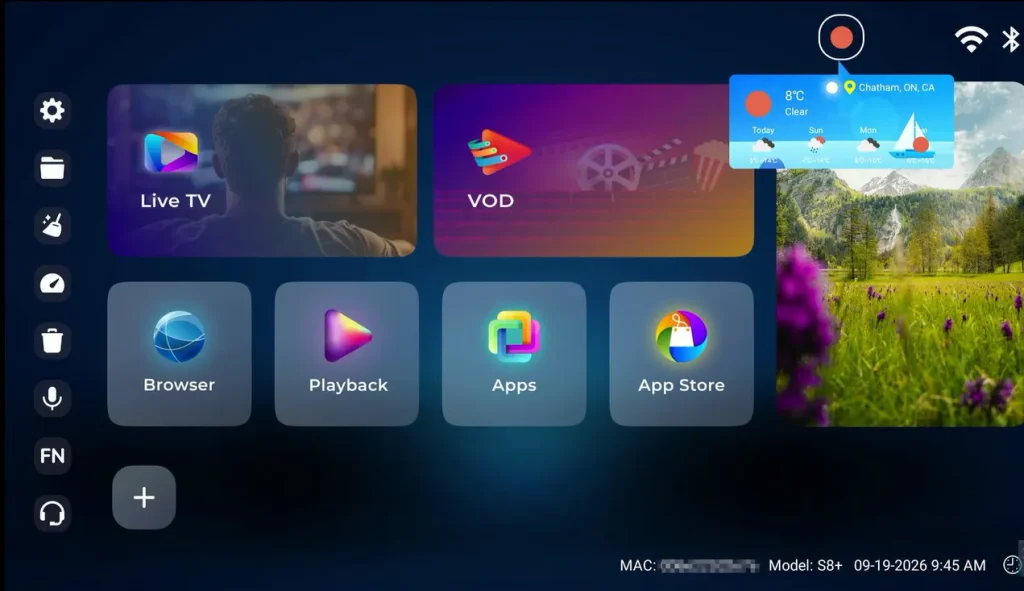
While raw processing speed is comparable, the user experience differs markedly because of several major software features developed specifically for the S8 release.
Two-screen Multi-View for simultaneous live broadcasts
The premier functional addition on the S8 is native Multi-View playback, splitting your screen into two independent video panels to stream two live broadcasts simultaneously.
For sports fans, this allows tracking two football games or pay-per-view events simultaneously. On the flagship S8 Ultra, Multi-View operates across the complete channel roster, while entry tiers focus on designated sports feeds.
Picture-in-Picture mode for uninterrupted multitasking
The S8 also adds Picture-in-Picture windowing. Tapping the PIP control shrinks your broadcast into a compact floating corner window, allowing you to browse the guide, adjust settings, or explore VOD titles without interrupting live audio and video.
Native built-in screen recording without third-party apps
Viewers who miss daytime broadcasts or live sporting events will appreciate the S8 series built-in screen recorder. Unlike the S7, which relies entirely on server-side 7-day cloud playback, the S8 captures live streams directly to internal flash memory or external USB storage.
To record programming on the S8:
- Connect a USB 3.0 flash drive or portable hard drive formatted in FAT32 or exFAT
- Open your live broadcast and open the recording tool from the sidebar
- Set a recording duration or tap capture to begin saving in the background
- Access completed recordings inside the media player app for offline viewing
This ensures favorite championship bouts, concerts, and family programs remain accessible permanently on local storage.
Re-engineered streaming engine and home screen stability
A common annoyance on earlier streaming hardware was the occasional sudden return to the home launcher during peak sporting events, caused when micro-drops in stream packets triggered player timeouts.
The S8 series solves this with an updated 2027 streaming engine featuring adaptive buffer management. When network speeds fluctuate, the player maintains buffer reserves rather than crashing to the home screen. Channel lock-on speeds are also faster, switching between HD feeds in 1.0 to 1.3 seconds.
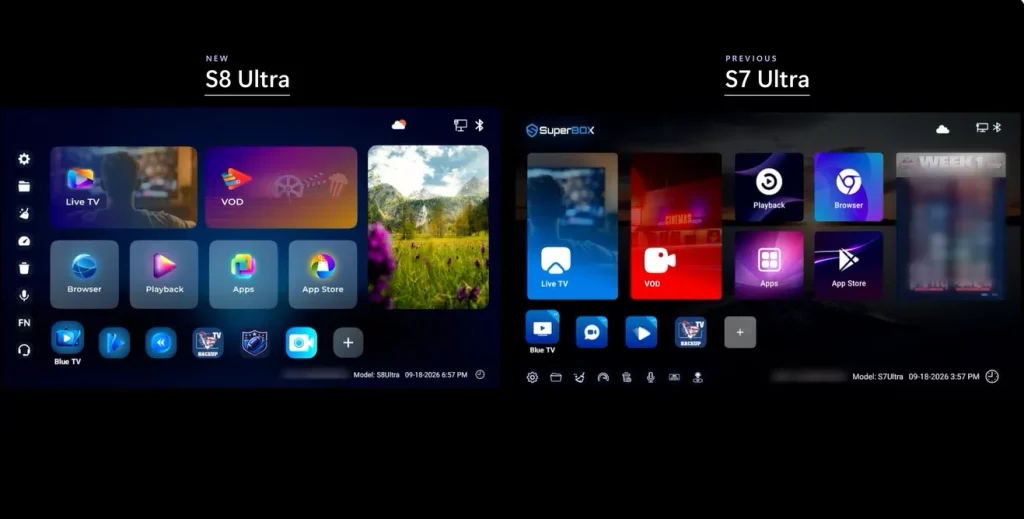
Redesigned launcher interface with quick-access sidebar tools
The S8 launcher introduces a sliding utility dock along the left edge for one-touch access to favorites, recording schedules, and Multi-View toggles. High-contrast channel cards improve readability across living rooms, while Blue VOD adds filtering across 15,000+ titles by year and genre.
How does daily performance and streaming feel on both generations?
Both platforms operate noticeably faster than generic streaming dongles, though subtle differences emerge during daily use.
Live channel switching and guide responsiveness
Channel browsing on the S7 is responsive, acquiring 1080p streams in roughly 1.5 seconds with smooth guide navigation. The S8 accelerates this further, locking onto channels in roughly a second and pre-loading guide metadata to eliminate scrolling lag.
Thermal architecture and extended playback stability
Extended 4K streaming generates heat. While the S7 addressed this with perimeter vents and aluminum cases on Max and Ultra editions, the S8 refines thermal design further.
Using enlarged internal heat distribution plates and efficient voltage regulation, the S8 maintains casing temperatures between 96 and 102 degrees Fahrenheit under load, preventing thermal throttling.
Remote control usability and voice search speed
Remote configurations differ between generations. On the S7 lineup, illuminated backlit remotes were included with both Max and Ultra models. On the S8 series, the RC-200L backlit remote is reserved exclusively for the flagship S8 Ultra, while Pro, Plus, and Max tiers include non-backlit Bluetooth remotes.
Both versions provide Bluetooth 5.2 connectivity and accurate microphone pickups, with the S8 delivering slightly faster voice query responses.
What do independent tech reviewers say about the SuperBox S8?
TORR3NT Tech on software stability and Multi-View performance
In his review of the S8 Ultra, creator TORR3NT Tech explains at the 4:11 mark that the rebuilt streaming engine successfully eliminates unexpected kickbacks to the home screen during live broadcasts.
Earlier at the 2:30 mark, he demonstrates two-screen Multi-View for tracking simultaneous sports feeds, and at the 3:06 mark, he details the built-in recording tool and required USB drive formats. He also notes at the 4:26 mark that the backlit remote is now exclusive to the S8 Ultra tier.
THE RAFCAVE on unboxing impressions and chassis build
During his S8 Max unboxing, reviewer Raph from THE RAFCAVE highlights at the 0:28 mark that 64GB storage provides generous headroom for offline recordings and extra applications.
At the 1:30 mark, he inspects the included remote and clarifies that the S8 Max uses a standard non-backlit Bluetooth controller, while noting at the 2:14 mark that the chassis features a dedicated USB-C storage input alongside standard USB ports for external media.
XC techs on daily streaming navigation and Wi-Fi reception
Testing the hardware in their S8 Plus review, the XC techs team examines the dual external Wi-Fi 6 antennas at the 4:45 mark, noting their wall penetration in multi-room setups. At the 7:21 mark, they demonstrate the redesigned home interface, highlighting fast category transitions across the 15,000+ title Blue VOD catalog and quick voice search query responsiveness.
How do the specific S7 and S8 models compare across tiers?
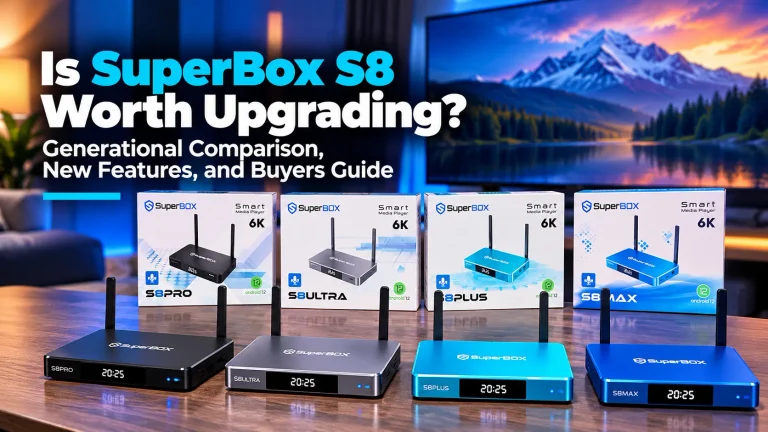
SuperBox organizes both the S7 and S8 generations into entry, mid-tier, and premium storage configurations to suit different budgets and user habits.
| Lineup Model | Internal Storage | Chassis Finish | Key Hardware and Software Highlights | Current Store Price |
|---|---|---|---|---|
| SuperBox S7 Pro | 32GB Flash | Matte Black Plastic | Reliable core streaming, USB-C power, backlit remote | $305 |
| SuperBox S7 Max | 64GB Flash | Metallic Blue Aluminum | Ample app storage, aluminum housing, backlit remote | $339 |
| SuperBox S7 Ultra | 128GB Flash | Titanium Silver Metal | Maximum storage, premium housing, backlit remote | $381 |
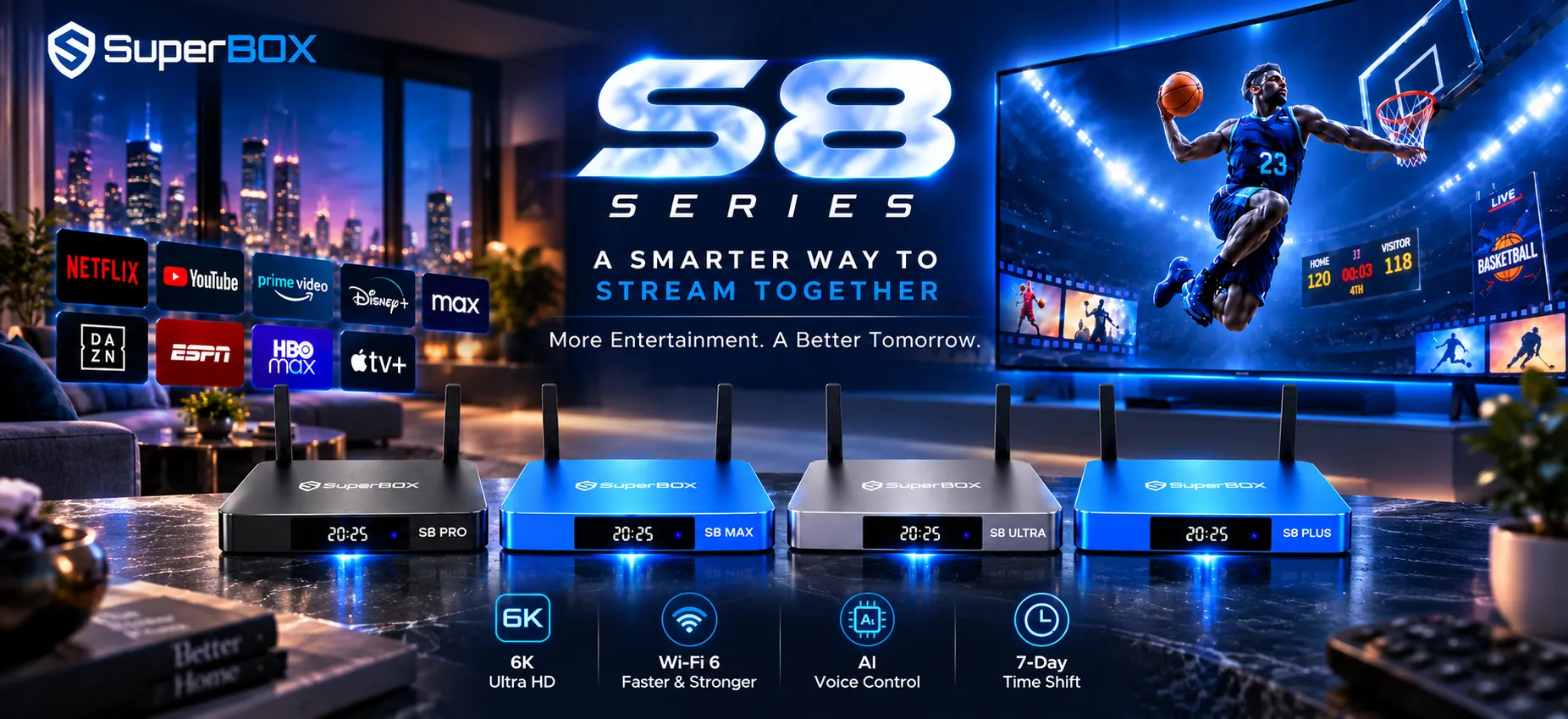
| SuperBox S8 Pro | 32GB Flash | Matte Black Alloy | Entry S8, basic Multi-View, built-in recording app | $359 |
| SuperBox S8 Plus | 64GB Flash | Ocean Blue Alloy | Balanced storage, mid-tier recording, compact footprint | $379 |
| SuperBox S8 Max | 64GB Flash | Metallic Blue Alloy | Full-channel Multi-View, screen recording, metal body | $399 |
| SuperBox S8 Ultra | 128GB Flash | Metallic Silver Metal | 128GB flash, full Multi-View, backlit remote, glass clock | $449 |
Choosing between entry models like S7 Pro and S8 Pro
The SuperBox S7 Pro at $305 provides dependable lifetime streaming with USB-C power and a backlit remote. For users wanting direct screen recording and entry-level split-screen viewing, the S8 Pro at $359 adds those features for a modest premium.
Choosing between mid-range models like S7 Max and S8 Max or Plus
The 64GB tier is the sweet spot for living rooms. The S7 Max at $339 offers aluminum housing and proven playback. Meanwhile, the S8 Plus ($379) and S8 Max ($399) unlock full Multi-View and local recording, making the S8 Max ideal for avid sports fans.
Choosing between flagship models like S7 Ultra and S8 Ultra
Both Ultra editions feature 128GB storage, dual external antennas, and front clock displays. The S8 Ultra at $449 tops the lineup by pairing the RC-200L backlit voice remote with unrestricted Multi-View, Picture-in-Picture, and direct recording inside a heavy-duty metal enclosure.
Which generation should you choose for your entertainment setup?
Your choice between the S7 and S8 depends primarily on whether your viewing routine centers on traditional full-screen television or advanced multitasking:
- Choose the SuperBox S7 series for the best dollar-for-dollar value, offering the same lifetime live channels, on-demand library, and 7-day playback as newer units.
- Keep your existing S7 device if it meets your viewing needs, as core video decoding and network speeds remain practically identical.
- Choose the SuperBox S8 series if you follow sports and want two-screen Multi-View or need built-in screen recording to save broadcasts locally.
- Upgrade to the S8 Ultra if you want the ultimate living room console with 128GB storage, the RC-200L backlit remote, and full-channel Multi-View.
Explore the latest eighth-generation hardware: If you are purchasing a brand-new media console and want access to two-screen Multi-View, Picture-in-Picture, native screen recording, and the re-engineered 2027 streaming engine, explore our complete SuperBox S8 Collection to pick the ideal model for your home.
Frequently asked questions
Can I get Multi-View or screen recording on my SuperBox S7 through a firmware update?
No. Multi-View, Picture-in-Picture, and native screen recording are built into the S8 firmware. While the S7 receives regular server and channel updates, multitasking remains exclusive to the S8.
Do either the S7 or S8 require monthly subscription fees?
No. Neither generation requires contracts, monthly fees, or recurring charges. Purchasing either device includes lifetime access to Blue TV, Blue VOD, and 7-day Playback.
What kind of USB drive is needed for recording on the S8?
Use a USB 3.0 flash drive or portable solid-state drive with write speeds of at least 30 Mbps, formatted as FAT32 or exFAT. Slower USB 2.0 thumb drives may cause dropped frames during live HD recording.
What internet speed is recommended for buffer-free 4K streaming?
A steady download speed of 25 to 30 Mbps is recommended for standard HD viewing. For 4K streams or running dual feeds via Multi-View on the S8, a wired connection of 50 to 100 Mbps ensures uninterrupted playback.
Is it worth upgrading to the S8 if my S7 is running smoothly?
If you watch one channel at a time or browse evening movies, your S7 delivers plenty of performance. However, if you track simultaneous sports games or want local recording, the S8 represents a worthwhile upgrade.
Reader Discussion & Verified Reviews
Real feedback, setup tips, and hands-on impressions from verified SuperBox owners and tech enthusiasts.