

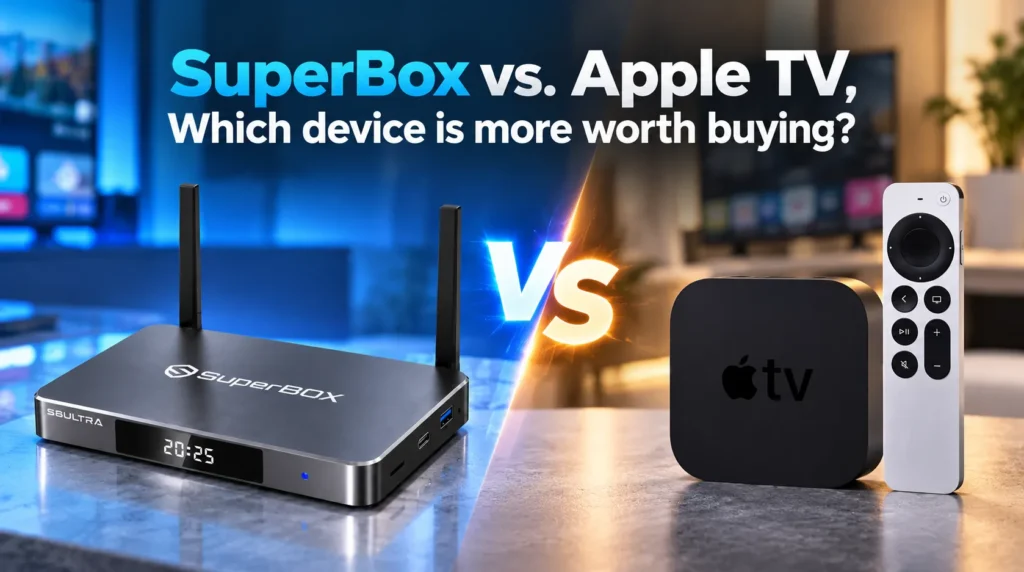
The premium streaming market offers two distinct approaches for your home entertainment: SuperBox and Apple TV 4K. While both outperform budget streaming sticks in speed and build quality, they are built with opposing philosophies and cost structures.
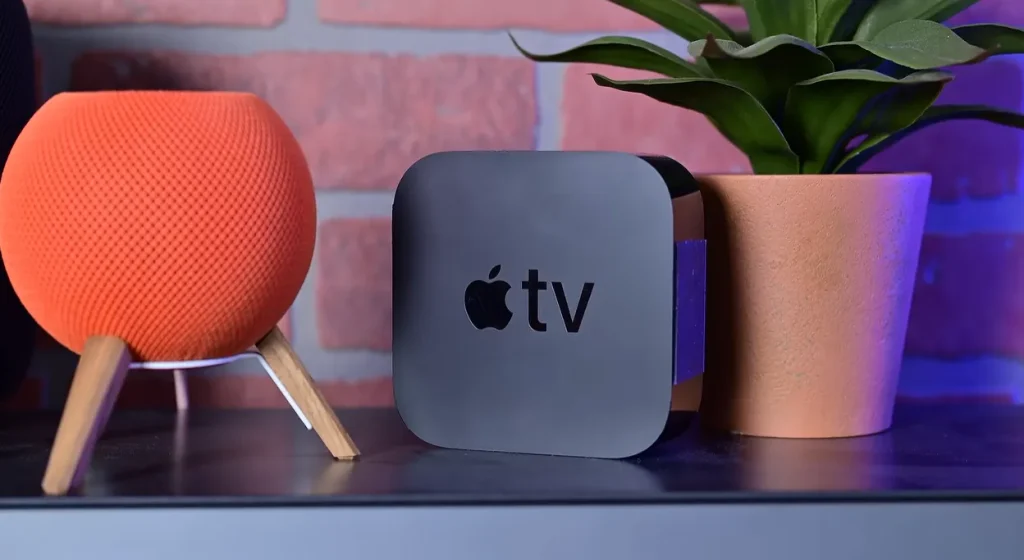
Apple TV 4K is powered by Apple’s A15 Bionic chip and delivers fluid animations, seamless iPhone integration, and polished tvOS experience. However, it operates on a strict “Bring Your Own Content” model — every live channel, sports package, and movie library requires a separate paid monthly subscription. There are zero live channels included out of the box.
SuperBox is an all-in-one cord-cutting console. Out of the box, it delivers 1,800+ live broadcast networks, 20,000+ on-demand titles, and a dedicated 7-day rolling cloud DVR through its Blue Series ecosystem — completely eliminating recurring subscription fees.
How do SuperBox and Apple TV compare on specs?
| Feature | SuperBox S8 Ultra / S7 Max | Apple TV 4K (3rd Gen) |
|---|---|---|
| Primary Objective | Turnkey cord-cutting console | Ecosystem client for paid services |
| Processor | 64-bit Quad-Core ARM Cortex | Apple A15 Bionic (6-Core CPU, 5-Core GPU) |
| RAM | 4 GB DDR4 | 4 GB LPDDR4X |
| Storage | 64 GB / 128 GB eMMC | 64 GB / 128 GB NVMe |
| OS | Open Android TV | tvOS (Closed walled garden) |
| Live TV Channels | 1,800+ HD/4K included | None — requires YouTube TV, Sling, etc. |
| Sports & PPV | NFL, NBA, MLB, NHL, College, PPV included | Requires individual league pass subscriptions |
| Cloud DVR | 7-day rolling Playback (86+ channels) | None included |
| Sideloading | Full APK freedom | Blocked — App Store only |
| Ports | HDMI 2.1, Optical SPDIF, 3.5mm AV, USB 3.0, TF | HDMI 2.1, Gigabit LAN (128GB model only) |
| Storage Expansion | MicroSD up to 256 GB + USB | None |
| Wi-Fi | Wi-Fi 6 dual external antennas | Wi-Fi 6 internal antennas |
| Remote | Backlit voice remote, mute + 0-9 pad | Siri Remote (no numeric pad) |
| 24-Month Total Cost | $329–$399 one-time | $3,200–$3,800+ hardware + subscriptions |
How much does each device actually cost over two years?
While Apple TV 4K has a lower upfront price ($129–$149 vs $329–$399 for SuperBox), Apple TV provides zero content. Replacing cable on Apple TV means stacking expensive monthly subscriptions.
| Expense | Apple TV 4K 128GB Setup | SuperBox S8 Ultra Setup |
|---|---|---|
| Hardware (one-time) | $149.00 | $379.00 |
| Live TV — YouTube TV ($79.99/mo x 24) | $1,919.76 | $0 — included in Blue TV |
| Regional Sports Network Add-On ($15/mo x 24) | $360.00 | $0 — included |
| Netflix 4K ($22.99/mo x 24) | $551.76 | $0 — included in Blue VOD |
| Apple TV+ ($9.99/mo x 24) | $239.76 | $0 — included |
| Max Streaming ($16.99/mo x 24) | $407.76 | $0 — included |
| 24-Month Household Total | $3,628.04 | $379.00 |
| Net Savings | Baseline | $3,249+ saved |
Over 24 months, maintaining subscription stacks on Apple TV costs over $3,600. SuperBox amortizes its upfront cost in roughly 75 to 90 days. From month four onward, your entertainment cost drops to zero, saving your household over $3,200 across two years.
How does the hardware compare?
Examining the physical hardware highlights the contrasting design priorities of each manufacturer.
The Apple TV 4K’s A15 Bionic chip delivers unmatched raw computational power, rendering tvOS menus and Apple Arcade games effortlessly. However, the 3rd generation model removed the internal cooling fan, relying entirely on passive dissipation within a compact plastic housing that can become warm during sustained high-bitrate decoding.
SuperBox prioritizes video decoding efficiency, thermal durability, and peripheral flexibility. Its 64-bit quad-core ARM Cortex processor with Mali-G31 GPU natively decodes real-time AV1, H.265 (HEVC), and VP9 up to 6K and 8K resolutions.
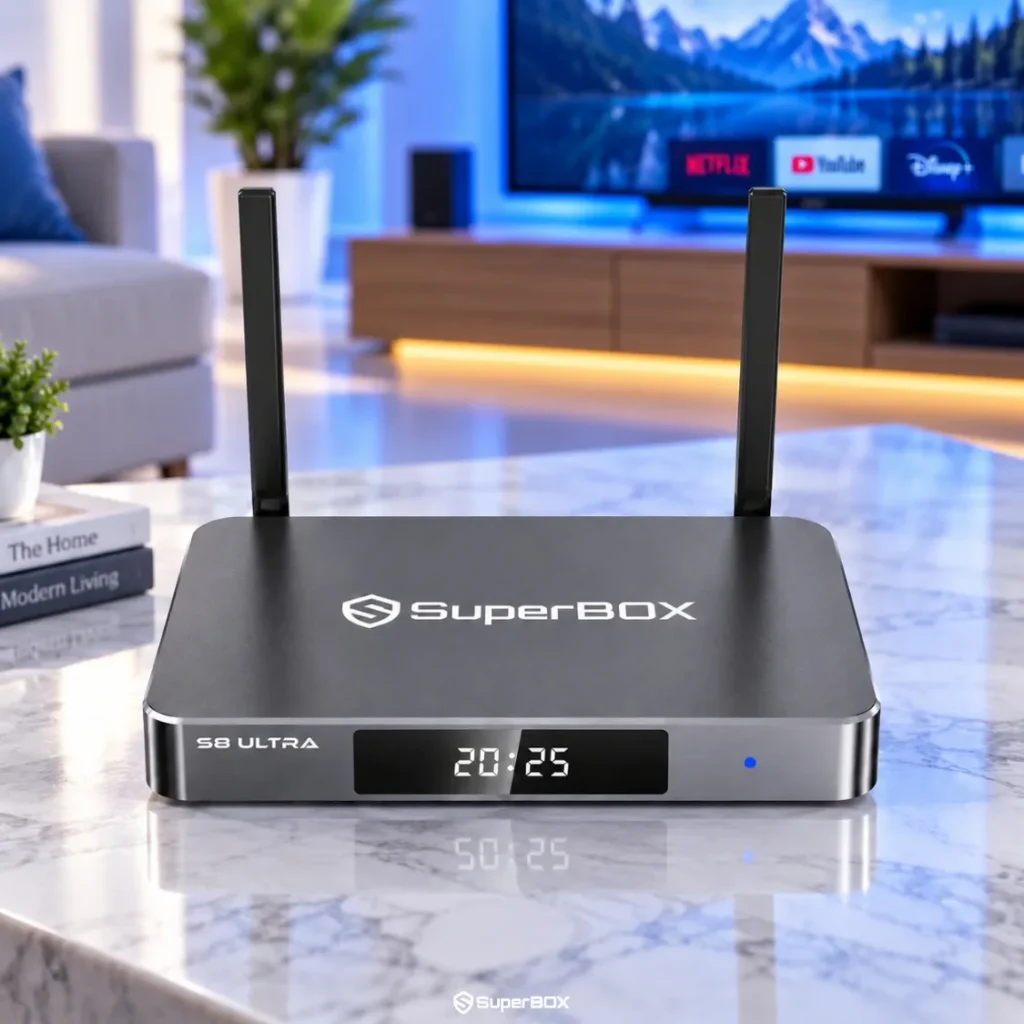
Key hardware advantages of SuperBox over Apple TV 4K:
- Aluminum alloy heatsink chassis: The metal shell functions as an oversized passive heatsink, keeping the processor cool without thermal throttling during extended 4K viewing sessions
- Optical SPDIF audio output: SuperBox includes digital optical audio for soundbars and AV receivers — Apple TV 4K omits this entirely
- USB 3.0 + MicroSD slot: Local media playback and storage expansion up to 256 GB via MicroSD card — Apple TV 4K has no expansion ports
- Dual external Wi-Fi 6 antennas: Superior signal penetration through walls. Apple TV 4K uses internal trace antennas, and Gigabit Ethernet requires the more expensive $149 variant
- Backlit numeric remote: Full 0-9 keypad for direct channel entry in Blue TV — Apple’s Siri Remote has no number buttons
Which software ecosystem gives you more content?
The software experience defines your daily media accessibility.
What does SuperBox include out of the box?
SuperBox runs an open Android TV platform optimized for media consumption without commercial ads or bloatware. It connects directly to dedicated global CDN clusters, delivering:
- Blue TV: 1,800+ live broadcast networks including local news affiliates, 24/7 cable news, and premium sports feeds — with 1.5-second channel switching
- Blue VOD: 20,000+ regularly refreshed movies and complete TV series with multi-language subtitle support
- Playback App: 7-day rolling cloud DVR archiving 86+ major networks — all recordings reside on server clusters, preserving your local storage
- Full sideloading freedom: Install custom APKs, use Chrome or Firefox, or download apps from the Google Play Store
What does Apple TV 4K include out of the box?
Apple’s tvOS is visually elegant, ad-free, and snappy. For users invested in Apple hardware, it offers smooth conveniences including Siri Remote dictation with iPhone keyboard sync, seamless AirPods Pro spatial audio pairing, and HomeKit camera integrations.
However, tvOS is a strictly closed environment. Apple bans web browsers, blocks APK sideloading, and forbids popular open-source aggregators like Kodi. You are entirely confined to App Store-approved applications, and zero live channels are included.
Which device should you choose?
- Choose SuperBox if you want to eliminate cable bills and watch 1,800+ live broadcast networks, local news, and regional sports without monthly invoices. You get a 7-day rolling cloud DVR, optical SPDIF audio, USB media playback, and open Android sideloading. SuperBox saves your household over $3,200 across two years compared to Apple TV with subscriptions.
- Choose Apple TV 4K if you are committed to the Apple ecosystem — AirPlay 2, AirPods Spatial Audio, HomeKit — and already subscribe to commercial streaming apps. Apple TV 4K excels for tvOS animations, Apple Arcade gaming, and AirPlay screen mirroring from iPhones.
Frequently asked questions
Can I watch Apple TV+ content on SuperBox?
Yes. Because SuperBox runs open Android TV with Google Play Store access, you can install the official Apple TV app. With an active Apple ID or Apple TV+ subscription, you can sign in and stream 4K originals.
Why doesn’t Apple TV 4K include free live television?
Apple manufactures the Apple TV 4K strictly as a consumer hardware client. Apple does not operate live broadcast networks. Watching live TV on Apple TV requires subscribing separately to services like YouTube TV or Sling TV.
Does SuperBox support optical audio for older soundbars?
Yes. SuperBox features a dedicated optical SPDIF digital audio output alongside HDMI 2.1 and a 3.5mm AV port. The Apple TV 4K omits optical audio entirely, restricting audio to HDMI only.
How does Wi-Fi reception compare?
SuperBox features dual external high-gain dipole antennas supporting Wi-Fi 6 (802.11ax), allowing physical angle adjustment for superior wall penetration. Apple TV 4K relies on internal trace antennas, which experience higher signal drop over distance. Both offer Gigabit Ethernet for wired connections.
Is SuperBox legal to use in the United States?
Yes. SuperBox hardware is a legal Android TV device. The content delivered through Blue TV operates under content distribution agreements. SuperBox units purchased from authorized distributors are fully legal for use in the United States and Canada.



Reader Discussion & Verified Reviews
Real feedback, setup tips, and hands-on impressions from verified SuperBox owners and tech enthusiasts.