

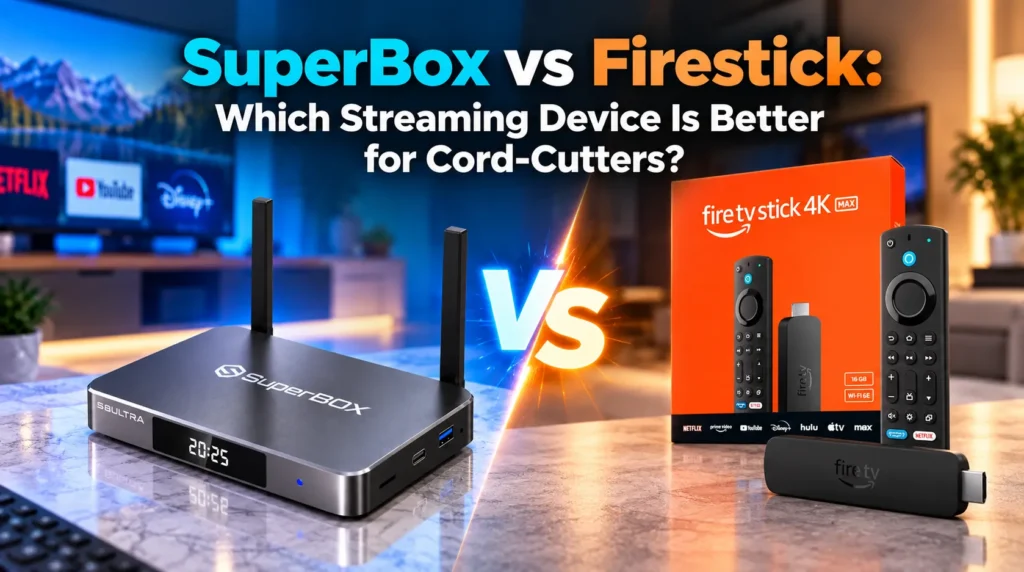
The search for the ideal streaming device often leads to a classic choice: the budget Amazon Fire TV Stick versus the high-performance SuperBox set-top console. While both connect via HDMI, they represent fundamentally different approaches to home entertainment.
The Amazon Firestick is an inexpensive dongle designed to push subscriptions to Prime Video, Netflix, and live TV bundles. Many buyers hope to “jailbreak” it for free channels — only to encounter broken links, storage warnings, Fire OS ads, and overheating. SuperBox is an all-in-one cord-cutting console with industrial metal cooling, 64–128 GB storage, and a turnkey Blue Series ecosystem delivering 1,800+ live channels, 20,000+ on-demand titles, and a 7-day cloud DVR with no monthly fees.
How do SuperBox and Firestick compare on specs?
| Feature | SuperBox S8 Ultra / S7 Max | Amazon Fire TV Stick 4K Max |
|---|---|---|
| Form Factor | Desktop set-top console | Plastic HDMI dongle |
| Chassis and Cooling | Aluminum alloy passive heatsink | Sealed plastic — prone to throttling |
| RAM | 4 GB DDR4 | 2 GB LPDDR4 |
| Storage | 64 GB / 128 GB eMMC | 16 GB eMMC (approx. 11 GB usable) |
| Ethernet | Built-in Gigabit 1,000 Mbps | None — adapter required, capped at 100 Mbps |
| Wi-Fi | Wi-Fi 6 dual external antennas | Wi-Fi 6E internal antennas |
| Ports | HDMI 2.1, Optical SPDIF, 3.5mm, USB 3.0, TF | Single HDMI plug + USB-C power only |
| Storage Expansion | MicroSD up to 256 GB | OTG Y-cable workaround only |
| Live TV and Sports | 1,800+ HD/4K channels included | None — requires YouTube TV, Sling, etc. |
| Cloud DVR | 7-day rolling Playback (86+ channels) | None — paid apps only |
| Interface | Clean ad-free Android TV | Ad-heavy Fire OS with auto-playing trailers |
| Sideloading | Full Android freedom | Fire OS lockdown — launchers and ADB blocked |
| Remote | Backlit voice remote with mute and 0-9 keypad | Minimalist remote, no numeric pad |
| 24-Month Total Cost | $329–$399 one-time | $2,500–$3,200+ with subscriptions |
How much does each device actually cost over two years?
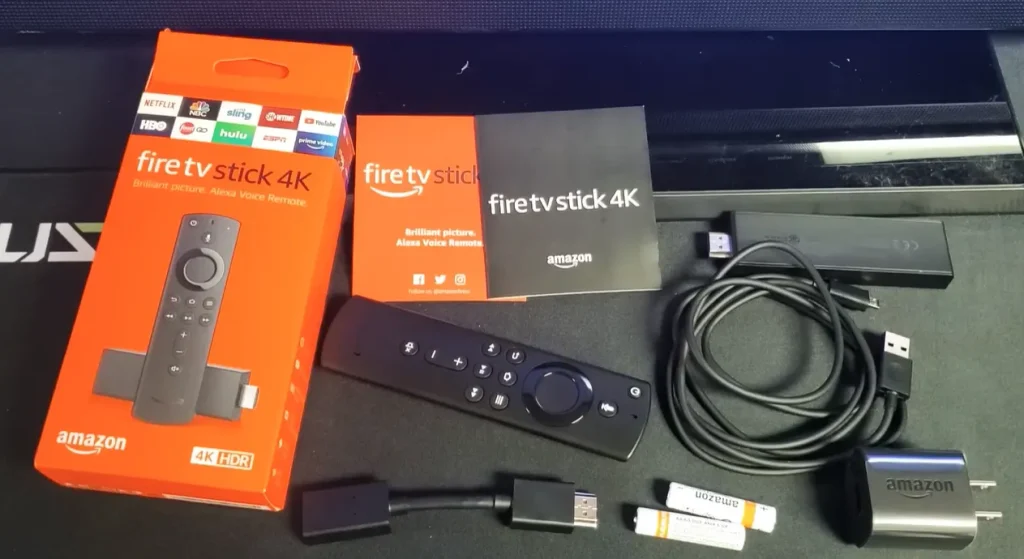
While a Firestick costs $50–$60 upfront, it includes no content. Replacing cable means stacking expensive monthly subscriptions that add up fast.
| Expense | Amazon Firestick 4K Max | SuperBox S8 Ultra |
|---|---|---|
| Hardware | $59.99 | $379.00 |
| Ethernet Adapter | $14.99 | $0 — built-in Gigabit |
| Live TV — YouTube TV x 24 months | $1,919.76 | $0 — included in Blue TV |
| Regional Sports Add-On x 24 months | $360.00 | $0 — included |
| Netflix 4K x 24 months | $551.76 | $0 — included in Blue VOD |
| Max Streaming x 24 months | $407.76 | $0 — included |
| 24-Month Total | $3,314.26 | $379.00 |
| Net Savings | Baseline | Nearly $3,000 saved |
Stacking subscriptions on a Firestick costs $135–$145 per month, totaling over $3,300 across two years. SuperBox amortizes its cost in 75 to 90 days. From month four onward, your household saves over $130 every month.
How does the hardware hold up under real-world use?
Thermal design and overheating
Amazon Firesticks seal the processor inside plastic pressed against your TV’s hot rear panel. Under 4K HDR playback, temperatures reach 75 to 85°C. The processor throttles to manage heat — causing video stuttering during live sports, remote lag, and sudden reboots.
SuperBox models are built inside an aluminum alloy chassis that acts as a passive heatsink, dissipating heat silently. The console stays cool even during all-day 4K sports marathons with no throttling.
Storage and memory
The Firestick 4K Max offers 16 GB of storage, but Fire OS consumes nearly 5 GB — leaving roughly 11 GB usable. Installing six apps quickly triggers “Critically Low Storage” warnings and slows the interface.
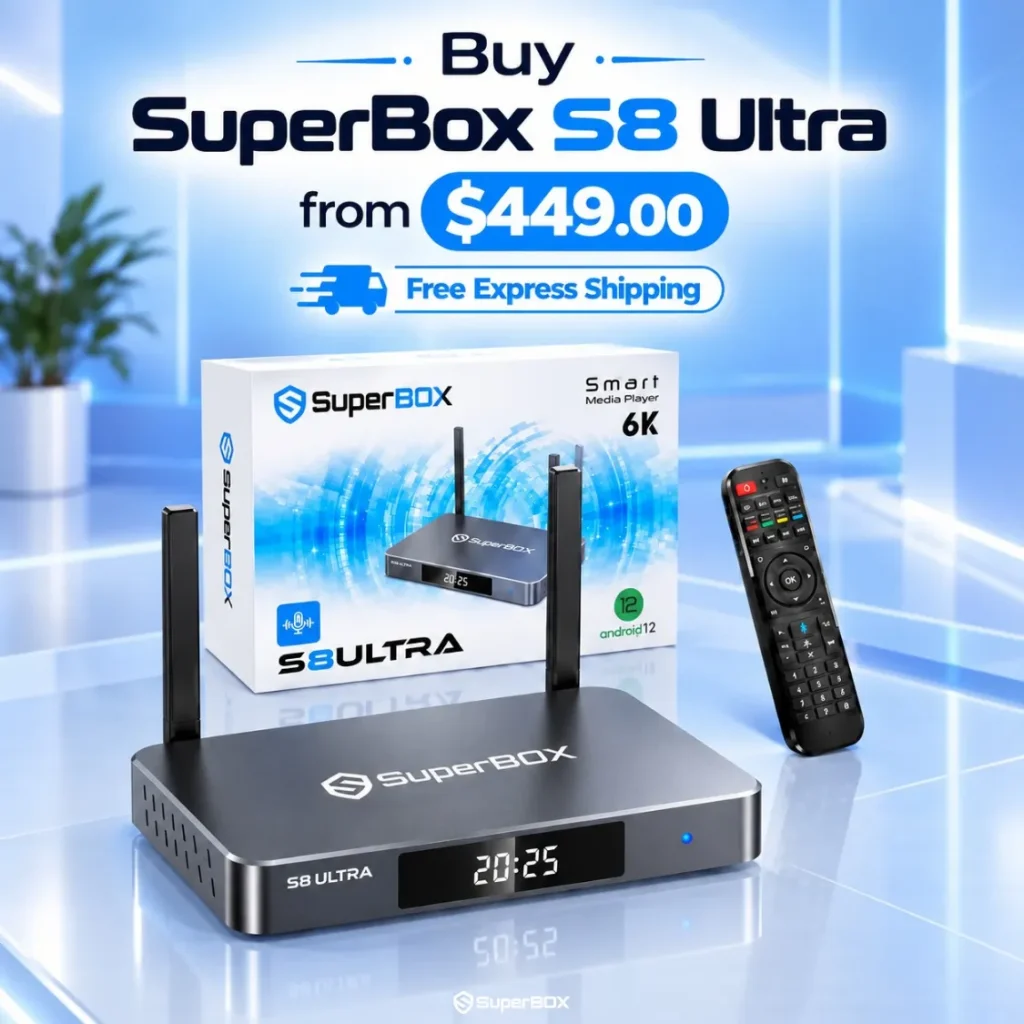
SuperBox provides 4 GB DDR4 RAM — double the Firestick 4K Max — and 64 to 128 GB of eMMC storage, up to 16 times more usable space.
Ports and wired connectivity
SuperBox integrates built-in Gigabit Ethernet for lag-free wired streaming. The Firestick omits Ethernet entirely. SuperBox also includes USB 3.0, optical SPDIF audio for soundbars, a 3.5mm AV port, and a MicroSD expansion slot. The Firestick has no expansion ports.
Why jailbreaking a Firestick does not deliver what people expect
A common misconception is that a “$50 jailbroken Firestick” provides free cable television forever.
You cannot truly jailbreak a Firestick — Amazon locks root access. A “jailbreak” simply means enabling “Install Unknown Apps” and sideloading third-party scrapers like Kodi. This brings a constant stream of problems:
- Broken scrapers that pull from unverified public servers — frequently causing “No Streams Available” errors during big games
- Buffering during live sports because sideloaded apps use overloaded public servers that crash during high-demand events
- Constant maintenance — updating repository URLs, clearing caches, buying Real-Debrid keys, and troubleshooting broken addons
SuperBox eliminates all of this through a dedicated CDN established in 2018. Authentic SuperBox units connect to private high-capacity server clusters delivering:
- Blue TV: 1,800+ live broadcast networks, local news, and regional sports with 1.5-second channel switching
- Blue VOD: 20,000+ on-demand movies and complete TV series with multi-language subtitle support
- Playback App: 7-day rolling cloud DVR archiving 86+ major networks — miss a game, stream it from the cloud immediately
- Backup TV: Redundant secondary servers for instant failover if an ISP throttles your connection
SuperBox is 100% plug and play. Connect HDMI, connect Wi-Fi or Ethernet, and start watching — no configuration needed.
Which interface is better to use every day?
Amazon sells Firesticks cheaply because Fire OS home screen is a billboard. The display rotates auto-playing video trailers, sponsored ads, and Prime Video upsells. Amazon has blocked third-party launchers and disabled developer ADB tools to keep users locked in.
SuperBox features a clean Android TV launcher built only for media viewing — no ads, no promotions, no bloatware. System resources stay fully dedicated to video decoding, and full APK sideloading is available.
The SuperBox remote is designed for live TV:
- Full 0-9 numeric keypad: Type “206” to jump directly to ESPN without scrolling through hundreds of channels
- Dedicated mute button: Instantly silence audio during calls or commercials
- Settings shortcut: Adjust Bluetooth audio or network settings without stopping playback
The Firestick remote lacks a numeric keypad. Accessing settings requires exiting your active stream.
Which device should you choose?
Choose SuperBox if you want to replace cable with 1,800+ live channels, local news, and regional sports without monthly bills. You get a turnkey solution with 4 GB RAM, up to 128 GB storage, Gigabit Ethernet, 7-day cloud DVR, and a numeric keypad remote. SuperBox saves nearly $3,000 over two years compared to a Firestick with subscriptions.
Choose the Amazon Firestick if you need an inexpensive secondary dongle for a guest bedroom, already subscribe to commercial streaming apps, and don’t mind the ad-heavy interface.
Frequently asked questions
Can I install Netflix and Prime Video on SuperBox?
Yes. SuperBox runs full Android TV with the Google Play Store. You can install Netflix, Amazon Prime Video, YouTube, Disney+, and VLC. Commercial apps still require your own active account login.
Why do Firesticks buffer so much during live sports?
Firesticks buffer because the plastic housing causes thermal throttling, and sideloaded scraper apps rely on overloaded public servers. SuperBox addresses both with an aluminum heatsink chassis and dedicated private CDN servers.
Is SuperBox harder to set up than a Firestick?
SuperBox is simpler for cord-cutting. With a Firestick, you create an Amazon account, enter a credit card, search the app store, and log into multiple subscription apps. With SuperBox, connect HDMI, connect Wi-Fi or Ethernet, and open Blue TV — done.
Does SuperBox require external storage for DVR recording?
No. The Playback app uses server-side cloud DVR. SuperBox servers continuously record 86+ major broadcast and sports networks. You access up to 7 days of recordings without using any local device storage.
Reader Discussion & Verified Reviews
Real feedback, setup tips, and hands-on impressions from verified SuperBox owners and tech enthusiasts.