

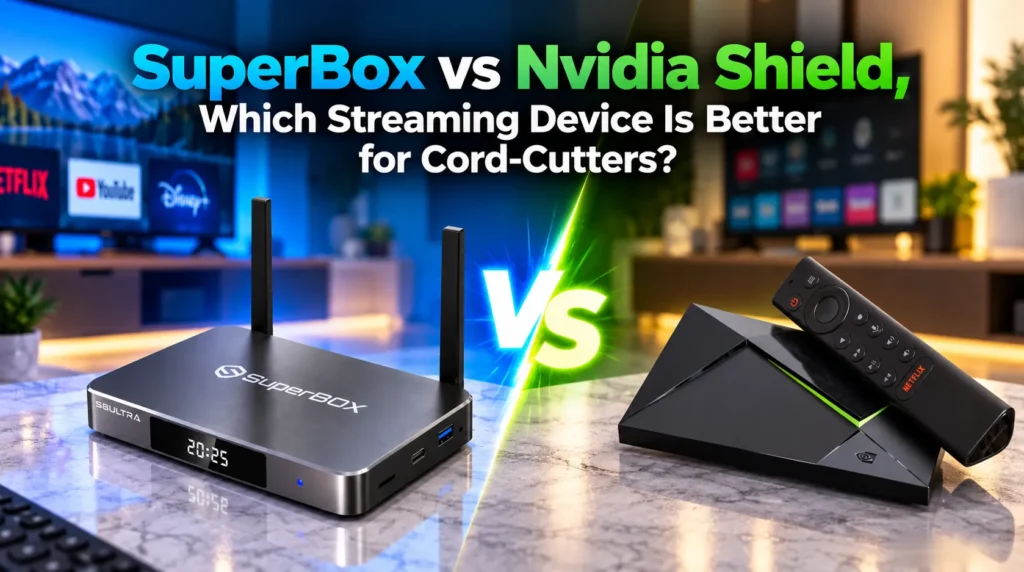
When shopping for high-performance set-top streaming boxes, the Nvidia Shield TV Pro and SuperBox consistently lead consumer interest. While both sit well above basic streaming sticks in build quality and performance, they are built on fundamentally different philosophies.
The Nvidia Shield TV Pro is revered by home theater enthusiasts for its raw processing power, Plex media server capabilities, and lossless audio bitstreaming. But it operates on a “Bring Your Own Content” model — every live channel, movie library, and sports package requires separate monthly subscriptions. There is zero content included out of the box.
SuperBox is a turnkey cord-cutting platform. Out of the box, it delivers 1,800+ live broadcast channels, 20,000+ on-demand titles, and a 7-day rolling cloud DVR through its Blue Series ecosystem — completely eliminating recurring cable and streaming fees.
How do SuperBox and Nvidia Shield compare on specs?
| Feature | SuperBox S8 Ultra / S7 Max | Nvidia Shield TV Pro |
|---|---|---|
| Core Purpose | All-in-one cord-cutting solution | High-end local media client and gaming hub |
| OS | Custom Android TV (decoder-optimized) | Android TV 11 (Google certified) |
| RAM | 4 GB DDR4 | 3 GB |
| Storage | 64 GB / 128 GB eMMC | 16 GB eMMC (approx. 12 GB usable) |
| AV1 Decoding | Hardware — up to 6K/8K | Software only — no hardware AV1 |
| Audio Passthrough | Dolby Digital, DTS, Optical SPDIF 5.1 | Lossless Dolby TrueHD, Atmos, DTS-HD MA |
| Network | Gigabit LAN + Wi-Fi 6 dual external antennas | Gigabit LAN + Wi-Fi 5 internal antennas |
| Live TV | 1,800+ HD/4K channels included | None — requires paid subscriptions or BYO IPTV |
| Monthly Content Cost | $0 | $79.99–$150+ per month |
| Cloud DVR | 7-day rolling Playback (86+ channels) | None included |
| Plex Media Server | Client playback only | Full native host support |
| Cloud Gaming | Android + sideloading | Native GeForce NOW Ultimate |
| Remote | Backlit voice remote with mute and 0-9 keys | Triangular remote — no numeric pad |
| Chassis | Aluminum alloy passive heatsink | Plastic housing with internal fan |
| 24-Month Total Cost | $329–$399 one-time | $2,500–$3,800+ with subscriptions |
How much does each device cost over two years?
While the Shield costs $199 upfront, it provides zero included content. Replacing cable means stacking monthly subscriptions that add up fast.
| Expense | Nvidia Shield TV Pro | SuperBox S8 Ultra |
|---|---|---|
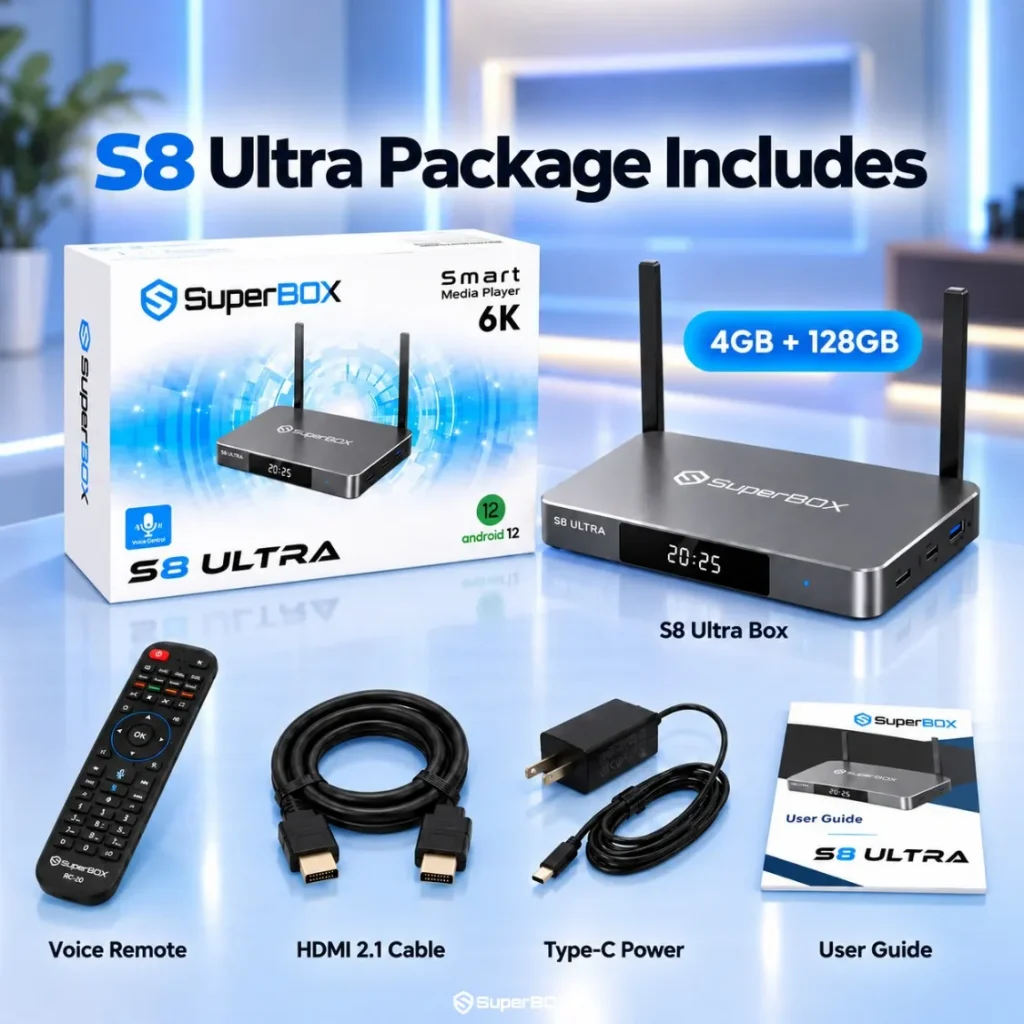
| Hardware | $199.99 | $379.00 |
| Live TV — YouTube TV x 24 months | $1,919.76 | $0 — included in Blue TV |
| Regional Sports Add-On x 24 months | $360.00 | $0 — included |
| Netflix 4K x 24 months | $551.76 | $0 — included in Blue VOD |
| Max Streaming x 24 months | $407.76 | $0 — included |
| 24-Month Total | $3,439.27 | $379.00 |
| Net Savings | Baseline | Over $3,000 saved |
Maintaining live TV and entertainment subscriptions on the Shield costs over $3,400 across two years. SuperBox amortizes its upfront cost in roughly 90 days. From month four onward, your household saves over $130 every month.
How does the hardware hold up under real-world use?
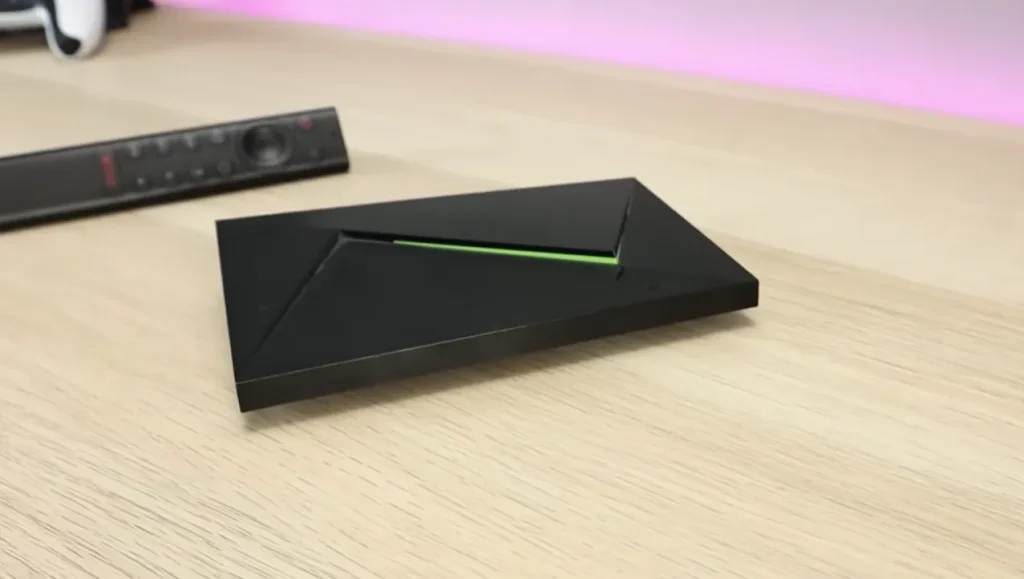
The Nvidia Shield TV Pro runs on the Nvidia Tegra X1+ processor — a 16nm chip with a 256-core Maxwell GPU and 3 GB of RAM. It was revolutionary when it launched in 2019, but it lacks native hardware decoding for the AV1 video codec. As major broadcast networks adopt AV1 for its 30% bandwidth efficiency, the Shield falls back on software decoding — causing increased heat and occasional frame drops on high-bitrate live feeds.
SuperBox uses an updated 64-bit quad-core ARM Cortex processor with Mali-G31 graphics, offering:
- 4 GB DDR4 RAM — 33% more memory than the Shield Pro for smoother multitasking
- 64 to 128 GB eMMC storage — four to eight times the Shield Pro’s internal capacity
- Full hardware AV1 decoding — natively handles AV1, H.265 (HEVC), and VP9 up to 6K and 8K with minimal CPU overhead
- Aluminum alloy passive heatsink — the Shield Pro relies on an internal fan that accumulates dust over time; SuperBox uses silent passive cooling
What content does each device include out of the box?
What SuperBox delivers from day one
SuperBox connects directly to a dedicated global CDN established in 2018. Out of the box, it delivers:
- Blue TV: 1,800+ live broadcast networks, local news, and regional sports with fast channel switching and a built-in EPG guide
- Blue VOD: 20,000+ on-demand movies and complete TV series with multi-language subtitle support
- Playback App: 7-day rolling cloud DVR archiving 86+ major networks — re-watch any program from the past week without setting timers or attaching storage
- Backup TV: Redundant server mirrors to bypass ISP throttling
What the Nvidia Shield requires after purchase
The Nvidia Shield TV Pro arrives empty. To watch live TV and sports, users must subscribe to YouTube TV ($79.99/mo), league passes ($150–$350/season), and on-demand services like Netflix and Max.
Some users sideload third-party IPTV players on the Shield, but this requires purchasing app licenses, finding IPTV providers, configuring M3U playlists, mapping EPG guides, and managing broken links — complex and unreliable for most households.
Which device has better ports and networking?
- Wi-Fi: SuperBox has dual external high-gain Wi-Fi 6 dipole antennas for superior wall penetration. The Shield uses internal Wi-Fi 5 antennas. Both include Gigabit Ethernet.
- Ports: SuperBox adds optical SPDIF audio output, a 3.5mm AV port, and a MicroSD expansion slot. The Shield Pro has two USB 3.0 ports and HDMI but omits optical audio and SD card expansion.
- Remote: SuperBox includes a full 0-9 numeric pad for direct channel entry and a physical mute button. The Shield’s triangular remote has no number keys, making live channel surfing slow.
Cloud DVR vs local Plex media hosting
SuperBox uses its 7-day cloud Playback app to continuously record 86+ popular networks on server clusters. You re-watch any program from the past week without external storage or manual recording setup.
The Nvidia Shield TV Pro is the best choice for local Plex Media Server hosting. Enthusiasts with large 4K Blu-ray collections on NAS storage can attach external drives via USB 3.0, transcode on the fly, and bitstream lossless Dolby TrueHD and DTS-HD Master Audio to dedicated AV receivers. This use case is where the Shield genuinely has no competition.
Which device should you choose?
Choose SuperBox if you want to eliminate monthly cable bills and enjoy 1,800+ live broadcast networks, local news, and regional sports without recurring fees. You get turnkey plug-and-play simplicity, a 7-day rolling cloud DVR, Gigabit Ethernet, optical audio output, and a remote with direct number keys. SuperBox saves over $3,000 across two years compared to the Shield with subscriptions.
Choose Nvidia Shield TV Pro if you host a local Plex Media Server with personal media files, require lossless Dolby TrueHD bitstreaming for a dedicated Atmos home theater setup, or actively play games via GeForce NOW.
Frequently asked questions
Can I install Netflix and YouTube on SuperBox?
Yes. SuperBox runs Android TV OS with the Google Play Store. You can install YouTube, Netflix, Disney+, Prime Video, and VLC. Commercial streaming apps require your own active account login.
Why doesn’t the Nvidia Shield TV Pro include free live TV?
Nvidia manufactures the Shield strictly as a hardware platform. Nvidia does not maintain proprietary broadcast streaming servers. Watching live TV on the Shield requires subscribing separately to services like YouTube TV or Sling TV.
Does SuperBox support 4K Ultra HD and HDR video?
Yes. SuperBox supports 4K Ultra HD video at 60 fps, with hardware decoding extending to 6K and 8K streams. It supports HDR10 and HLG standards for high-contrast viewing on compatible 4K displays.
How does SuperBox handle buffering compared to the Nvidia Shield?
Buffering depends on local network stability and server routing. SuperBox features dual external Wi-Fi 6 antennas, Gigabit Ethernet, and a Backup TV app that provides secondary server mirrors if an ISP throttles connections. Wired Ethernet provides the most stable stream delivery on either device.
Reader Discussion & Verified Reviews
Real feedback, setup tips, and hands-on impressions from verified SuperBox owners and tech enthusiasts.