

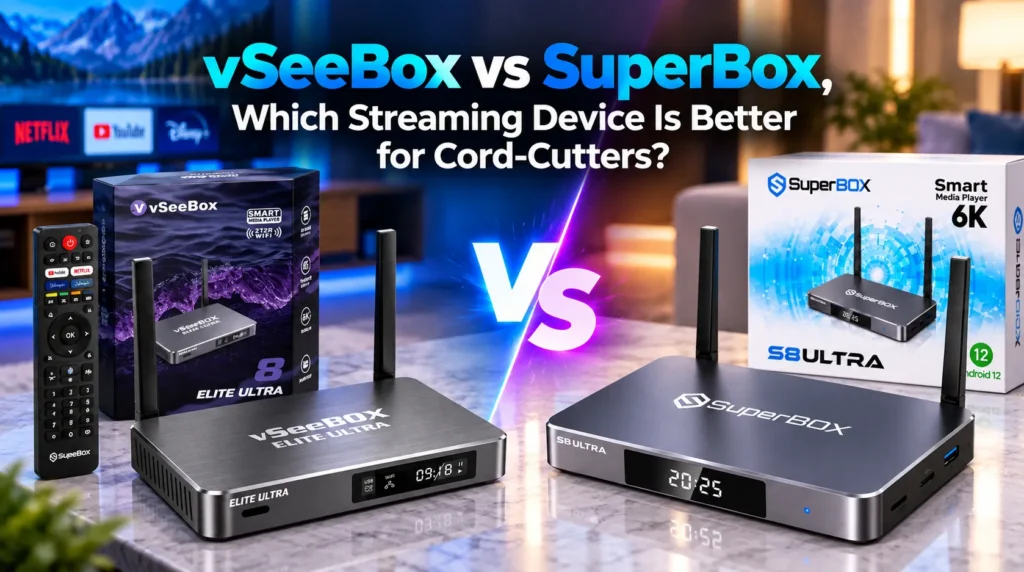
The market for plug-and-play Android streaming devices is led by two major contenders: SuperBox and vSeeBox. Both platforms eliminate monthly cable bills by combining capable hardware with dedicated live TV and on-demand streaming suites. However, notable differences exist in thermal engineering, content networks, remote ergonomics, and long-term server reliability.
How do SuperBox and vSeeBox compare on specs?
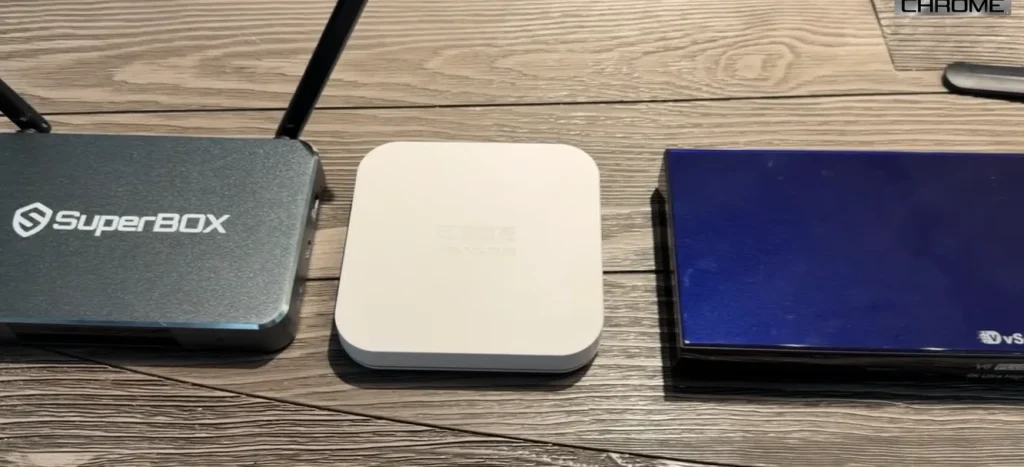
| Feature | SuperBox S8 Ultra / S7 Max | vSeeBox V3 Pro / V6 Plus / Elite Ultra |
|---|---|---|
| Chassis | Aluminum alloy passive heatsink | Molded thermoplastic casing |
| Ethernet | 1,000 Mbps Gigabit | 100 Mbps Fast Ethernet |
| Power | USB-C 5V/3A — detachable cable | Proprietary barrel DC jack |
| Software Suite | Blue TV, Blue VOD, Playback DVR, Backup TV | HEAT Live, HEAT VOD, HEAT Backup, HEAT Ultra |
| Live Channels | 1,800+ HD/4K | 1,500+ live channels |
| Cloud DVR | 7-day rolling, 86+ networks | Limited catch-up on select channels |
| Sports Multiview | Single screen with instant recall | 4-channel simultaneous split-screen |
| Remote | Backlit voice remote with mute and 0-9 keys | Backlit voice remote with Air-Mouse — no dedicated mute |
| Ports | HDMI 2.1, Optical SPDIF, AV, USB 3.0, TF | HDMI 2.0, Optical SPDIF, AV, USB 3.0, TF |
| Market Track Record | Operating since 2018 — 6+ hardware generations | Entered circa 2021 — fewer CDN cluster nodes |
| Warranty | 1-year manufacturer warranty | 1-year — vendor-dependent |
How does the build quality and thermal design compare?
When streaming 4K HDR video for hours, build quality and heat dissipation determine hardware longevity. Overheating causes thermal throttling, frame stutter, and premature component wear.
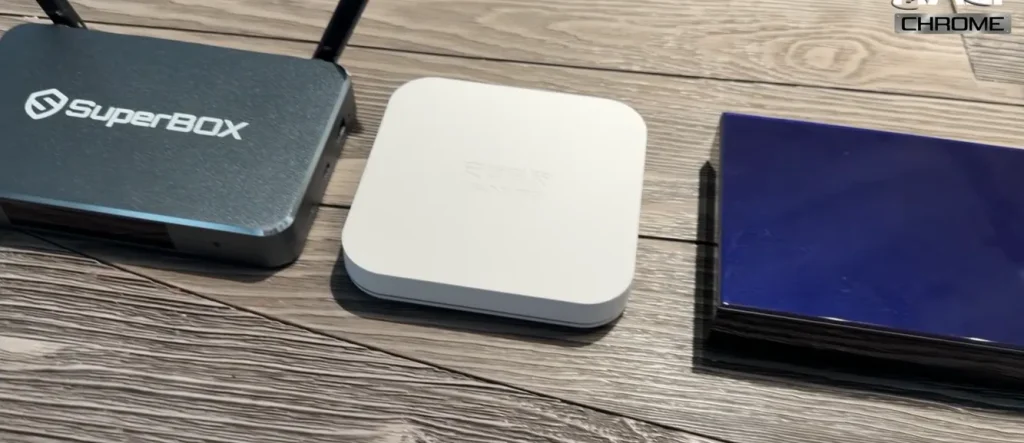
SuperBox flagship models are machined from aluminum alloy, with internal thermal pads that bond the processor directly to the metal casing. The entire chassis acts as an oversized heatsink, cooling the device silently without fans — even during all-day 4K sports marathons.
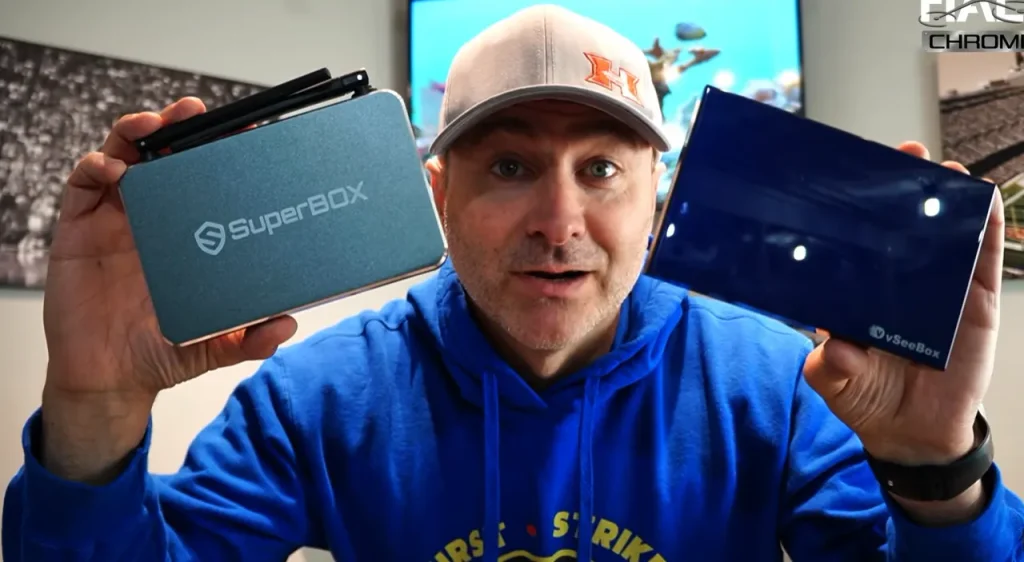
vSeeBox units use plastic casings. Plastic is a thermal insulator. Under continuous 4K decoding, heat accumulates inside the box. Teardowns consistently show higher operating temperatures on vSeeBox devices, occasionally causing stutter during extended viewing sessions.
Other key hardware differences:
- Wired Ethernet: SuperBox has true 1,000 Mbps Gigabit Ethernet — ample bandwidth for uncompressed 4K streams. vSeeBox models often cap at 100 Mbps Fast Ethernet.
- Power delivery: SuperBox uses standard USB-C 5V/3A with a detachable cable. vSeeBox uses proprietary barrel-connector DC plugs that require specific replacements.
- Wi-Fi antennas: SuperBox features dual external high-gain dipole antennas with Wi-Fi 6. vSeeBox often relies on internal or single antennas with shorter range.
How do the content apps compare vSeeBox vs SuperBox?
Both brands bypass generic third-party APKs in favor of custom streaming suites built for their own server networks.
SuperBox Blue Series organizes entertainment into three dedicated apps. Blue TV provides 1,800+ live channels organized into clean EPG categories — National Networks, 24/7 Cable News, Premium Cinema, Regional Sports Networks, PPV Event Arenas, Canadian, and Latino bundles. Channel switching takes roughly 1.5 seconds. Blue VOD provides 20,000+ movies and complete multi-season series with customizable subtitles and keyword search.
vSeeBox HEAT Series runs HEAT Live, HEAT VOD, HEAT Backup, and HEAT Ultra. HEAT Live offers around 1,500 live channels with picture-in-picture previews within the guide. While stream quality matches broadcast standards, navigating HEAT menus generally requires more remote clicks than Blue TV. Newly released movies on HEAT VOD can experience longer ingest delays compared to Blue VOD.
How does sports streaming and DVR work on each device?
SuperBox 7-day cloud DVR
SuperBox solves scheduling conflicts with its dedicated cloud Playback app:
- Continuous cloud recording: 86+ top broadcast and sports channels are recorded 24/7 on server clusters
- Instant time-shifting: Miss kickoff? Open Playback, choose the channel and date, and scrub directly to the start
- Zero local storage used: All recordings reside in the cloud — your device storage stays free
vSeeBox 4-channel Multiview sports
vSeeBox features a 4-screen Multiview mode, allowing viewers to split the display into a 2×2 grid to watch four live games simultaneously, toggling audio between feeds with the remote arrow keys.
Multiview trade-offs to consider:
- Bandwidth demands: Streaming four simultaneous HD feeds requires 80–100 Mbps dedicated bandwidth to prevent stutter
- Thermal load: Running four feeds simultaneously pushes CPU and GPU usage higher inside the plastic casing
- Limited cloud catch-up: vSeeBox’s archive is smaller than SuperBox’s 86+ channel, 7-day DVR
Which remote is more comfortable to use?
The SuperBox voice remote includes a dedicated physical mute button to silence audio instantly, a full 0-9 numeric keypad for direct channel dialing, and a Settings shortcut key that adjusts Wi-Fi or Bluetooth audio without stopping your active stream.
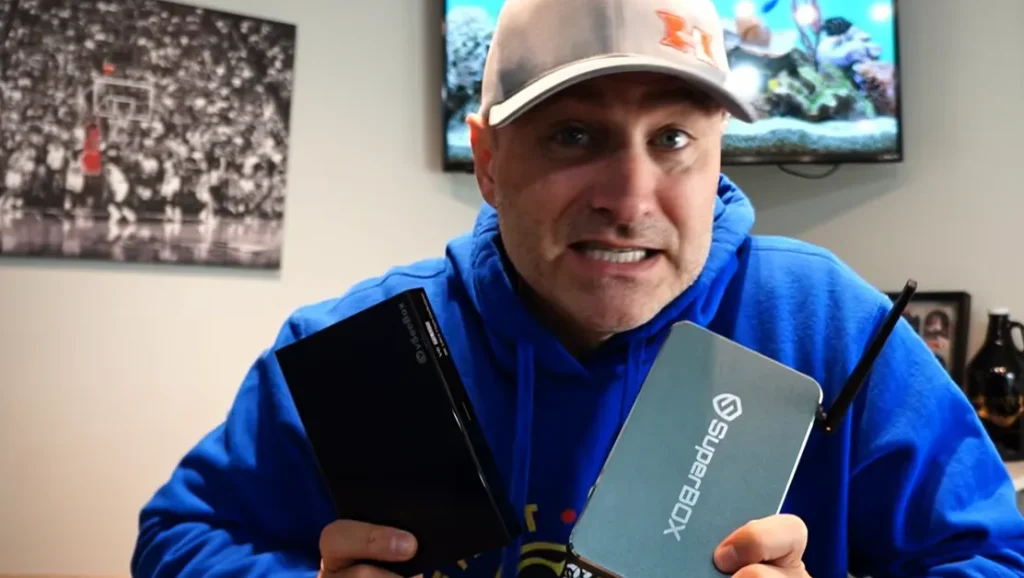
vSeeBox remotes lack a dedicated mute button and force users to exit playback to adjust system settings. While vSeeBox includes an Air-Mouse gyro cursor for sideloaded mobile apps, it can feel imprecise during ordinary TV browsing.
Which platform has stronger long-term server reliability?
SuperBox holds the longest uninterrupted track record in the industry, operating continuously since 2018 with redundant server clusters across North America, Europe, and Asia. When an ISP throttles connections, Backup TV redirects automatically to secondary mirrors. Older models continue to receive server access, and the official upgrade program allows existing owners to trade up to new hardware with loyalty discounts.
vSeeBox offers solid streaming performance, but buyers must be careful of unauthorized third-party sellers on auction sites where revoked MAC licenses have left customers with unusable devices. Always purchase through verified channels.
How much do each cost and how does the value compare?
| Service or Hardware | Monthly Cost | 24-Month Total |
|---|---|---|
| Traditional Cable with sports | $145/month | $3,480 |
| Live Streaming Bundle — YouTube TV plus add-ons | $85/month | $2,040 |
| vSeeBox V6 Plus | $0/month | $349 one-time |
| SuperBox S8 Ultra | $0/month | $379 one-time |
An average household paying $145/month for cable spends $3,480 over two years. SuperBox amortizes in 70–90 days, saving $1,200–$1,700 every year after the purchase.
Which device should you choose?
Choose SuperBox if you want durable aluminum hardware that prevents overheating, true Gigabit Ethernet, a 7-day cloud DVR across 86+ channels, and an ergonomic remote with a dedicated mute button and numeric keypad. SuperBox’s six-year operating track record and redundant CDN infrastructure make it the safer long-term investment.
Choose vSeeBox if your priority is the 4-screen Multiview feature for monitoring multiple live games at once — and your network can consistently sustain the high multi-stream bandwidth demands without throttling.
Frequently asked questions
Do SuperBox and vSeeBox require a monthly subscription?
Neither requires recurring fees. Both operate on a single upfront hardware purchase with proprietary streaming apps included for the lifetime of the device.
Can I install Netflix and YouTube on both devices?
Yes. Both run Android TV OS with Google Play Store access. You can install YouTube, Netflix, Disney+, and other streaming apps. Commercial apps require your own active account login.
Does vSeeBox Multiview work on all channels?
Multiview works across most major networks and sports channels in HEAT Live. However, high-bitrate 4K feeds and some regional channels may be limited to single-screen viewing to preserve stability.
What internet speed do I need for smooth streaming?
For 1080p HD live channels, 25 Mbps is recommended. For 4K streams, 50 Mbps or more is ideal. For vSeeBox 4-channel Multiview, 80–100 Mbps is required. Wired Ethernet provides the lowest latency and most stable playback on either device.


Reader Discussion & Verified Reviews
Real feedback, setup tips, and hands-on impressions from verified SuperBox owners and tech enthusiasts.