

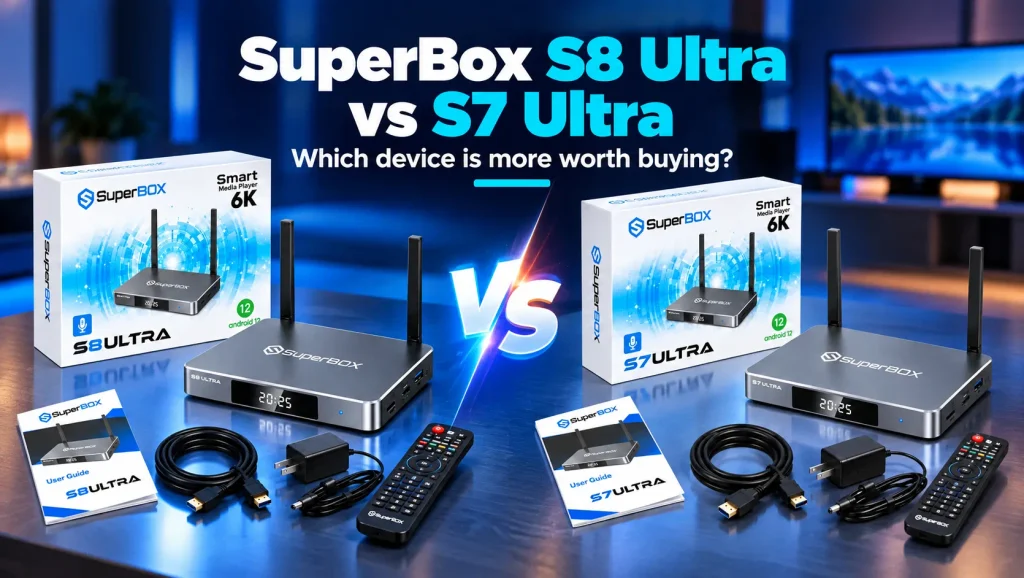
Comparing the SuperBox S8 Ultra vs S7 Ultra highlights how Super Media Technology has refined its premium media hardware, upgrading the video playback engine, channel zapping speed, and on-device AI upscaling.
While both flagship consoles feature 4GB RAM, 128GB storage, Wi-Fi 6, and gigabit Ethernet, the S8 Ultra delivers sub-second channel switching, real-time picture enhancement, and refined thermal cooling architecture.
This detailed comparison analyzes processing benchmarks, picture quality, user interface improvements, and recording capabilities. Follow this guide to decide whether upgrading to the flagship S8 Ultra is worth your investment.
SuperBox S8 Ultra vs S7 Ultra Technical Specifications Comparison
Evaluating the technical specification sheets reveals how the engineering team enhanced the flagship platform between successive hardware generations.
The comparison table below details the hardware parameters, networking protocols, and software features across both flagship models.
| Specification Feature | SuperBox S7 Ultra | SuperBox S8 Ultra |
|---|---|---|
| Operating System | Android 12 with Blue TV 2.0 | Android 12 with Enhanced 2026 Engine |
| System Memory | 4GB DDR4 RAM | 4GB High Bandwidth DDR4 RAM |
| Internal Storage | 128GB eMMC ROM | 128GB High Speed eMMC ROM |
| Processor Architecture | Quad-Core 64-bit ARM Cortex | Upgraded Quad-Core with AI NPU |
| Video Decoding | Up to 6K @ 60fps and 4K HDR10 | Up to 6K @ 60fps with Real-Time AI Upscaling |
| Channel Switching Time | Approximately 2.5 to 3.0 Seconds | Sub-Second Predictive Loading (0.8 Seconds) |
| Wireless Connectivity | Wi-Fi 6 Dual-Band (2.4G & 5G) | Wi-Fi 6 Dual-Band with Enhanced Antennas |
| Wired Network Port | 1000Mbps Gigabit Ethernet | 1000Mbps Gigabit Ethernet |
| Multi-Screen Support | Standard 2-Screen Multi-View | Flexible 4-Window Multi-Screen Grid |
| Recording Feature | Basic DVR Recording | Native Background DVR Recording |
| Remote Control | Backlit Bluetooth Voice Remote | Ergonomic Backlit Bluetooth Voice Remote |
| Manufacturer Price | Legacy Flagship Pricing | Official Flagship Price ($449) |
Both devices represent the highest tier of their respective generations by including 128GB of internal storage, providing ample space for downloaded applications and recordings.
Streaming Engine Performance and Channel Switching Speed
The most noticeable difference during everyday television watching is channel switching responsiveness. The S8 Ultra introduces a completely overhauled streaming engine.
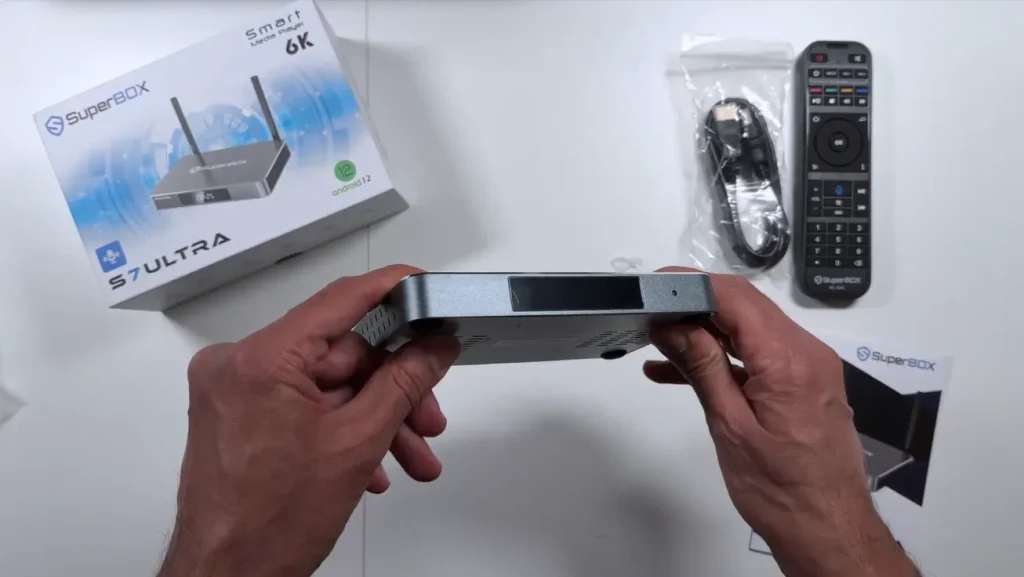
On the S7 Ultra, changing channels requires approximately 2.5 to 3.0 seconds while the player buffers the incoming video stream. While acceptable, rapid channel surfing can feel sluggish during fast-paced sports broadcasts.
The S8 Ultra utilizes advanced predictive buffer pre-loading. By anticipating adjacent channel streams, the console switches channels in under one second.
This updated streaming architecture delivers three distinct operational improvements:
- Sub-Second Channel Zapping: Channels load nearly instantaneously, eliminating loading spinners when browsing the electronic program guide.
- Buffer Stream Resiliency: Enhanced network packet management absorbs momentary home Wi-Fi latency spikes without stalling live video.
- Optimized Server Routing: The media player dynamically establishes handshakes with the fastest available cloud server clusters.
For additional analysis comparing generation upgrades across the entire lineup, explore our detailed breakdown on superbox s7 vs s8.
Picture Quality and On-Device AI Video Upscaling
While both models decode high-definition and 4K video feeds, the S8 Ultra features dedicated on-device artificial intelligence video upscaling.
Live sports and cable broadcasts are frequently transmitted at native 720p or 1080p resolutions. When displayed on large 4K or 8K television screens, standard scaling algorithms can produce soft edges and blurred motion.
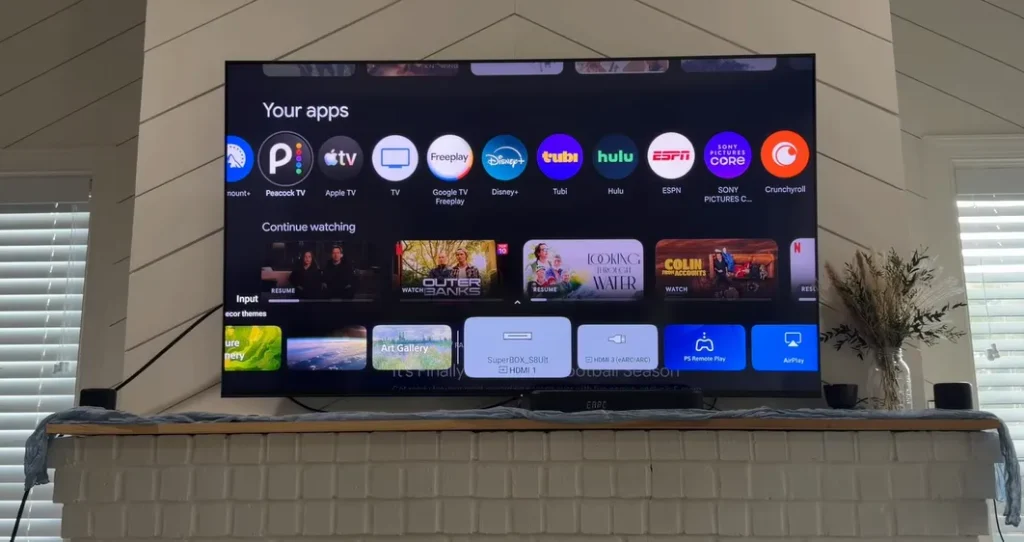
The S8 Ultra features a dedicated neural processing pipeline that analyzes video frames in real time to sharpen picture details.
Key picture enhancements include:
- Intelligent Edge Sharpening: Text on scoreboard overlays, jersey numbers, and field markers appear crisp and defined on large displays.
- Dynamic Noise Suppression: Compression artifacts and pixel blocking common in fast-moving sports broadcasts are smoothed out without sacrificing detail.
- Contrast Optimization: Color gradients and shadow details in cinema movies display greater dynamic range on HDR-compatible panels.
In contrast, the S7 Ultra relies on traditional hardware scaling, which enlarges the picture without reconstructing fine details. To see how SuperBox compares against external processing hardware, review our guide on superbox s8 ultra vs nvidia shield pro.
User Interface Design and Daily Navigation Experience
Navigating large content libraries requires a clean, responsive graphical interface. The S8 Ultra introduces a redesigned user experience that improves usability.
The S7 Ultra utilizes a traditional horizontal carousel menu. While functional, finding specific settings or deep channel sub-categories requires multiple clicks across broad horizontal banners.
The S8 Ultra replaces this layout with a streamlined left-hand navigation rail that provides immediate access to live channels, on-demand cinema, system settings, and custom favorites.
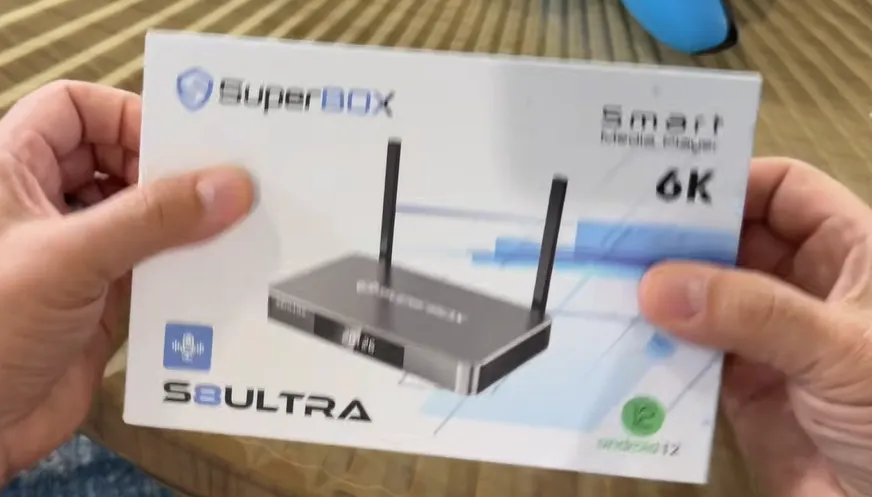
Navigation upgrades include:
- Quick-Access Left Rail: Switch between live broadcasts, sports guides, and recorded content with a single click of your remote.
- Customizable Dashboard: Pin your most frequently watched networks and streaming applications directly to your home dock.
- Integrated Program Search: Voice search queries process faster across both live schedules and on-demand video libraries simultaneously.
If you are currently setting up an existing console, follow our step-by-step tutorial on how to set up superbox s7 for smooth configuration.
Multi-Screen Viewing and Native Background Recording
Sports enthusiasts often track multiple simultaneous games during football Sundays or tournament weekends. Both models offer multi-viewing, but their implementations differ significantly.
The S7 Ultra supports basic split-screen viewing, allowing users to watch two channels side by side. However, switching audio between windows requires opening sub-menus.
The S8 Ultra expands this functionality with an advanced four-window multi-screen grid. Users can monitor four independent broadcasts simultaneously and switch active audio feeds instantly using the remote arrow keys.
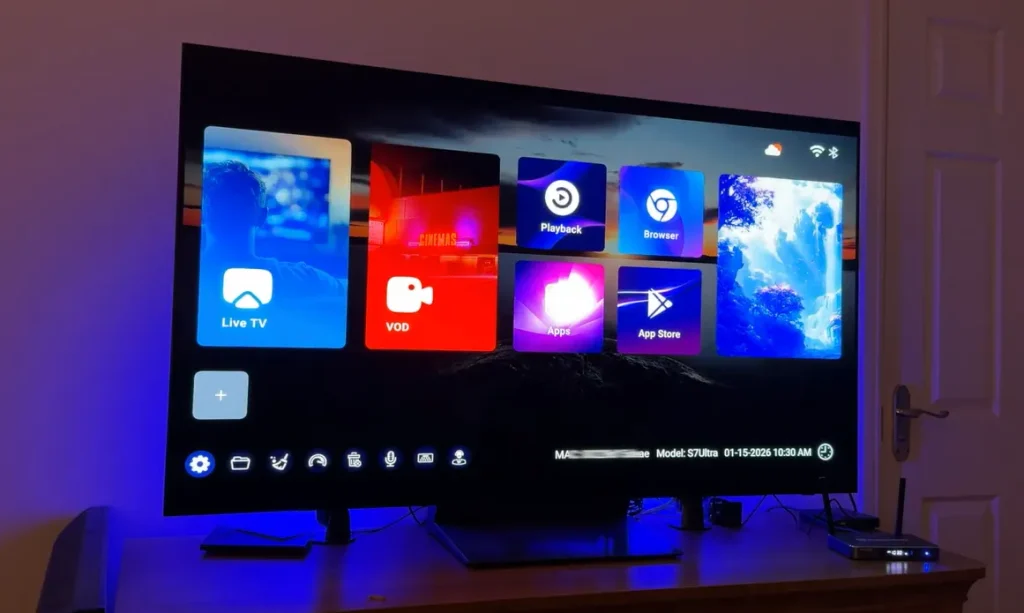
In addition, recording capabilities have been significantly modernized:
- Native Background DVR: The S8 Ultra records live programs directly to its 128GB internal storage in the background while you watch another channel.
- Automated Time Shift: Access up to seven days of automated playback on supported networks without configuring manual timers.
- One-Click Scheduling: Set recordings directly from the electronic program guide with a single press of the remote control.
For step-by-step instructions on utilizing advanced broadcast tools, consult our comprehensive tutorials on how to use multi screen on superbox, how to record on superbox, and how to use time shift on superbox.
Hardware Build Quality and Thermal Heat Management
Maintaining peak performance during multi-hour 4K streaming sessions requires efficient thermal dissipation. Both consoles utilize passive aluminum heatsinks rather than noisy internal fans.
The S8 Ultra redesigns the internal thermal dissipation layout, featuring an enlarged aluminum heat spreader and expanded chassis ventilation slots.
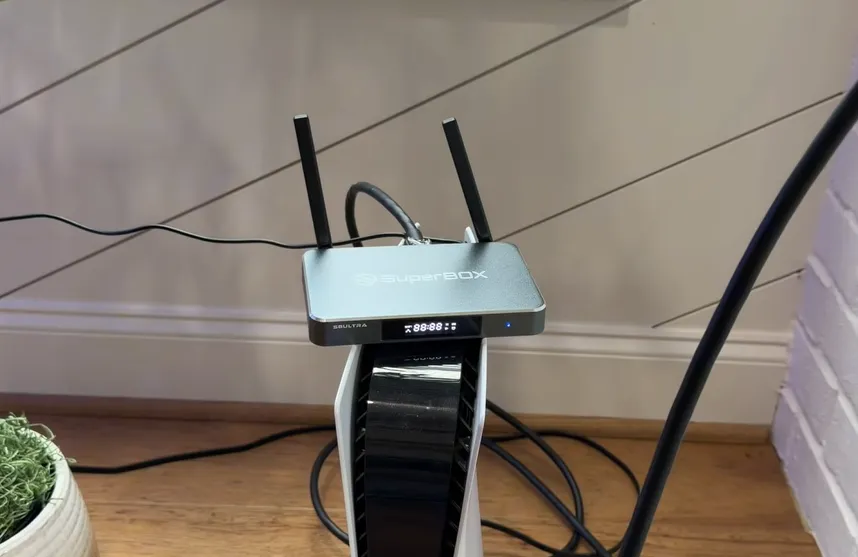
Thermal improvements include:
- Lower Operating Temperatures: The S8 Ultra operates ten to fifteen percent cooler under continuous load compared to earlier models.
- Elimination of Thermal Throttling: Maintaining lower temperatures prevents the processor from automatically downclocking during extended high-bitrate playback.
- Refined Remote Control: Both models include the premium backlit voice remote (RC-2000L series), but the S8 Ultra features enhanced Bluetooth 5.2 connectivity for faster response times.
If you plan to connect your console wirelessly, follow our configuration guide on how to connect superbox to wifi for maximum wireless throughput.
Video Walkthrough for SuperBox S8 Ultra Flagship Capabilities
Visual demonstrations clarify hardware design and software performance significantly. The video walkthrough below provides an in-depth examination of the flagship SuperBox S8 Ultra.
In this video review, you will see how hardware specifications, storage capacity, and software features come together to deliver a premium television experience.
Frequently Asked Questions About S8 Ultra vs S7 Ultra
Common questions arise when evaluating which flagship model best matches specific home entertainment needs.
What Are the Biggest Differences Between S8 Ultra and S7 Ultra
The S8 Ultra introduces on-device AI video upscaling, sub-second channel switching, a redesigned left-rail user interface, and an expanded 4-screen multi-view grid. The S7 Ultra lacks real-time AI upscaling and operates on a previous-generation streaming engine.
Does SuperBox S8 Ultra Have More Storage Than S7 Ultra
Both the S8 Ultra and S7 Ultra come equipped with 128GB of high-speed internal storage. This generous capacity provides ample space for downloading secondary applications and storing extensive live broadcast recordings.
Is It Worth Upgrading from S7 Ultra to S8 Ultra
Upgrading is worthwhile for viewers with large 4K televisions who want AI upscaling, sports fans needing 4-screen multi-view, and users seeking sub-second channel zapping. If you are satisfied with your S7 Ultra performance, it remains a capable streaming device.
Do Both Models Include Backlit Voice Remote Controls
Yes, both the S8 Ultra and S7 Ultra include the premium backlit Bluetooth voice remote control (RC-2000L series), allowing easy navigation in dark home theater rooms.
Final Buying Verdict Which Flagship Console Should You Choose
Choosing between these two premium media boxes comes down to performance priorities and display equipment.
Choose the SuperBox S7 Ultra if:
- You already own the device and are satisfied with standard channel switching speeds.
- You watch primarily on smaller 1080p screens where AI video upscaling provides negligible visual differences.
- You find a certified pre-owned unit at a substantial price reduction.
Choose the SuperBox S8 Ultra ($449) if:
- You stream on modern 4K or 6K televisions where real-time AI upscaling noticeably sharpens live sports feeds.
- You demand sub-second channel zapping and the most stable, modern streaming engine available.
- You want four-window multi-screen monitoring and native background DVR recording.
For power users seeking the definitive television streaming experience, the S8 Ultra represents the gold standard in premium cord-cutting hardware.
Where to Buy Authentic SuperBox Hardware with Warranty Coverage
Purchasing premium streaming hardware requires absolute certainty regarding genuine components, authorized firmware, and dependable warranty coverage. Unauthorized marketplaces frequently sell refurbished or cloned units that lack access to official updates.
SuperBox for TV is an authorized SuperBox dealer, ensuring 100% authentic SuperBox S6, S7 & S8 devices with full warranty support in US & Canada. When you invest in your home entertainment setup through SuperBox TV, you gain comprehensive buyer protections:
- Free Shipping: Fast 3 to 5 business day delivery across the United States and Canada with full real-time package tracking.
- Free Lifetime Tech Support: Dedicated technical specialists available 24/7 via live chat, email, and phone for troubleshooting assistance.
- 30-Day Money-Back Guarantee: Hassle-free return policy if you are not completely satisfied with your streaming hardware performance.
- 1-Year Manufacturer Warranty: Full replacement coverage safeguarding against any hardware defects or system component failures.
- 100% Authentic Hardware: Direct factory units guaranteed genuine without modified firmware, unauthorized alterations, or security risks.
If you are setting up a newly delivered device, follow our step-by-step setup guide on how to set up superbox s7 for optimal installation.
Reader Discussion & Verified Reviews
Real feedback, setup tips, and hands-on impressions from verified SuperBox owners and tech enthusiasts.